11. Safety-related functions and interfaces
MiR250 Hook User Guide (en) 01/2023 - v.1.2 ©Copyright 2021-2023: Mobile Industrial Robots A/S. 129
If the robot is driving faster than the predefined safety limit, it is immediately brought into
Protective stop. This ensures that the robot cannot drive if its speed cannot be controlled.
11.4 Stability
The stability function prevents the robot from driving if the motor encoders measure that the
expected difference between how fast each wheel turns is outside the predefined safety limits.
This indicates that the robot is not driving as intended, for example, if one of the wheels loses
traction.
If the robot detects instability, it is immediately brought into Protective stop. This ensures that the
robot cannot drive if it has lost control of the speed of each drive wheel.
11.5 Emergency stop buttons
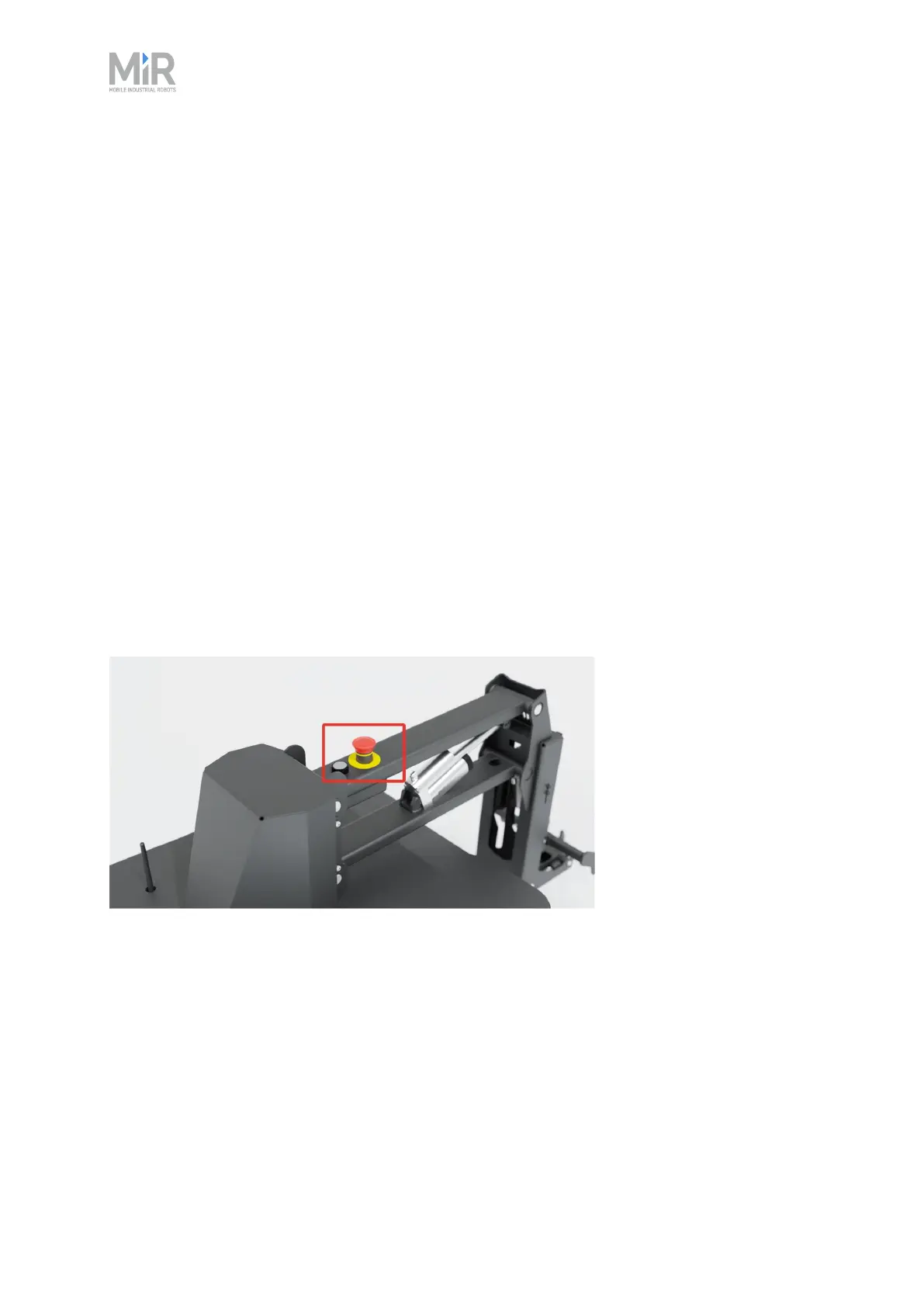
There is one Emergency stop button on MiR250 Hook. When the button is pressed, it breaks the
Emergency stop circuit triggering an Emergency stop. The Emergency stop circuit runs through
the Emergency stop button and connects to the safety PLC through the Auxiliary emergency stop
interface.
Figure 11.7 The Emergency stop button on MiR250 Hook.
When the robot is in Protective or Emergency stop, the safety PLC shuts down the power for the
motor controllers on the hook. This means that the hook cannot brake, open, and close the
gripper, or raise and lower the hook.
11.6 MiR Hook 250 safety functions
When MiR Hook 250 is mounted to MiR250, the electrical top interfaces are no longer accessible.



 To Next Page