13. Usage
MiR250 Hook User Guide (en) 01/2023 - v.1.2 ©Copyright 2021-2023: Mobile Industrial Robots A/S. 210
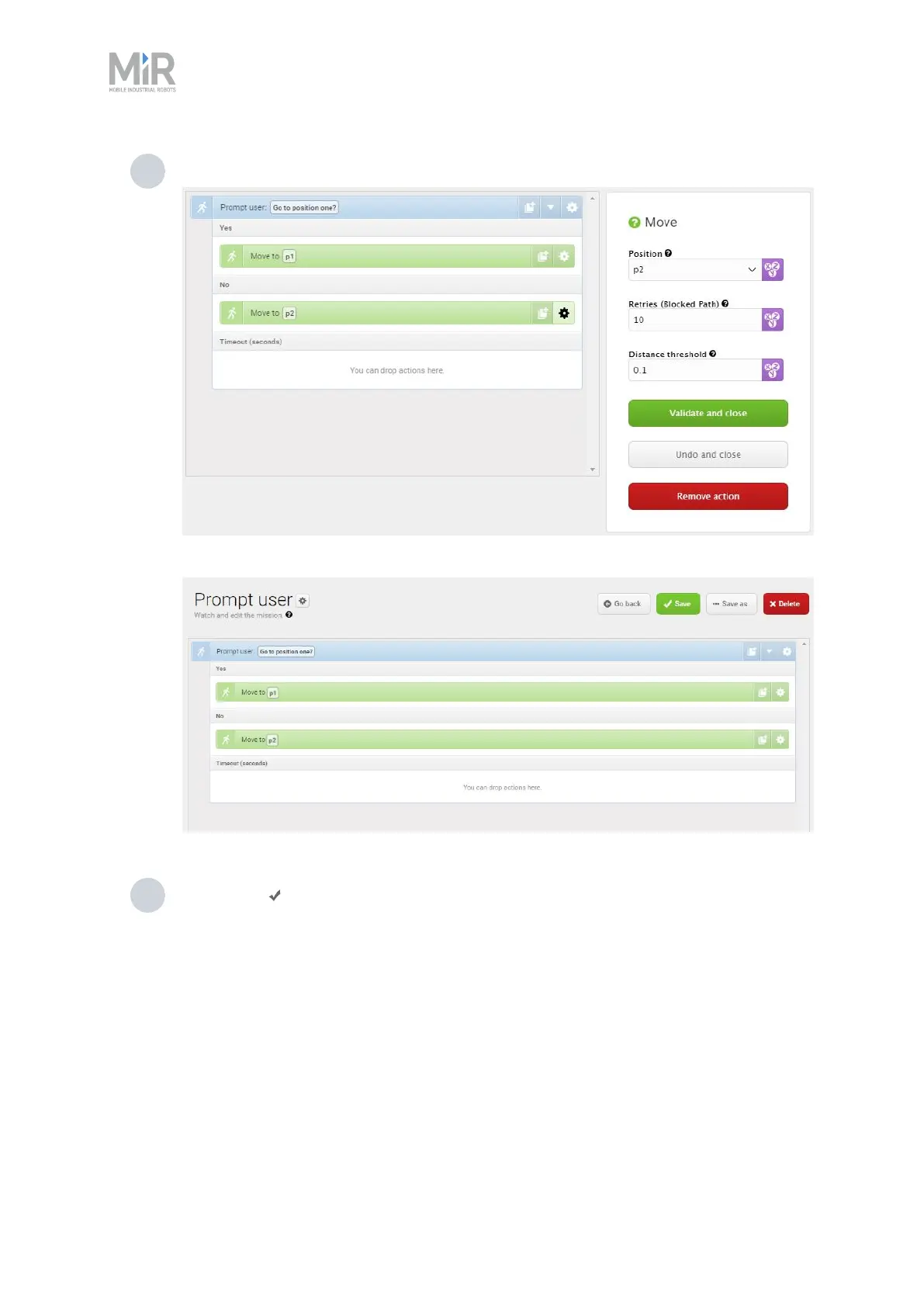
7 In the second Move to action, under Position, select p2.
The mission should look like this:
8 Select Save to save the mission.
13.5 Creating the mission
Try/Catch
Try/Catch actions are used to handle mission errors. When you use a Try/Catch action, you can
define what the robot should do if, at any point, it fails to execute its main mission. This prevents
the robot from going into an error state and stopping in the middle of a mission by providing an
alternative course of action if the main mission fails.



 To Next Page