12. Commissioning
MiR250 Hook User Guide (en) 01/2023 - v.1.2 ©Copyright 2021-2023: Mobile Industrial Robots A/S. 167
12.9 Positions
Positions are defined as X-Y coordinates on a map that mark locations where you want the robot
to travel to. To reach a position, the robot must be correctly localized on the map—see
"Localization" on page114.
Positions are used either as destination positions or as waypoints on a route that you want to use
in missions.With positions, the robot does not compare its position to a physical entity, making
them less accurate than markers.
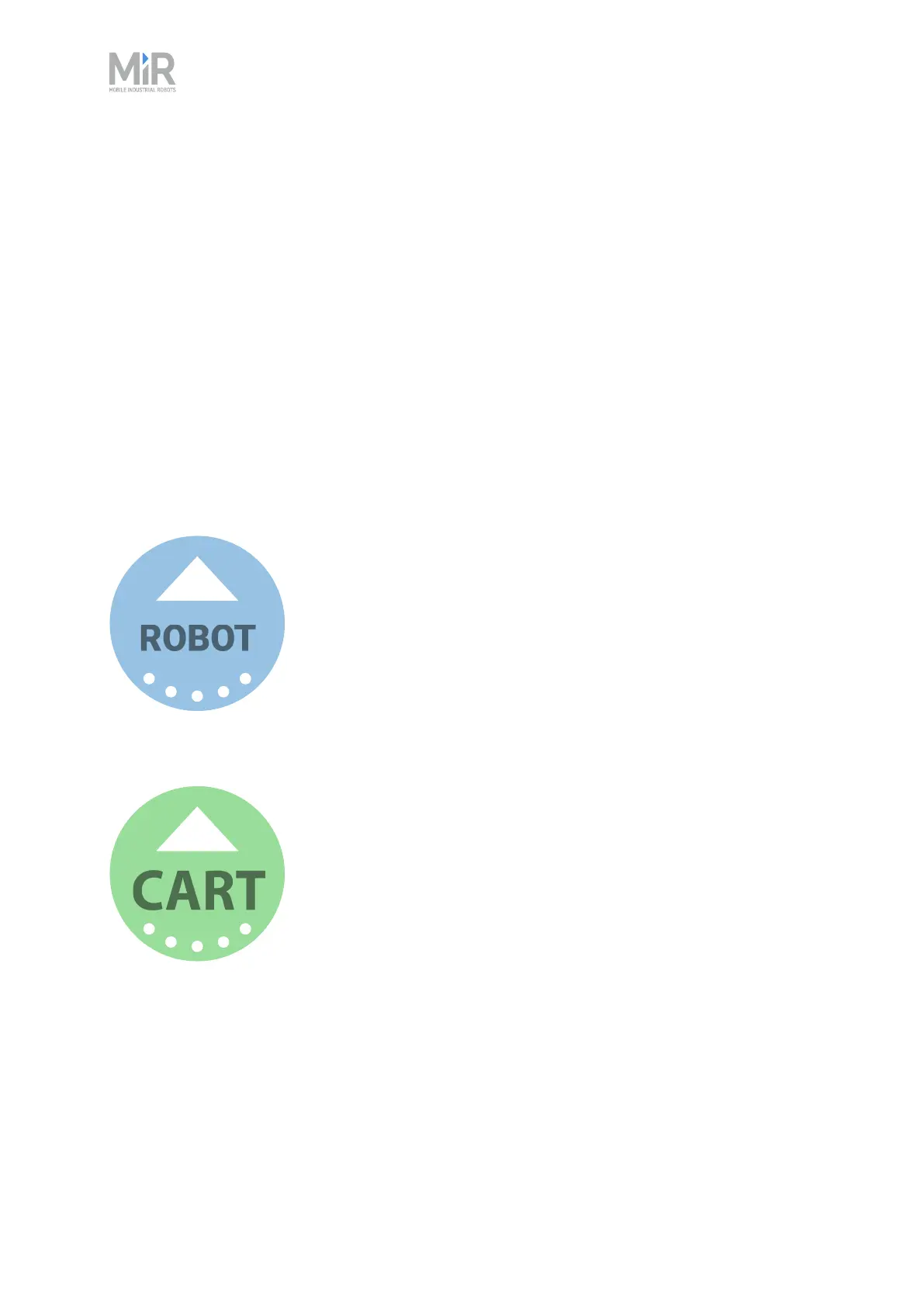
The final orientation of the robot is indicated by the arrow on the position icon.
There are different types of positions depending on whether the robot is part of a fleet or drives
with top modules, but the standard position that is available in all MiR applications is the Robot
position. This position has no special features, it simply marks a location where you want to be
able to send the robot to.
MiR250 Hook uses Cart positions to mark points where it can pick up and place carts.
When the robot places or picks up a Cart on a cart position, you must select a cart type that
describes the dimensions of the cart the robot is docking to—see "Creating a cart " on page202.



 To Next Page