12. Commissioning
MiR250 Hook User Guide (en) 01/2023 - v.1.2 ©Copyright 2021-2023: Mobile Industrial Robots A/S. 166
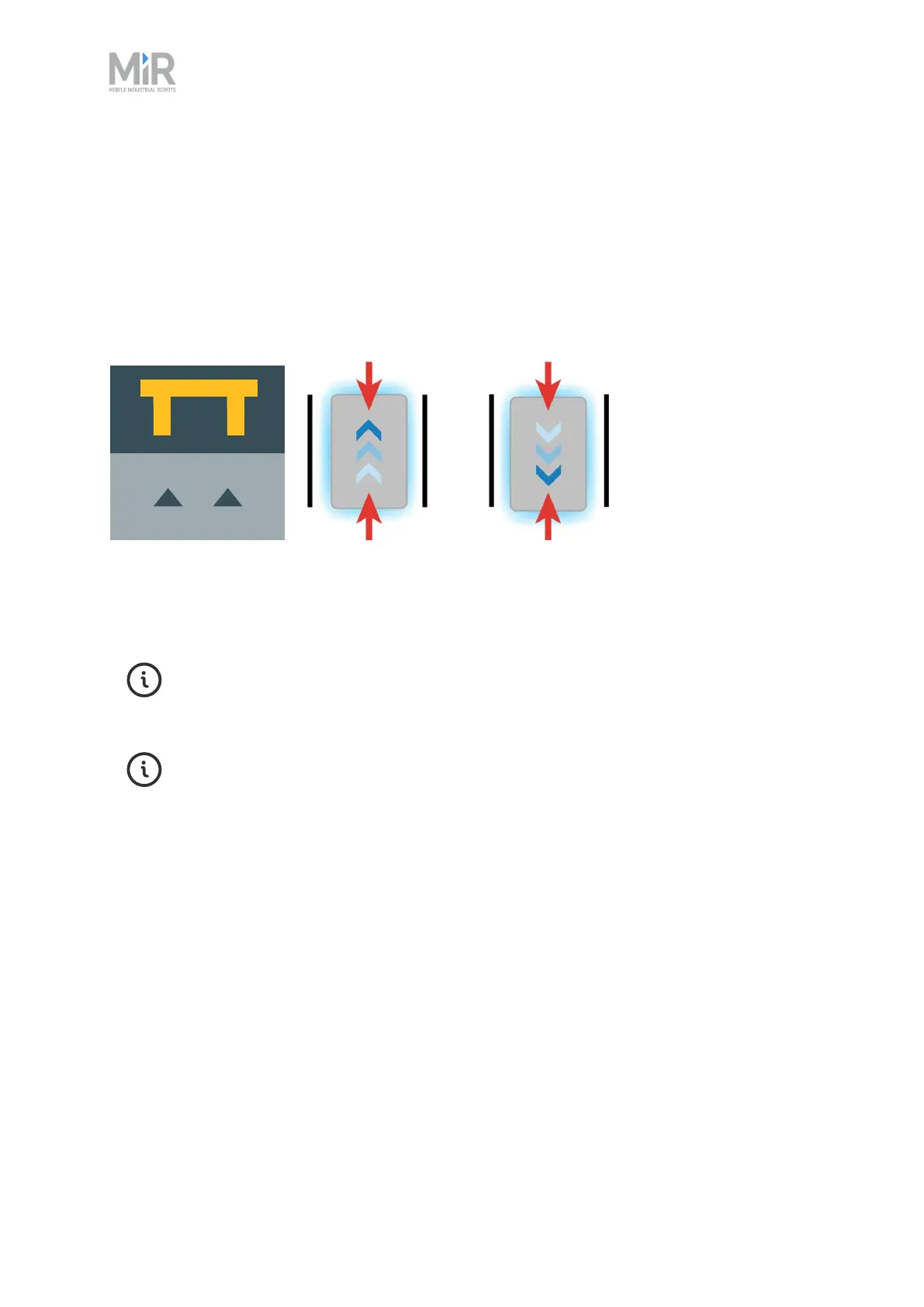
A Bar-marker can be used for forward or reverse docking between two bars or plates, similar to
pallet racks or shelves. Bar-markers must be between 400 mm and 2000 mm long, and the
distance between the bars must be between 750 mm and 1500 mm. The robot can dock and
undock from either end of the marker.
The distance between the bars must be larger than the physical dimensions of your robot.
Figure 12.19 The icon used for Bar-markers in the interface and an illustration of how robots can dock to
the marker.
Determine during commissioning how much space is required between marker to make docking
possible.
For further information on markers, contact your distributor for the guide How to
create and dock to V-markers, VL-markers, L-markers, and Bar-markers.
To create a marker, see "Creating markers" on page194.
Checklist
• You have considered where you need the robot to be able to position itself accurately and
installed physical markers at these locations.
• You have created markers on the map for every physical marker you have on your site.
• You have tested that the robot is able to dock to each marker with the available space. If you
have markers next to each other, make sure that the robot can dock even when neighboring
markers are occupied.
• You have considered the naming scheme for the markers to ensure that you can identify a
marker based on its name.



 To Next Page