12. Commissioning
MiR250 Hook User Guide (en) 01/2023 - v.1.2 ©Copyright 2021-2023: Mobile Industrial Robots A/S. 144
12.5 Calibrate cart
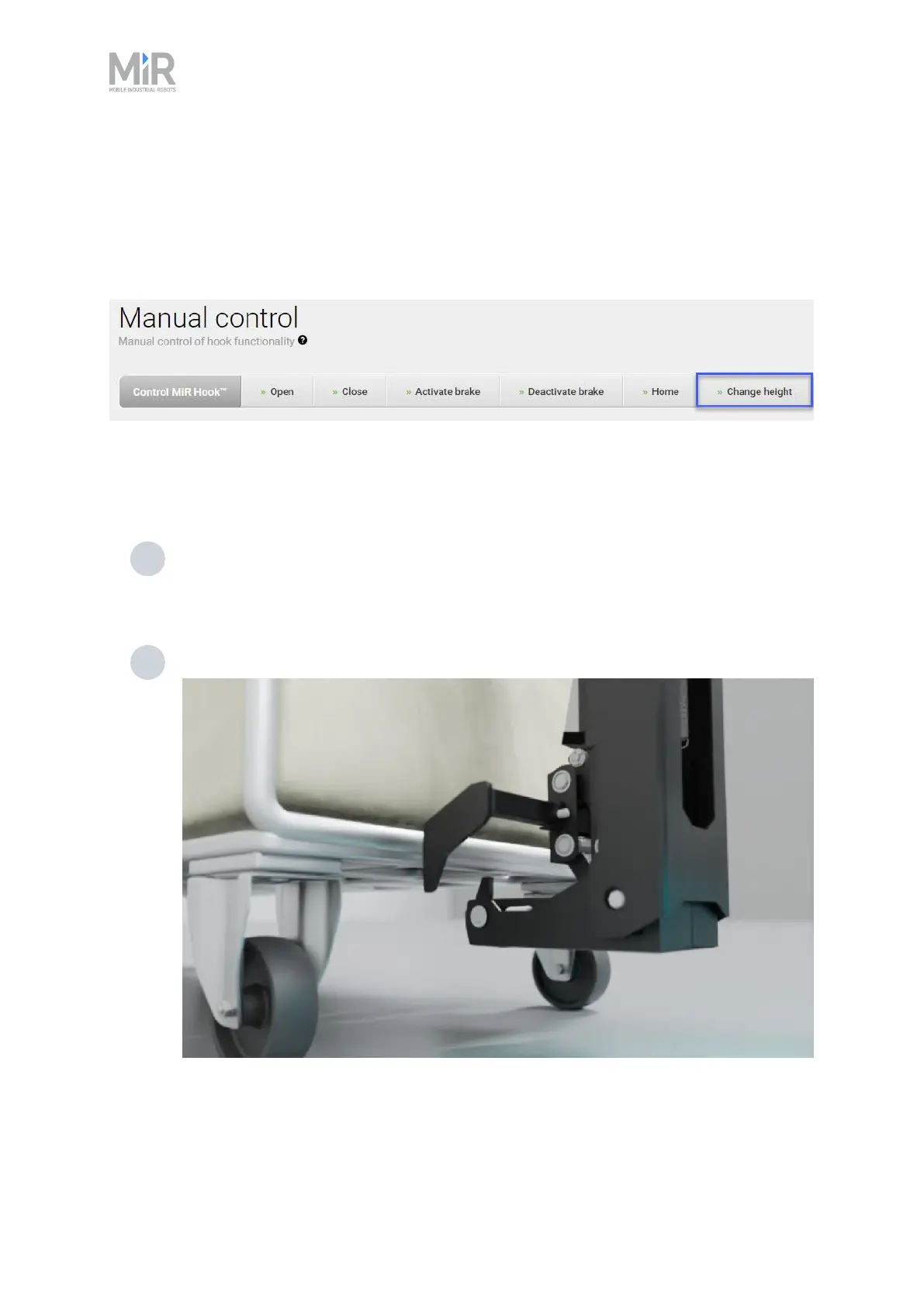
It is important to calibrate the relation between the robot and the cart. In the Manual control
menu under Hook, enter values into the Change height field to define Entry and Lock heights for
the hook to use when docking to and gripping a cart.
When a value is entered and confirmed in Change height, the hook will move up or down
depending on the chosen value. The value represents the height from the bottom of the hook
gripper to the ground (mm).
1 Insert a height which enables the hook gripper to go underneath the cart. This is known
as the Entry height. Remember the value as you will need it when defining the
dimensions of the cart.
2 Place the cart over the MiR250 Hook gripper.



 To Next Page