6. Getting started
MiR250 Hook User Guide (en) 01/2023 - v.1.2 ©Copyright 2021-2023: Mobile Industrial Robots A/S. 65
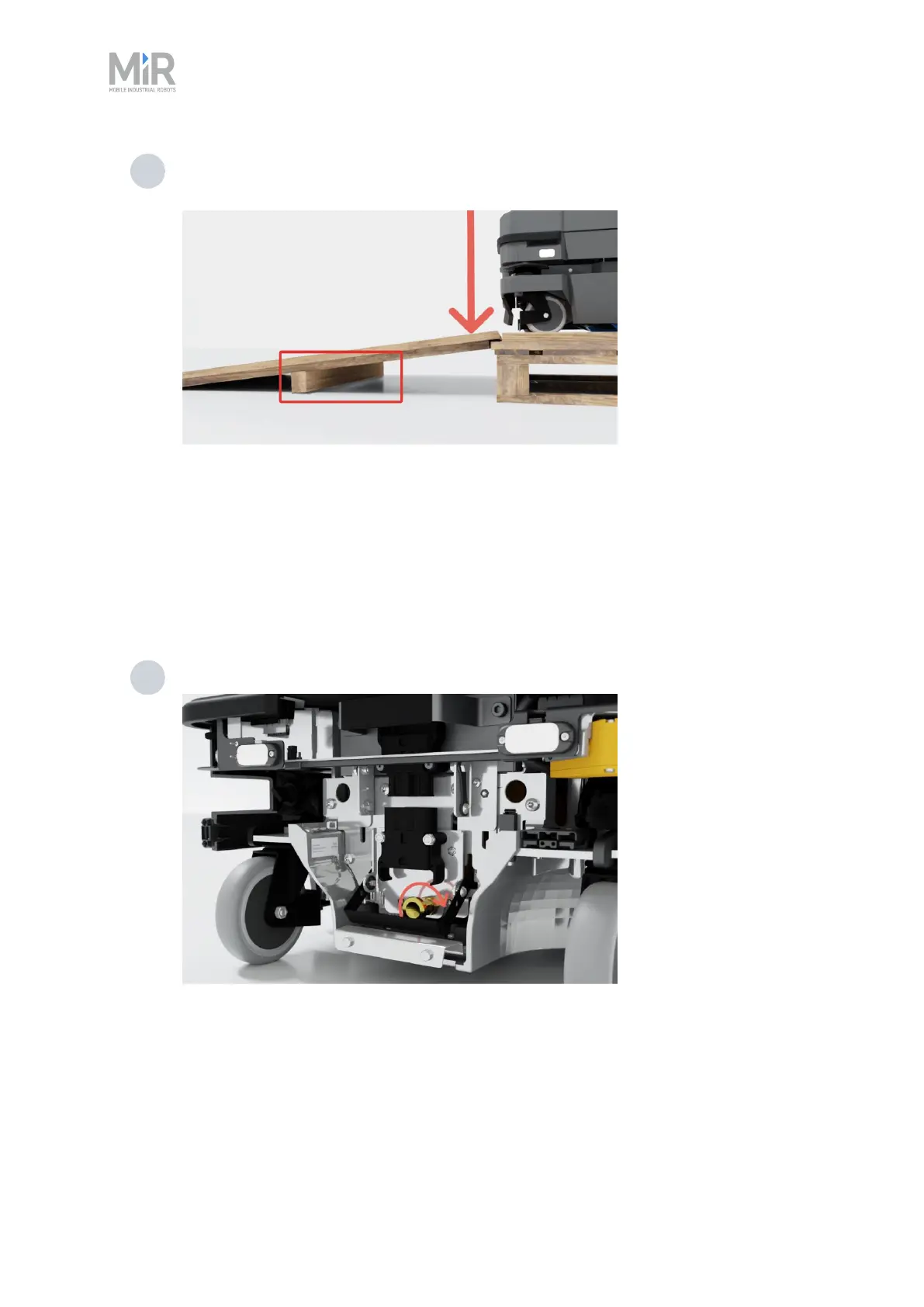
7 Place the lid of the box with the reinforcement face down so that you can use it as a
ramp. Align the lid so that it is flush with the base of the box.
z
6.3 Connecting the battery
To connect the battery to the robot, you need to open the rear compartment—see " Accessing the
internal parts" on page50.
To connect the battery to the robot, follow these steps:
1 Turn the battery lever lock clockwise to unlock the battery lever.



 To Next Page