18. Interface specifications
MiR250 Hook User Guide (en) 01/2023 - v.1.2 ©Copyright 2021-2023: Mobile Industrial Robots A/S. 261
18.2 Right side interfaces
This section describes the general purpose interfaces that are used to interface to the top module
on the right side of the robot.
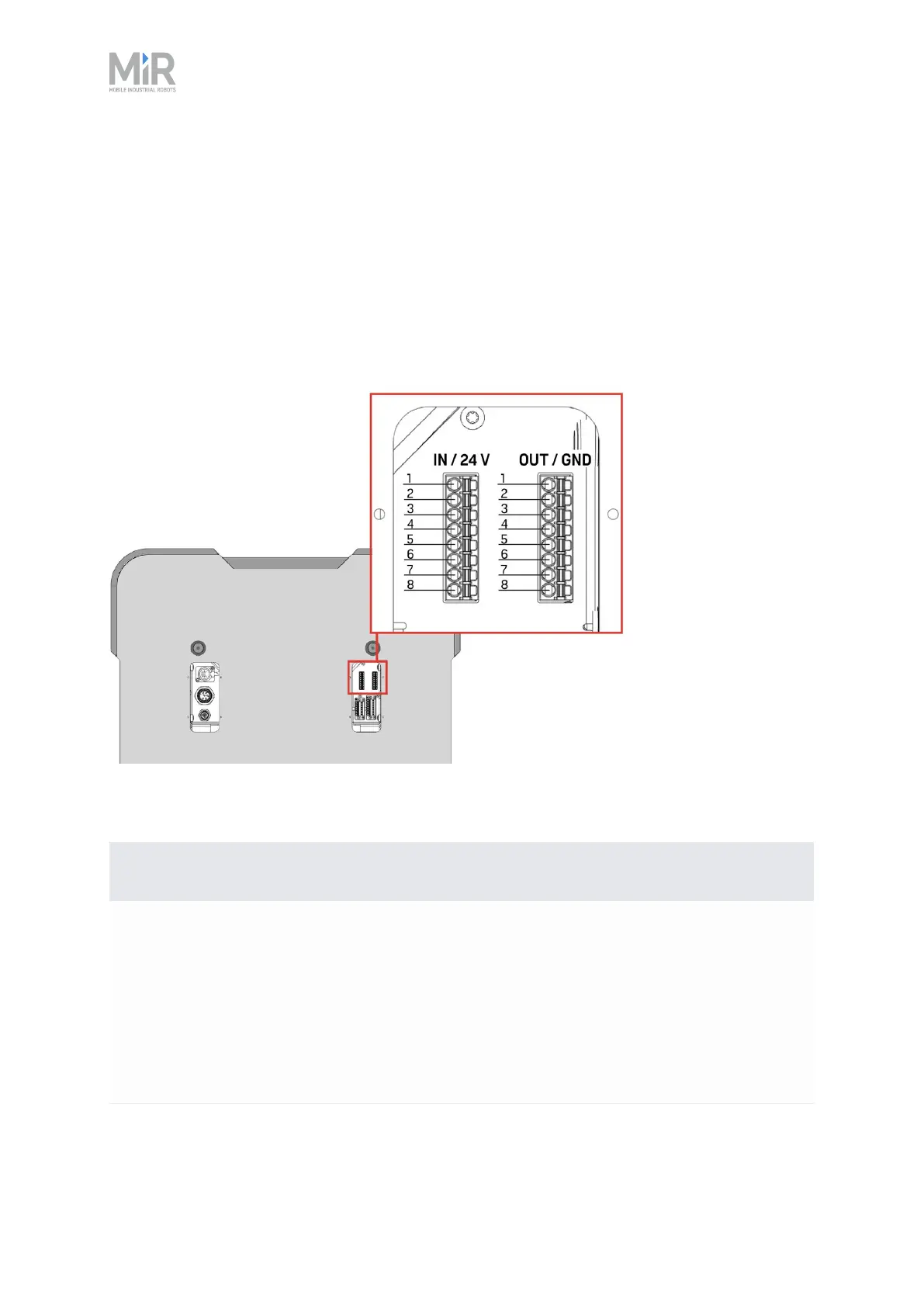
GPIO A and B
Figure 18.4 Pin numbers for the GPIOinterfaces.
Pin no. Description
1 Signal name: OUT1
Type: Output
Standard function: Output 1.
MiR Hook 250 function: Turns the hook computer on and off, when the robot
is turned on and off.
Table 18.4 Description of the pins in the output interface in Figure 18.2



 To Next Page