6. Getting started
MiR250 Hook User Guide (en) 01/2023 - v.1.2 ©Copyright 2021-2023: Mobile Industrial Robots A/S. 86
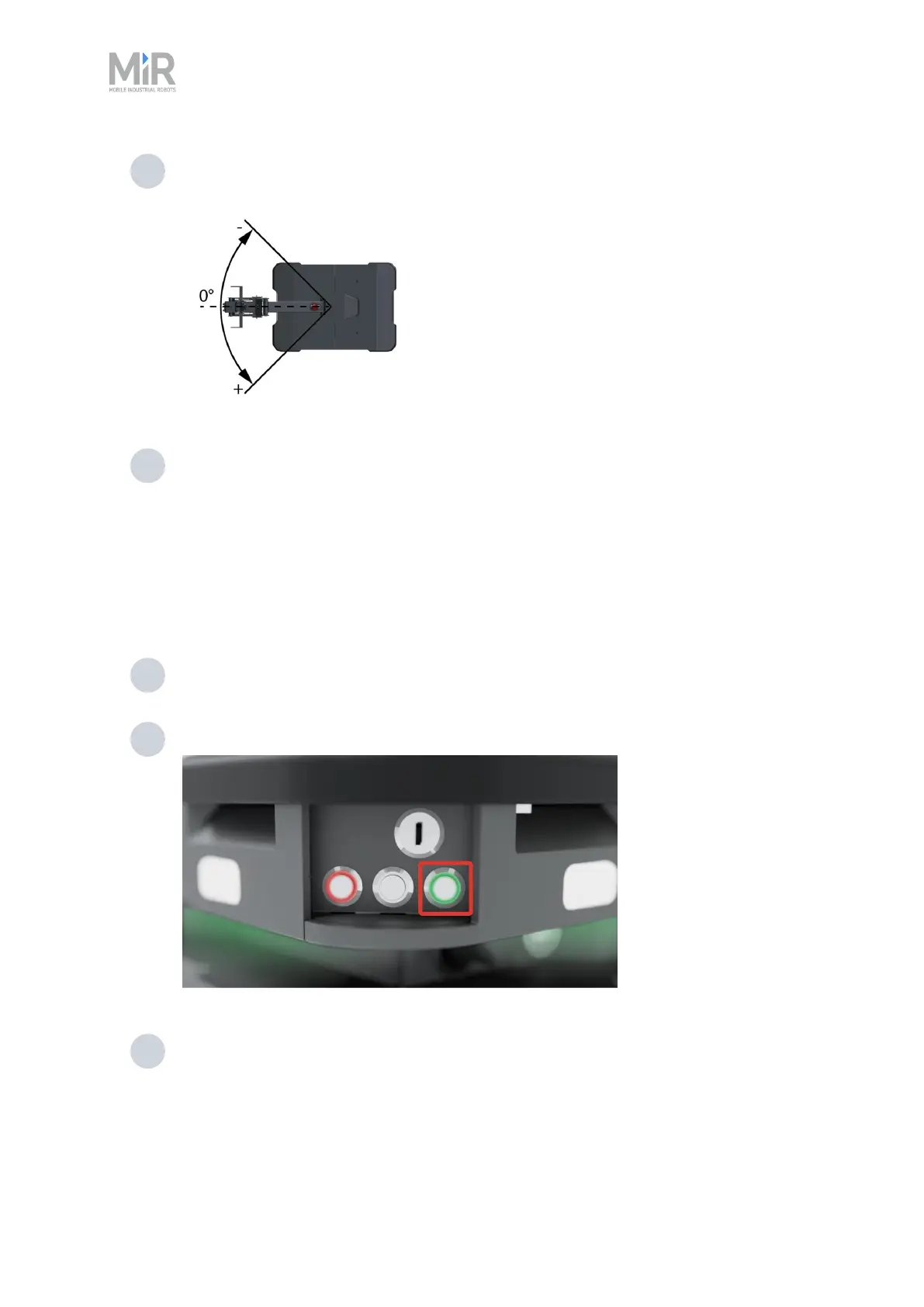
4 Manually push the arm close to 0 degrees.
5 Select Activate brake.
Homing is now complete.
6.12 Shutting down the robot
To shut down MiR250 Hook, follow these steps:
1 Ensure that the robot is not moving or executing an action.
2 Press the Power button for three seconds.
3 Wait for the robot to finish the shutdown process. The status lights waver orange, and
the Power button blinks red.



 To Next Page