13. Usage
MiR250 Hook User Guide (en) 01/2023 - v.1.2 ©Copyright 2021-2023: Mobile Industrial Robots A/S. 199
6 Select Save to create the marker. The marker is now visible on the map.
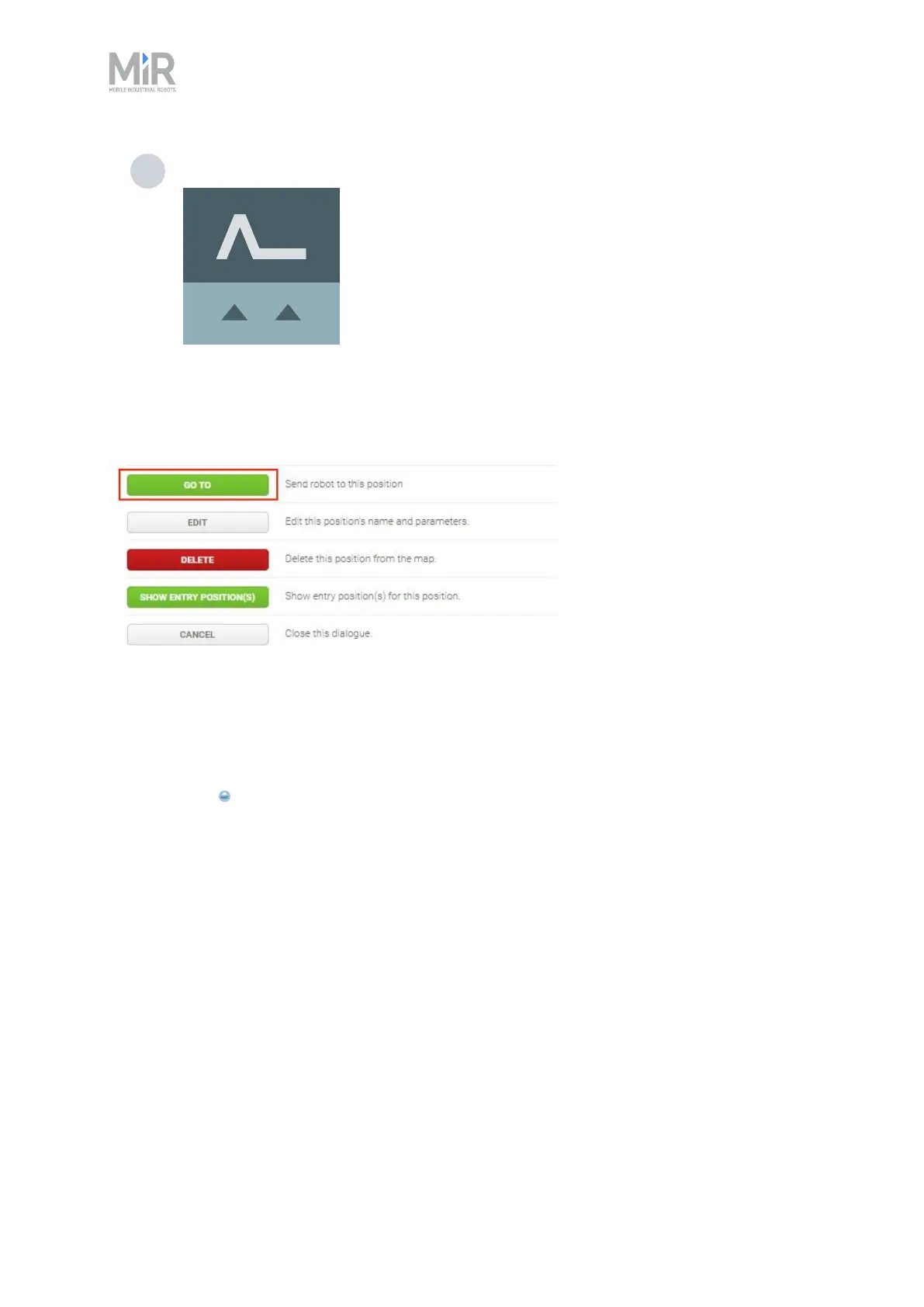
You can make the robot dock to the marker by selecting it on the map and selecting Go to. The
marker can also be used in missions.
13.2 Creating positions
The following steps describe how to create a position on a map. In this example, we are creating a
Robot position .



 To Next Page