8. Battery and charging
MiR250 Hook User Guide (en) 01/2023 - v.1.2 ©Copyright 2021-2023: Mobile Industrial Robots A/S. 93
2
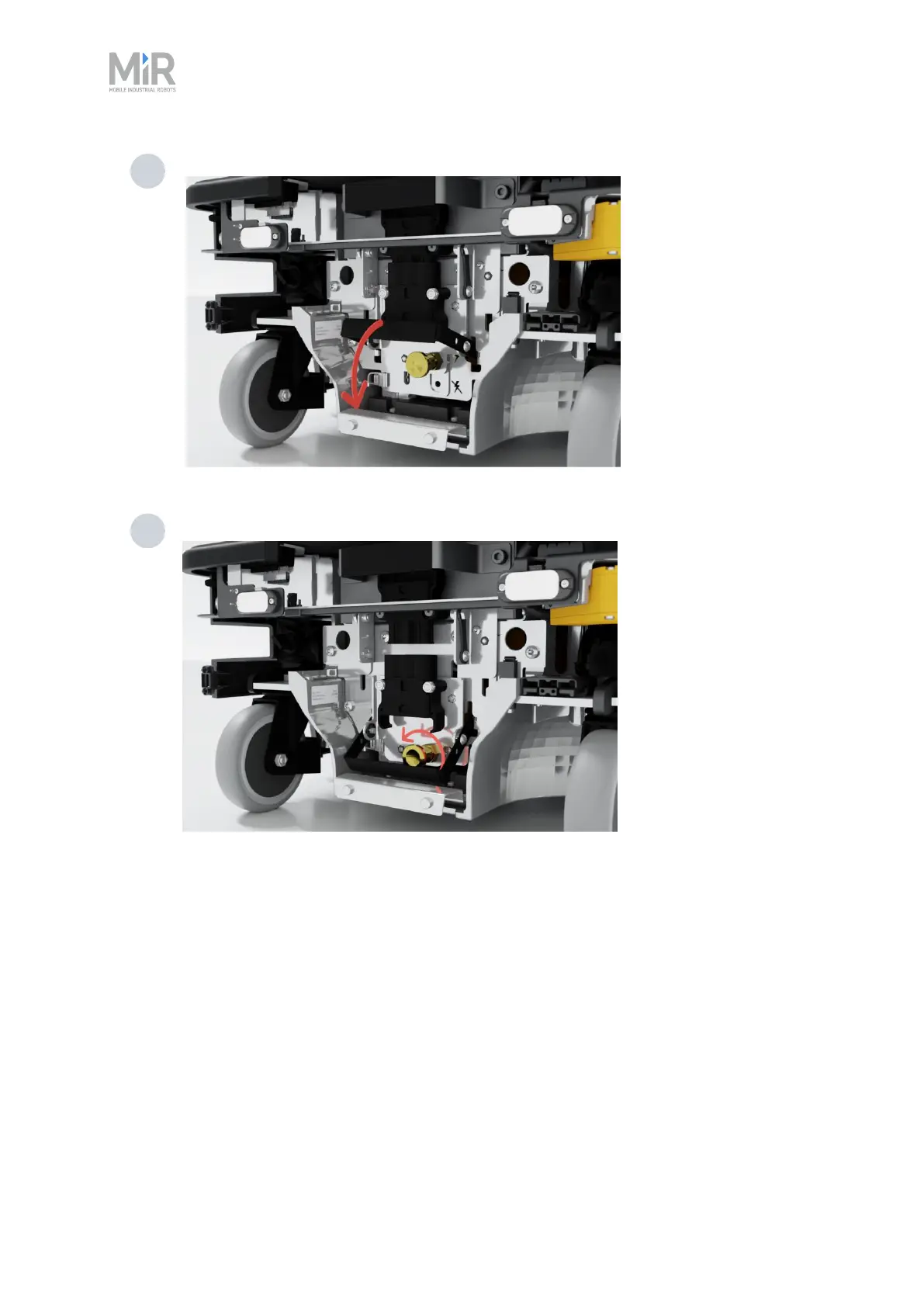
Pull down the battery lever to disconnect the battery.
3 Turn the battery lock counter-clockwise to lock the battery connector.
8.3 Enabling fast swap
If you wish to enable the fast swap-option on the robot, you must first unscrew the plate holding
these levers from the robot and then the levers themselves and fasten them to the levers
controlling the connector. You only need to do this once.



 To Next Page