12. Commissioning
MiR250 Hook User Guide (en) 01/2023 - v.1.2 ©Copyright 2021-2023: Mobile Industrial Robots A/S. 142
12.4 ID tags
A QR marker or an AprilTag is needed for MiR250 Hook to identify the individual carts.
QR codes and AprilTags cannot be activated on the same site.
QR markers
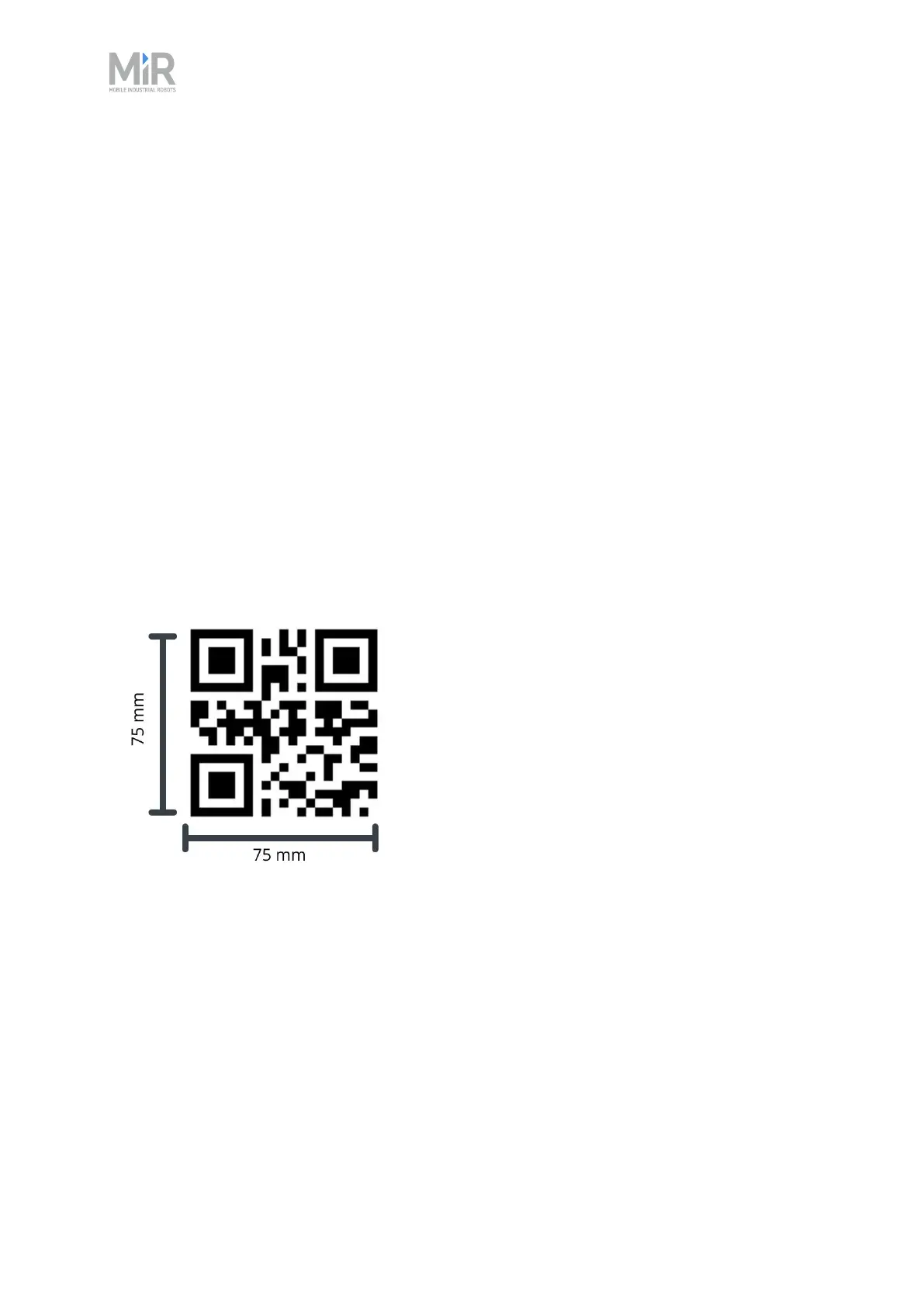
The QR code contains the dimension of the marker and a unique name. The format is SizeUnit-
Name.
• Size: The length of one of the sides of the quadratic QR code.
• Unit: The measuring-unit of the size, for example mm (millimeters) or in (inches) etc.
• “-”: Remember the hyphen - which separates size and unit from the name.
• Name: A unique name displayed in the system.
Figure 12.2 This QR code reads 75mm-Cart_A.
The recommended size of a QR marker is between 70 and 100 mm, but the system is open to all
other sizes. The limit is whether the camera can see the QR marker or not.
It is required that at least 25 mm of empty white space surrounds the QR code.
QR markers can be created using any QR code generator. As long as the size is the same as stated
in the QR code, there are no requirements for how to create the codes. An easy and free method
is to search the internet for QR code generators and use one of the many results.
Be sure to print a QR marker in 1:1 scale. If it does not match the size, it will not work.



 To Next Page