13. Usage
MiR250 Hook User Guide (en) 01/2023 - v.1.2 ©Copyright 2021-2023: Mobile Industrial Robots A/S. 211
Try/Catch is a mission example where the robot runs the mission Prompt user created in "Creating
the mission Prompt user " on page206, and if the robot for some reason fails to complete the
mission, the robot plays a sound.
To create the mission Try/Catch, it is assumed you have completed the following:
• Created the mission Prompt user as described in "Creating the mission Prompt user " on
page206.
To create the Try/Catch mission, follow the steps below:
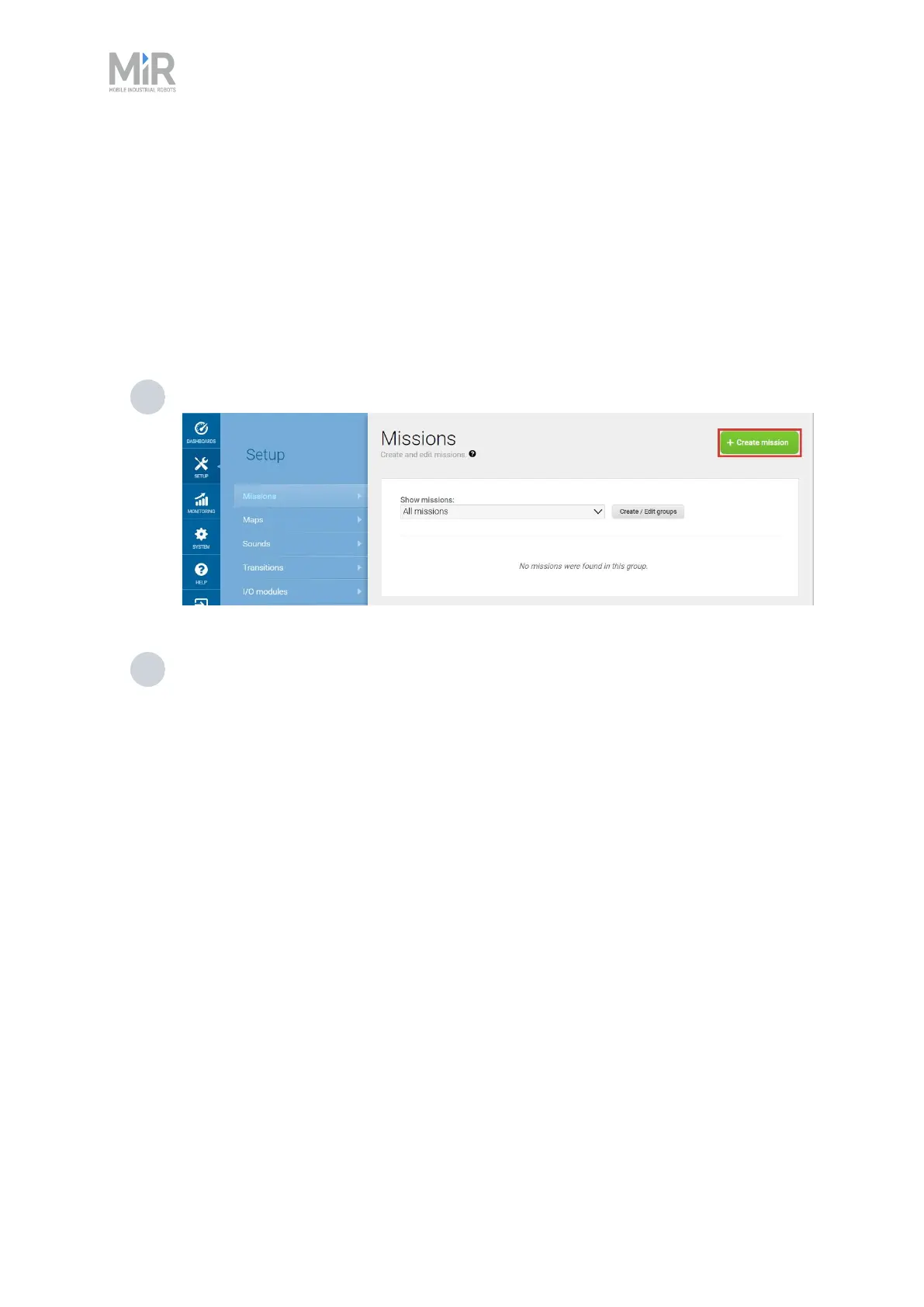
1 Go to Setup > Missions. Select Create Mission.
2 Name the mission Try/Catch. Select the group and site you want it to belong to. Select
Create mission.



 To Next Page