12. Commissioning
MiR250 Hook User Guide (en) 01/2023 - v.1.2 ©Copyright 2021-2023: Mobile Industrial Robots A/S. 148
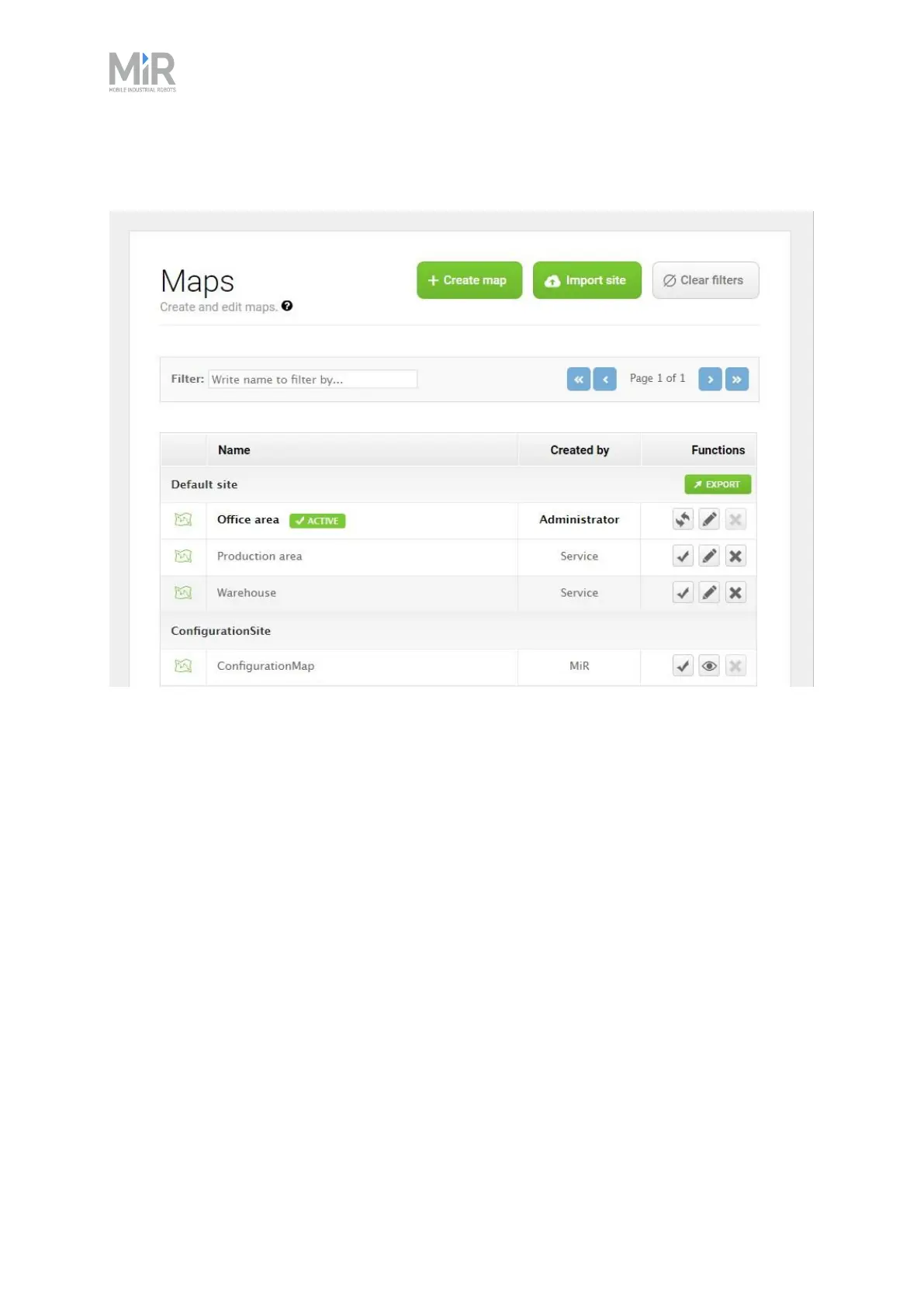
Figure 12.5 The Default site has three maps within it for the areas in the site: Office area, Production
area, and Warehouse.
A site contains one or more maps that often connect to each other. The number of maps you
need in a site depends on the work environment of the robot:
• If the operating area is very large, you may need to split the area into smaller maps.
• You can tell that a map is too large if the robot takes a long time to plan its routes or often
reports CPU errors.
• In general, we recommend that maps should not exceed an area of 300 × 300 meters.
• You can connect maps using map transitions—see MiRRobotInterfaceGuide, or ask your
distributor for the guide How to set up transitions between maps.
• If the robot must operate on different floors connected with ramps or elevators, you must have
a map for each floor.
• If you are using an elevator, ask your distributor for the guide How to set up elevators in MiR
Fleet.
• If you are using ramps, connect the maps using transitions—see MiRRobotInterfaceGuide, or
ask your distributor for the guide How to set up transitions between maps.



 To Next Page