13. Usage
MiR250 Hook User Guide (en) 01/2023 - v.1.2 ©Copyright 2021-2023: Mobile Industrial Robots A/S. 195
Once the robot is localized, you can insert a marker on the map. In this example, we are using a
VL-marker . To create a marker, follow these steps:
1 Place your physical marker where you want the robot to dock.
2 Manually drive the robot to the marker so the robot is facing the marker. The correct
distance from the marker differs depending on the marker type:
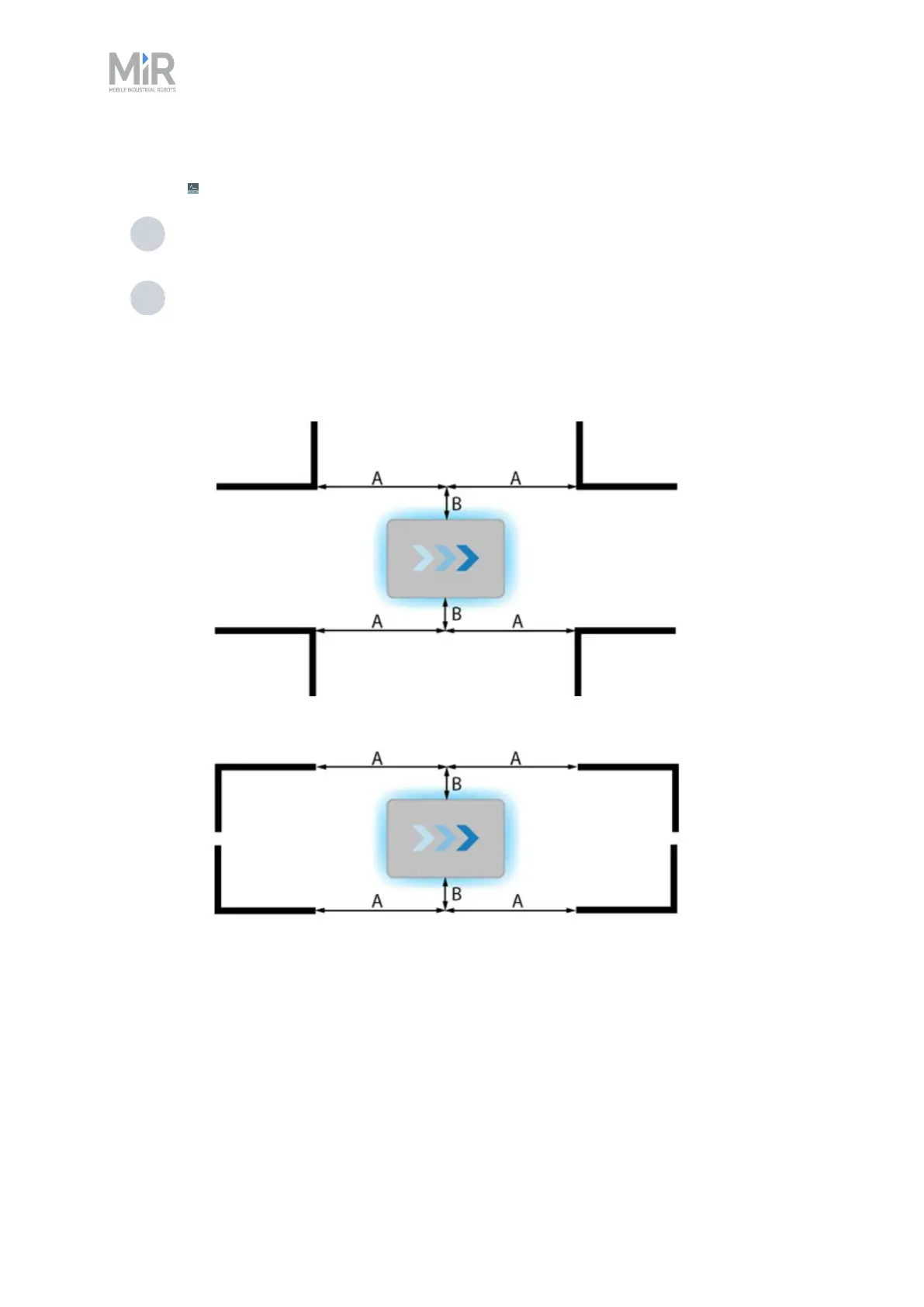
• For L-markers, the following values apply:
• A: 700 mm ±50 mm
B: 200 mm ±50 mm
• For all other markers, the robot must be positioned approximately one meter
directly in front of the marker.



 To Next Page