2. Product presentation
MiR250 Hook User Guide (en) 01/2023 - v.1.2 ©Copyright 2021-2023: Mobile Industrial Robots A/S. 34
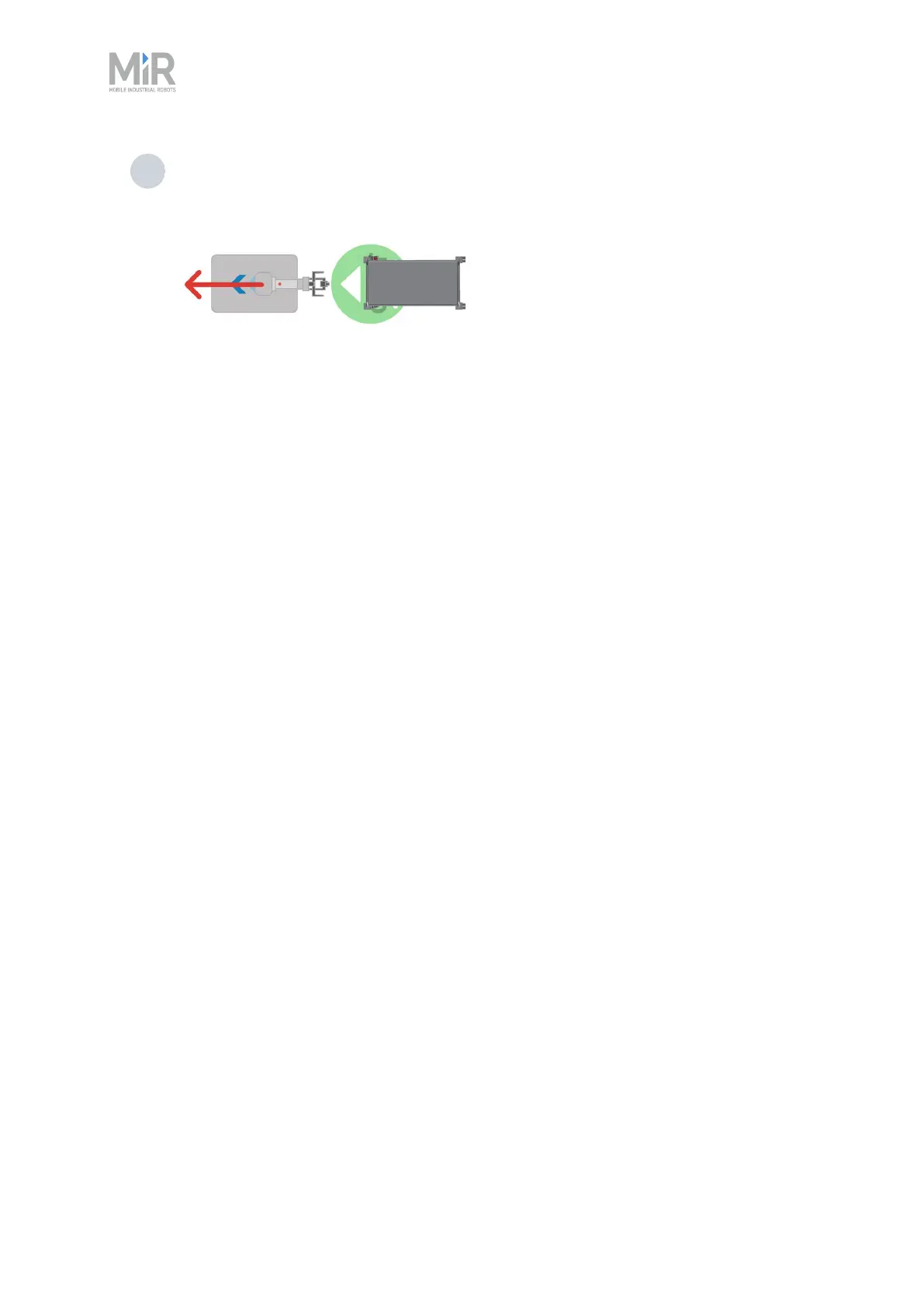
3 The robot opens its gripper, lowers the hook arm, and drives forward, leaving the cart
at the Cart position.
Reverse
If the Cart position is placed so the back is against a structure or other obstacle, the robot must
place the cart in reverse. You can select this in the Place cart action—see "Creating a cart mission"
on page224.



 To Next Page