7 Operation
Maschinenfabrik Reinhausen GmbH 2019116 5163667/06 ENETOS
®
IM
2. Select the option you want.
3. Press the Accept button to save the modified parameter.
7.4 Transformer data
The transformation ratios and measuring set-up for the voltage and current
transformers used in the system can be set with the following parameters.
The device uses this information to calculate the corresponding measured
values on the primary side of the current transformer (and therefore the
transformer) from the recorded measured values. These are then displayed.
7.4.1 Setting transformer data
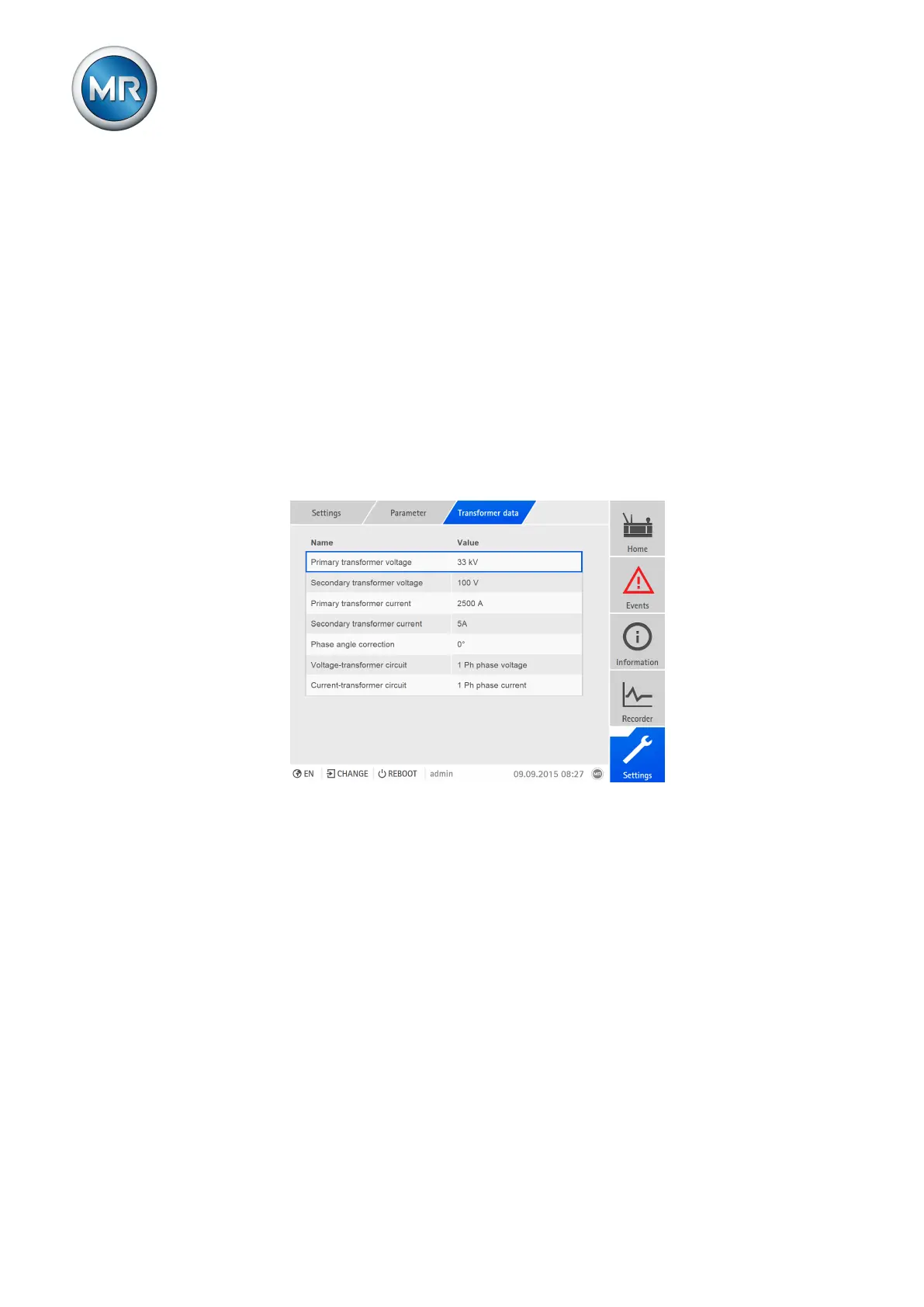
You can use the following parameters to set the transformer data. Also note
the Examples for standard circuits for current transformers and voltage
transformers [►Section 7.4.2, Page 119].
Figure95: Setting transformer data
Primary transformer voltage
With this parameter, you can set the primary voltage of the voltage trans-
former in kV.
To set the primary transformer voltage, proceed as follows:
1. Go to Settings > Parameters > Transformer data > Primary trans-
former voltage.
2. Enter the primary transformer voltage.
3. Press the Accept button to save the modified parameter.
Secondary transformer voltage
With this parameter, you can set the secondary voltage of the voltage trans-
former in V.



 To Next Page