7 Operation
Maschinenfabrik Reinhausen GmbH 2019292 5163667/06 ENETOS
®
IM
Activate syslog messages based on the severity level
You can set which syslog messages the device will send. You can activate
or deactivate messages for each severity level.
Severity level Description
Emergency The system is unusable.
Alert Immediate intervention required.
Critical Critical state
Error Error state
Warning Warning state
Notice Notice state
Info Information state
Debug Debut state
Table84: Severity levels
7.25 Time synchronization
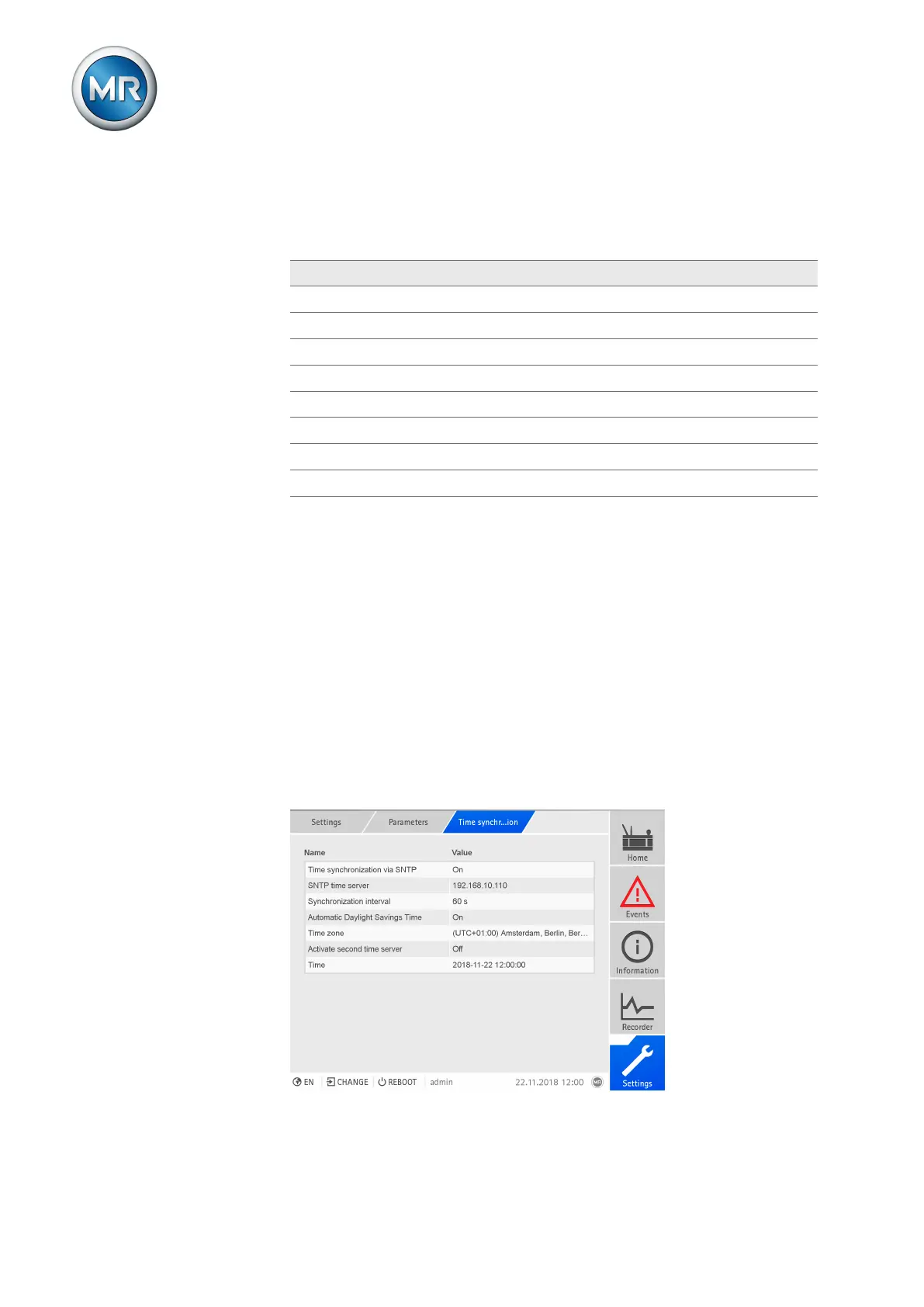
You can set the the device time manually or automatically via an SNTP time
server. The device must be connected to an SNTP time server via Ethernet
for this purpose. You can set the following parameters:
▪ Time synchronization via SNTP
▪ Activate second time server (optional)
▪ SNTP time server (for the first and second SNTP time servers)
▪ Synchronization interval
▪ Time zone
▪ Automatic daylight saving / standard time
▪ Time (manual setting)
Figure213: Setting time synchronization



 To Next Page