7 Operation
Maschinenfabrik Reinhausen GmbH 2019 1355163667/06 EN ETOS
®
IM
7.6 Control of the motor-drive unit (optional)
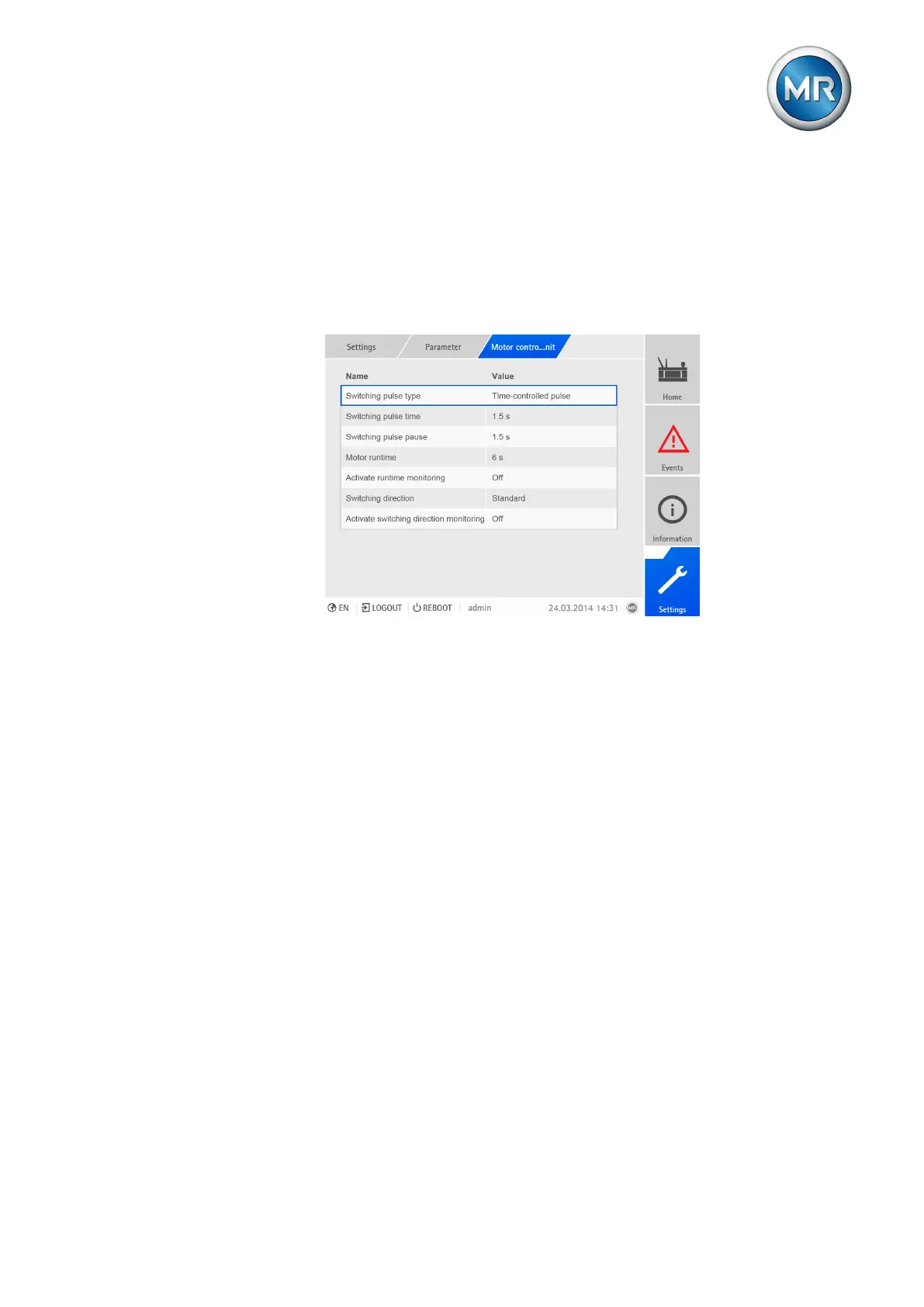
You can use the following parameters to configure control of the motor-drive
unit. You can set the following:
▪ Switching pulse
▪ Motor runtime
▪ Switching direction
Figure96: Setting control of the motor-drive unit
7.6.1 Setting the switching pulse for controlling the motor-drive unit
You can use the switching pulse time and switching pulse pause parameters
to adapt the switching pulse of the device to the requirements of the motor-
drive unit's controller.
Setting the switching pulse time
You can use the switching pulse time parameter to set the maximum dura-
tion of the switching pulse. It resets after the switching pulse time has
elapsed or if the device receives the Motor running signal beforehand or the
tap position is changed.
To set the switching pulse time, proceed as follows:
1. Go to Settings > Parameters > Motor control > Switching pulse time.
2. Enter switching pulse time.
3. Press the Accept button to save the modified parameter.
Setting the switching pulse pause
You can use this parameter to set the switching pulse pause between 2
switching pulses. The device can only issue another switching pulse once
the switching pulse pause has elapsed.



 To Next Page