7 Operation
Maschinenfabrik Reinhausen GmbH 201992 5163667/06 ENETOS
®
IM
7 Operation
This chapter describes all the functions and setting options for the device.
7.1 Establishing connection to visualization
A connection to the visualization can be established using 2 interfaces:
▪ Front interface ETH1.1 (for local access)
▪ Optional: ETH2.2 interface on the CPU I module (for access by means of
the remote display, control center etc.)
Establishing connection via front interface
The device is equipped with a DHCP server for connection via the front inter-
face. To establish a connection via the front interface, proceed as follows:
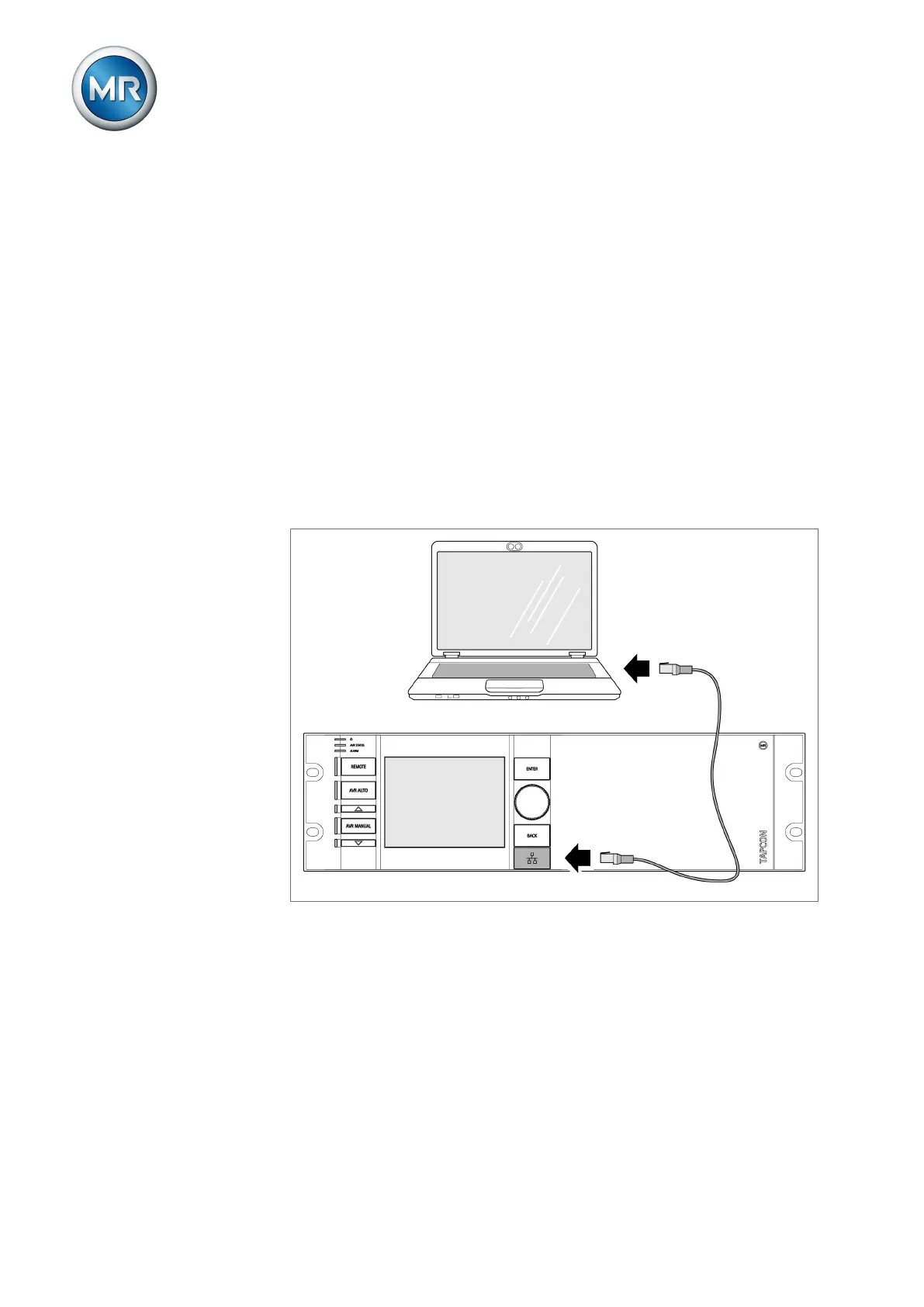
1. Connect PC and device via front interface using Ethernet cable (RJ45
plug).
Figure84: Establishing connection via the front interface
2. Activate automatic assignment of the IP address via DHCP on the PC.
3. Enter the visualization's IP address http://192.168.165.1, or if SSL
encryption is active enter https://192.168.165.1, on the PC in the
browser.
ð The visualization is accessed.



 To Next Page