7 Operation
Maschinenfabrik Reinhausen GmbH 2019 935163667/06 EN ETOS
®
IM
Establishing connection via the ETH2.2 interface on the CPU I module
on the back
To connect via the interface on the back, proceed as follows:
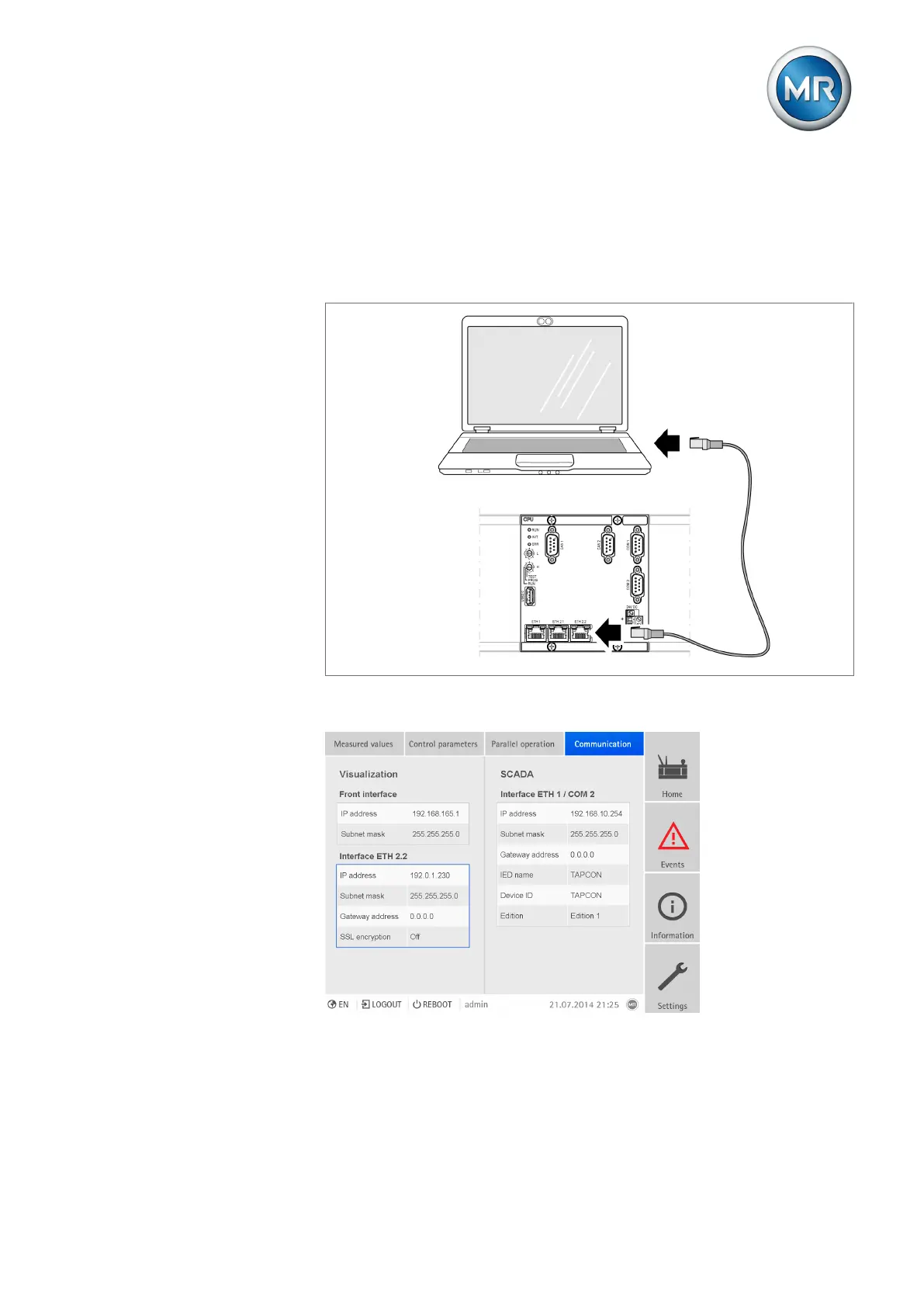
1. Connect PC and device via ETH2.2 interface on back using Ethernet ca-
ble (RJ45 plug).
Figure85: Establishing connection via the ETH2.2 interface on the back
2. Go to Communication on the device to display the device's IP address.
Figure86: Displaying Communication
3. Assign the PC an unique IP address in the same subnet as the device
(e.g. 192.0.1.100).



 To Next Page