7 Operation
Maschinenfabrik Reinhausen GmbH 2019270 5163667/06 ENETOS
®
IM
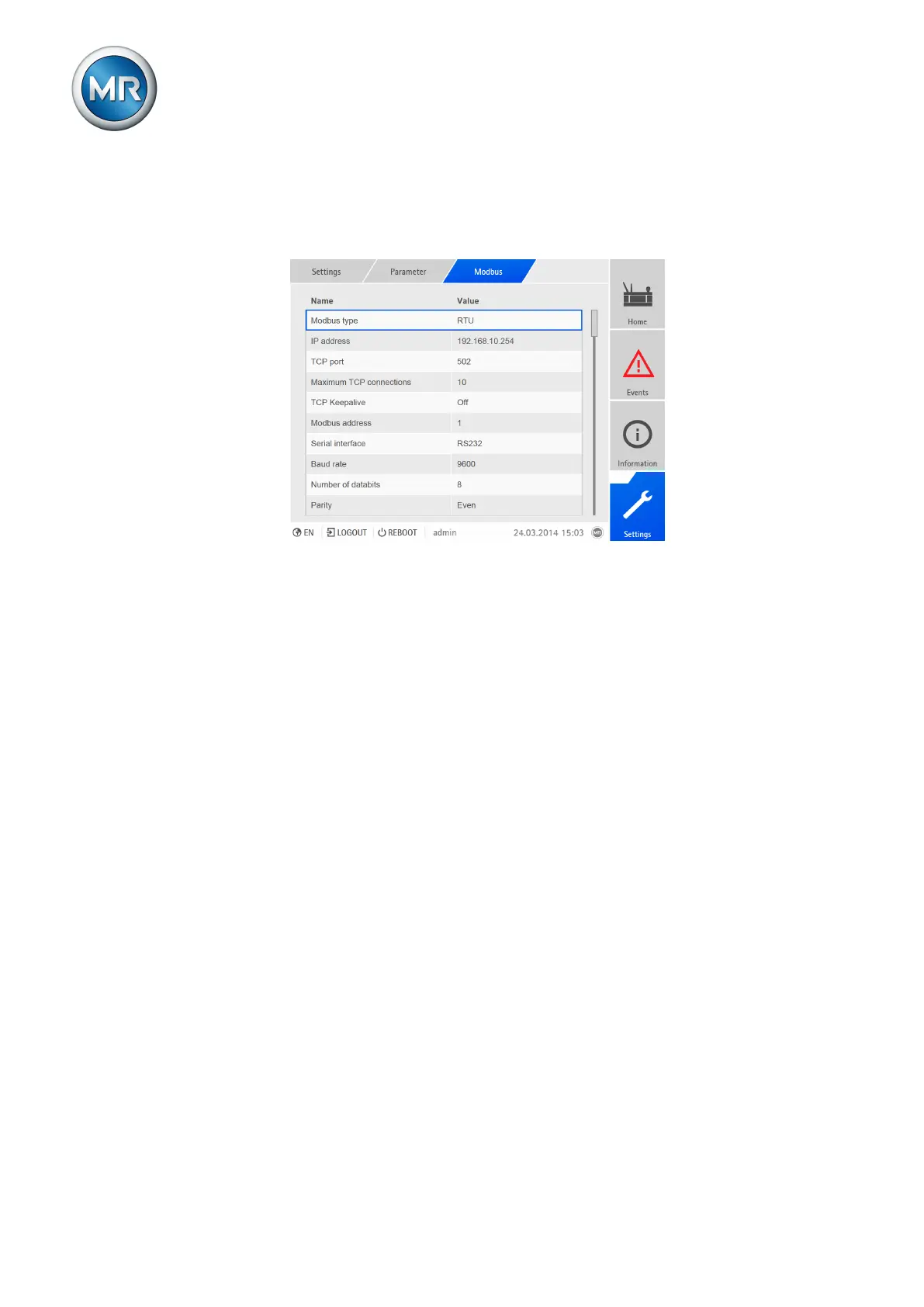
7.23.5 Configuring Modbus (optional)
If you want to use the Modbus control system protocol, you must set the cor-
responding parameters depending on the Modbus type selected.
Figure200: Setting parameters for Modbus
Modbus type
You can use this parameter to set the Modbus type. You can select the fol-
lowing options:
▪ RTU
▪ TCP
▪ ASCII
To set the Modbus type, proceed as follows:
1. Go to Settings > Parameters > Modbus > Modbus type.
2. Select Modbus type.
3. Press the Accept button to save the modified parameter
Modbus address
You can use this parameter to set the Modbus address.
To set the Modbus address, proceed as follows:
1. Go to Settings > Parameters > Modbus > Modbus address.
2. Enter Modbus address.
3. Press the Accept button to save the modified parameter.
TCP port (only with Modbus-TCP)
You can use this parameter to set the TCP port.
To set the TCP port, proceed as follows:
1. Go to Settings > Parameters > Modbus > TCP port.



 To Next Page