7 Operation
Maschinenfabrik Reinhausen GmbH 2019166 5163667/06 ENETOS
®
IM
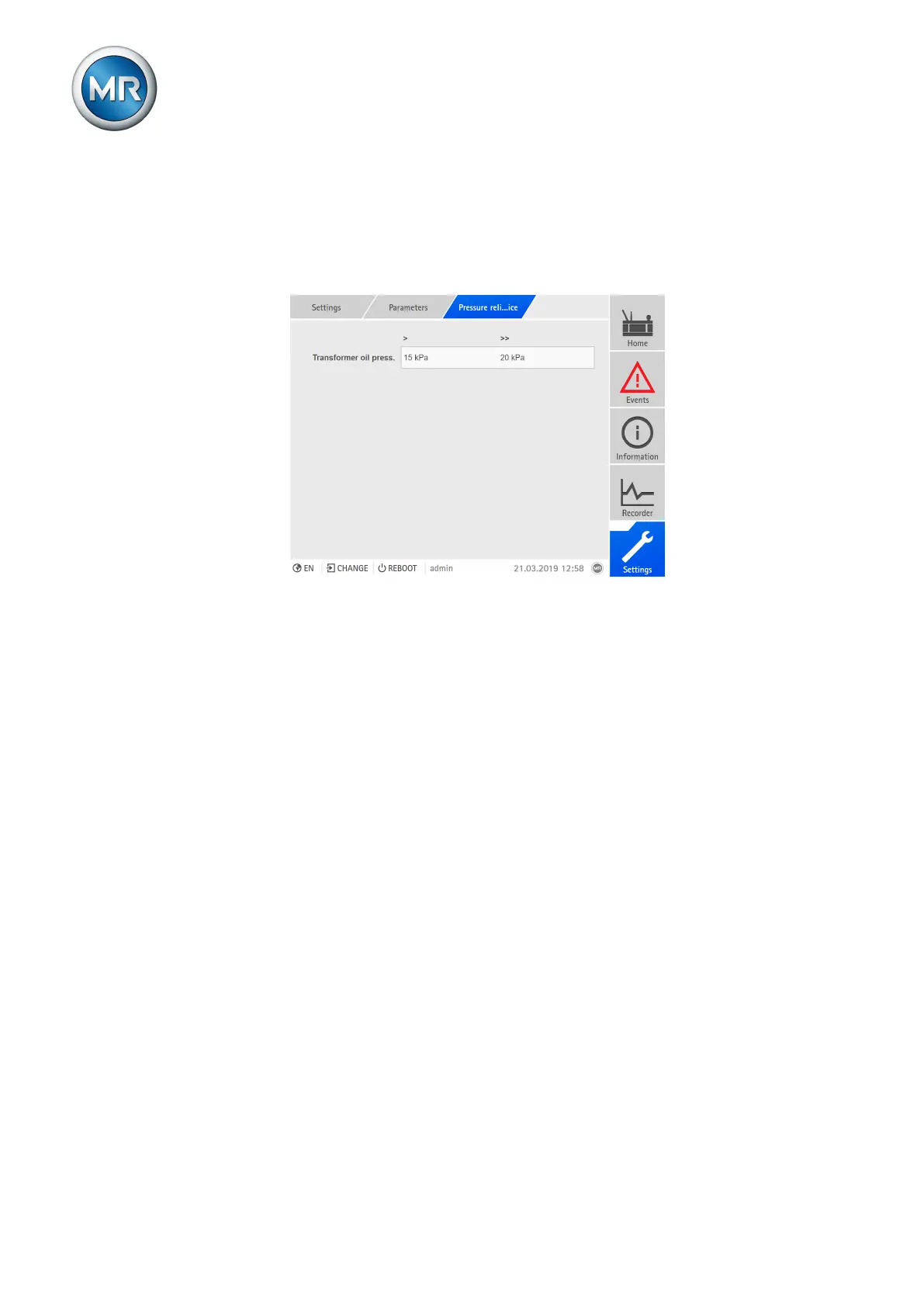
7.8.12 Monitoring the oil pressure (transformer)
When you record the oil pressure of the transformer, you can use the pres-
sure relief device (PRD) to set 2 limit values for the gas volume. If the mea-
sured oil pressure is greater than the limit value > or >>, the device triggers
an event message.
Figure116: Limit values for the oil pressure of the transformer
To set the limit values, proceed as follows:
1. Go to Settings > Parameters > Active part > Pressure relief device.
2. Select the desired parameter.
3. Set the desired parameter.
4. Press the Accept button to save the modified parameter.



 To Next Page