7 Operation
Maschinenfabrik Reinhausen GmbH 2019 3055163667/06 EN ETOS
®
IM
7.27.2 Software
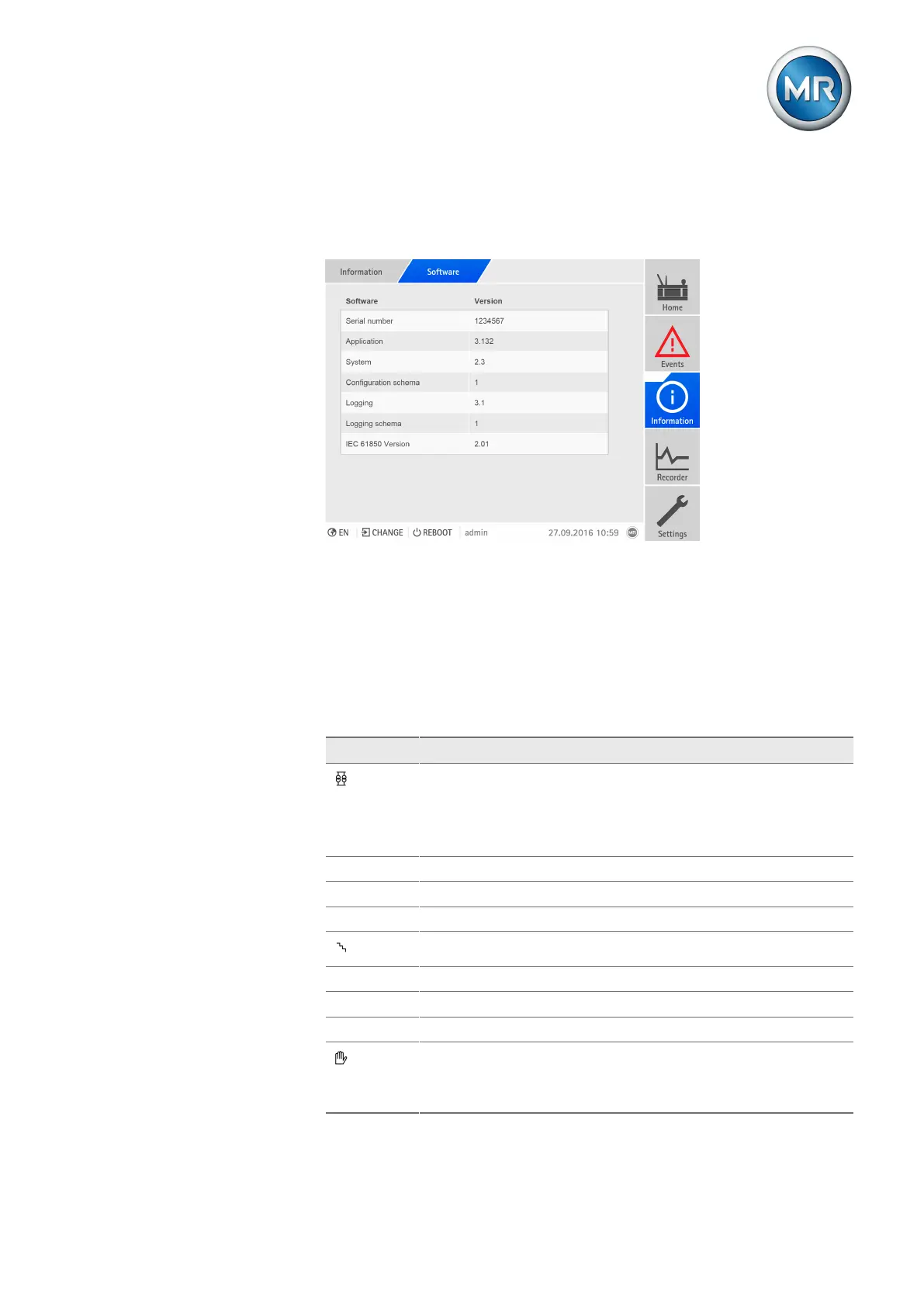
Under Software, you can display the version status of the device's software
components.
Figure220: Information on the device's software
To retrieve information on the device's software, proceed as follows:
► Go to Information > Software.
7.27.3 Parallel operation
Under parallel operation, you can display information about the devices
which are connected by CAN bus.
Description
Parallel operation status:
▪ Gray = Simplex mode
▪ Blue = Parallel operation is active
▪ Red = Parallel operation error
CAN addr. CAN bus address
Grp. Parallel operation group
Method Active parallel operation method
Current tap position
U [V] Voltage
I_p [%] Active current
I_q [%] Reactive curr.
Blocking:
▪ Gray: Parallel operation not blocked
▪ Red: Parallel operation blocked
Table88: Information about parallel operation



 To Next Page