7 Operation
Maschinenfabrik Reinhausen GmbH 2019256 5163667/06 ENETOS
®
IM
3. Select the checkbox and enter the desired event number.
ð The event text is displayed.
4. Select the desired event categories and the desired event status.
5. Press the Search button to display the desired events.
Exporting events
You can export the event memory entries currently displayed as a csv file. If
you first create a filter, only the filtered entries are exported.
To export the events, proceed as follows:
ü First connect using Connect PC [►Section 7.1, Page 92] or connect a
storage medium to the USB port on the CPU I [►Section 4.4.3, Page 31]
module.
1. Press the Export button.
2. Select the desired option for data transmission (PC or USB).
ð The data is exported.
7.23 SCADA
The following section describes how you can configure the device to connect
to a control system (SCADA).
7.23.1 Configuring IEC 61850 (optional)
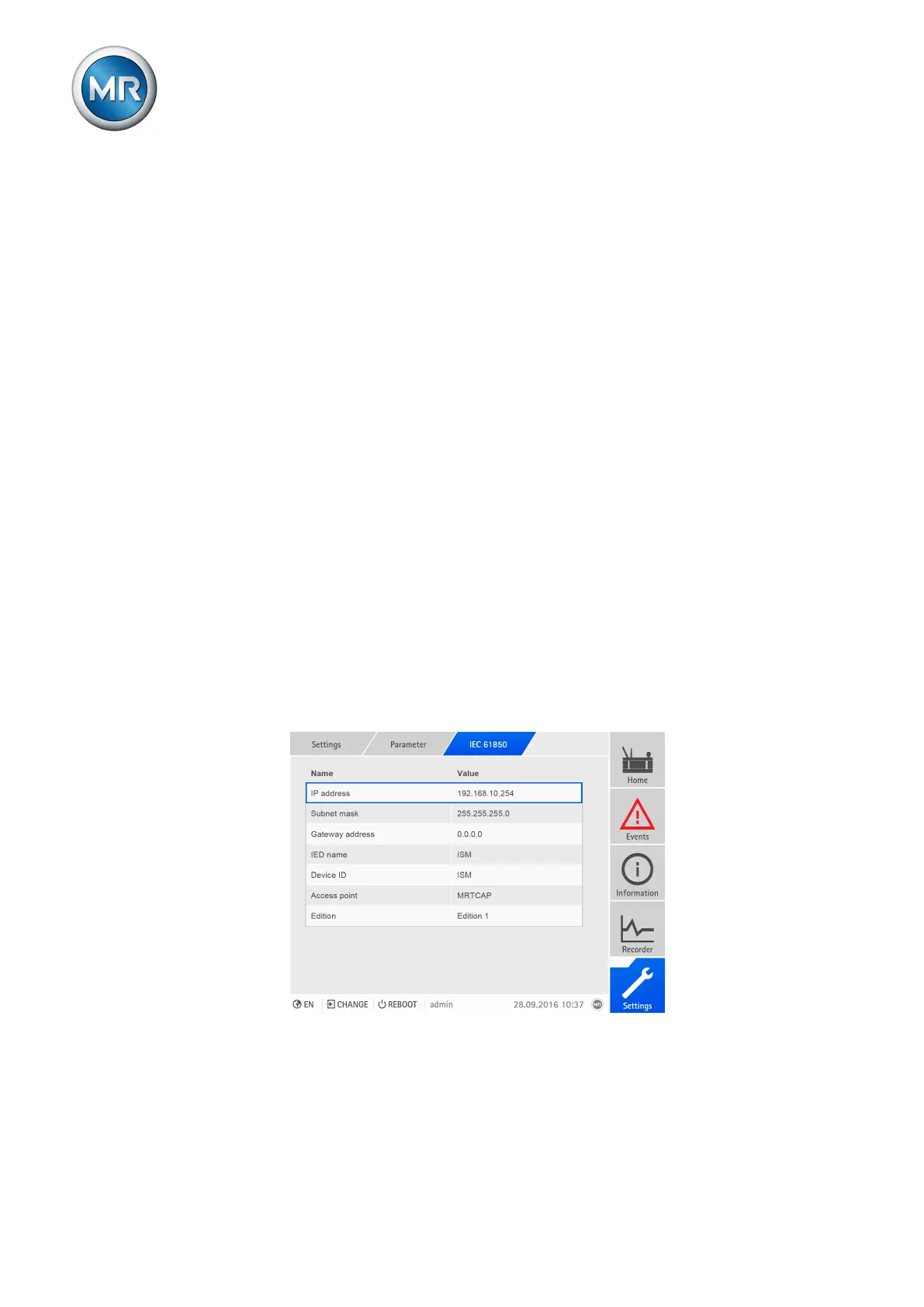
If you want to use the IEC 61850 control system protocol, you must set the
following parameters.
Figure196: Setting parameters for IEC 61850
IP address
You can use this parameter to assign an IP address to the device.



 To Next Page