7 Operation
Maschinenfabrik Reinhausen GmbH 2019314 5163667/06 ENETOS
®
IM
In order to establish the link, you have to enter the corresponding event
number at the desired parameter.
Note that you can only enter the event numbers of the Generic digital input
or Generic SCADA command events.
If you enter event number 500, the link is deactivated.
To link the function, proceed as follows:
ü The desired event number is known.
1. Go to Settings > Parameters > Link functions.
2. Select the parameter you want.
3. Enter the desired event number.
4. Press the Accept button to save the modified parameter.
7.30.2 Linking digital outputs and control system messages
You can link each event with a digital output or control system message. De-
pending on your device configuration, the device provides a maximum of 20
digital outputs and 10 SCADA messages for this purpose.
To forward input signals or control system commands, you need to link the
digital outputs or control system messages with the Generic digital input or
Generic SCADA command events.
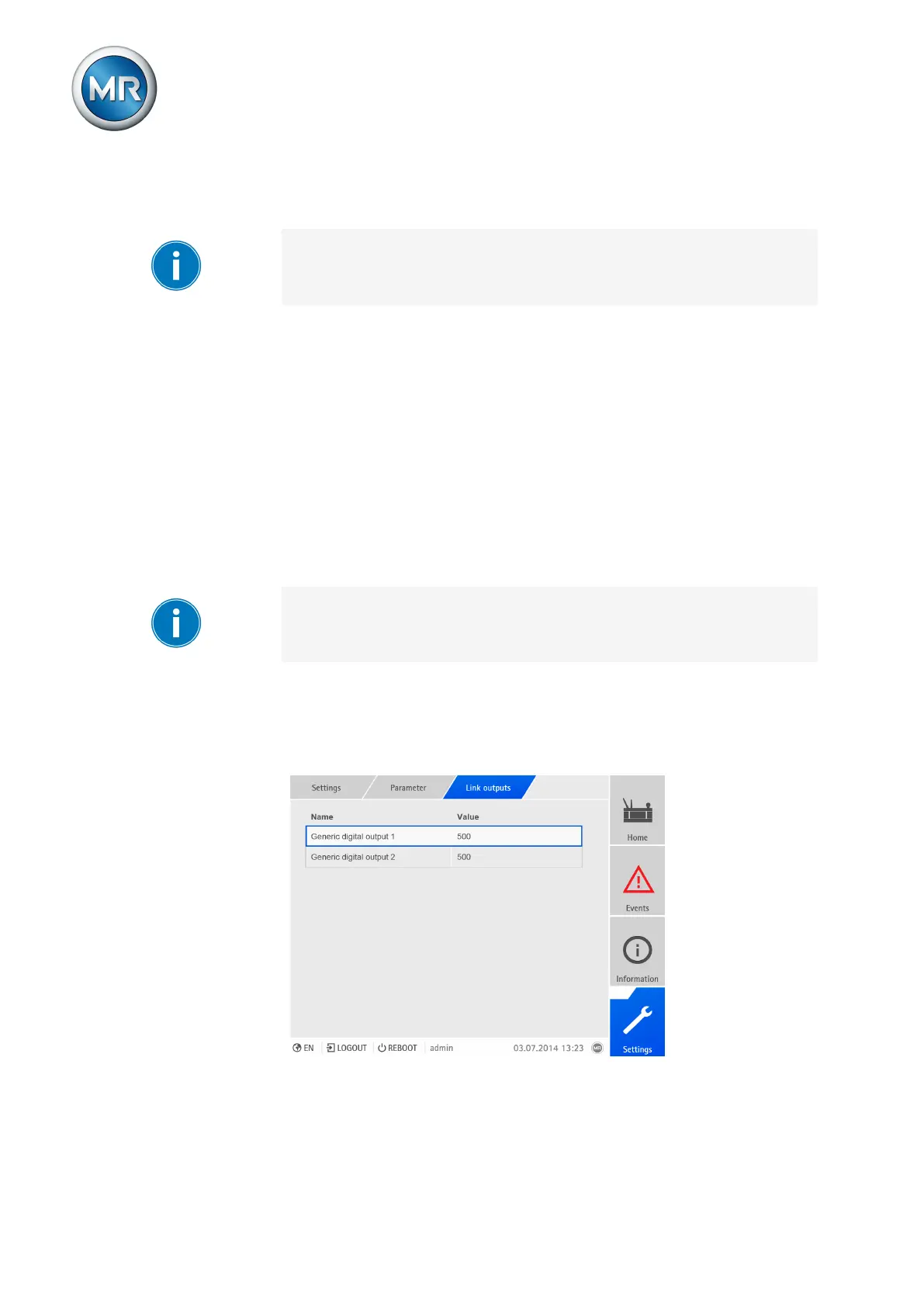
Linking digital outputs
When you link a digital output to an event, the device issues a signal to that
output if the event occurs. The signal persists until the event stops. A param-
eter is available for each available digital output.
Figure225: Linking digital outputs



 To Next Page