7 Operation
Maschinenfabrik Reinhausen GmbH 2019 1855163667/06 EN ETOS
®
IM
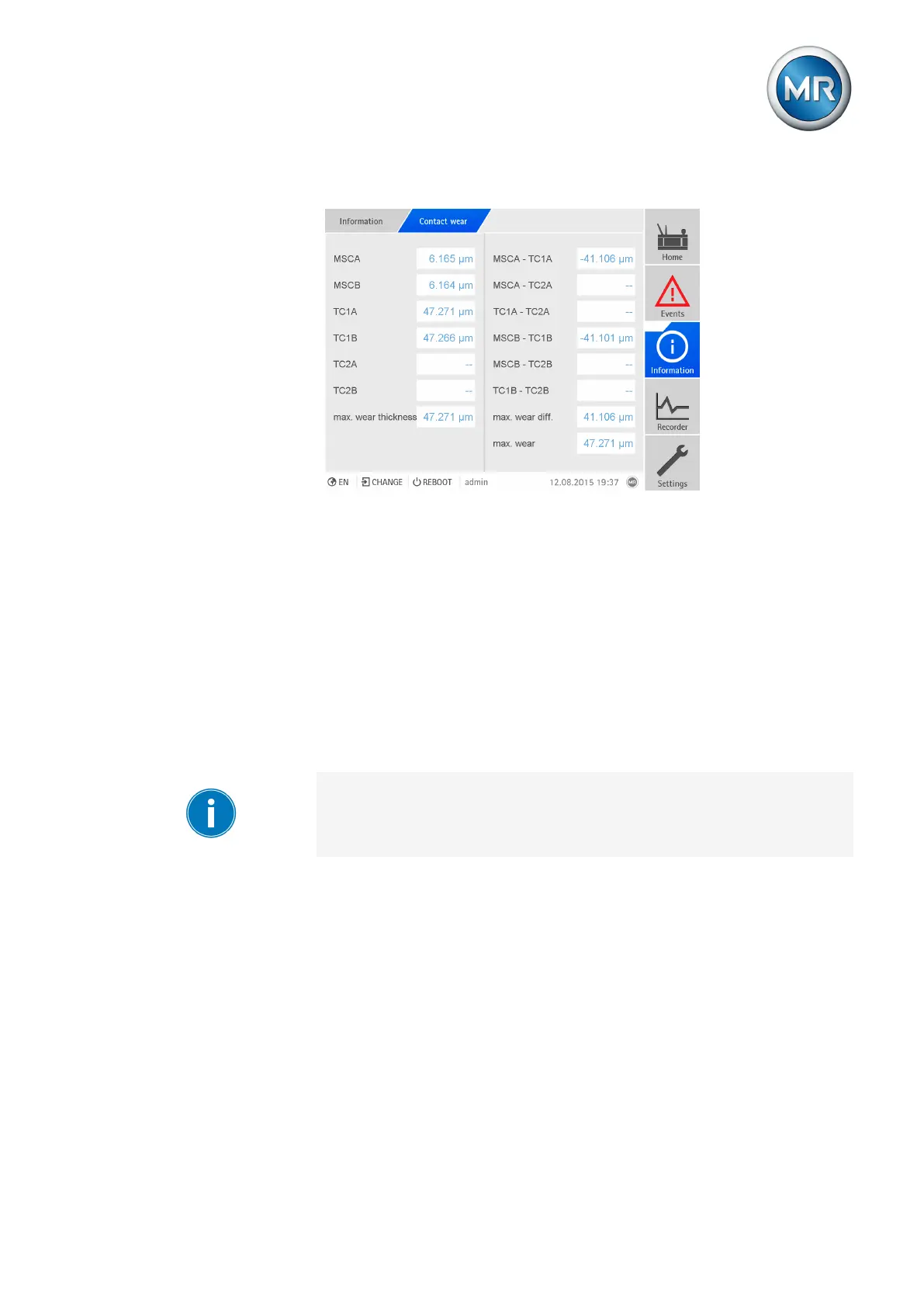
The device also shows the differences in contact wear for different contacts.
Figure137: Contact wear
To display the information about contact wear, proceed as follows:
► Go to Information > Contact wear.
7.12 Transformer monitoring
7.12.1 Hot-spot calculation (optional)
You can set the parameters for the hot-spot calculation in the Hot-spot
menu. If you use the device in the version with a winding temperature sen-
sor, then you can also select whether the hot-spot is to be measured or cal-
culated.
If you use the optional function "Hot-spot calculation on 3 different windings
(W1, W2, W3)", you must set the parameters "IEC: Gradient", "IEEE: Gradi-
ent", "IEC: Hot-spot factor" and "Nominal current" for W1, W2 and W3 re-
spectively.



 To Next Page