7 Operation
Maschinenfabrik Reinhausen GmbH 2019 1975163667/06 EN ETOS
®
IM
Only use alternating mode for similar cooling stages.
Example: If you activate alternating mode for 2 cooling stages and set a
change interval of 1,000 h, then cooling stage 1 is switched off after 500 h
and cooling stage 2 is switched on. After 500 h cooling stage 2 is switched
off and cooling stage 1 is switched on etc.
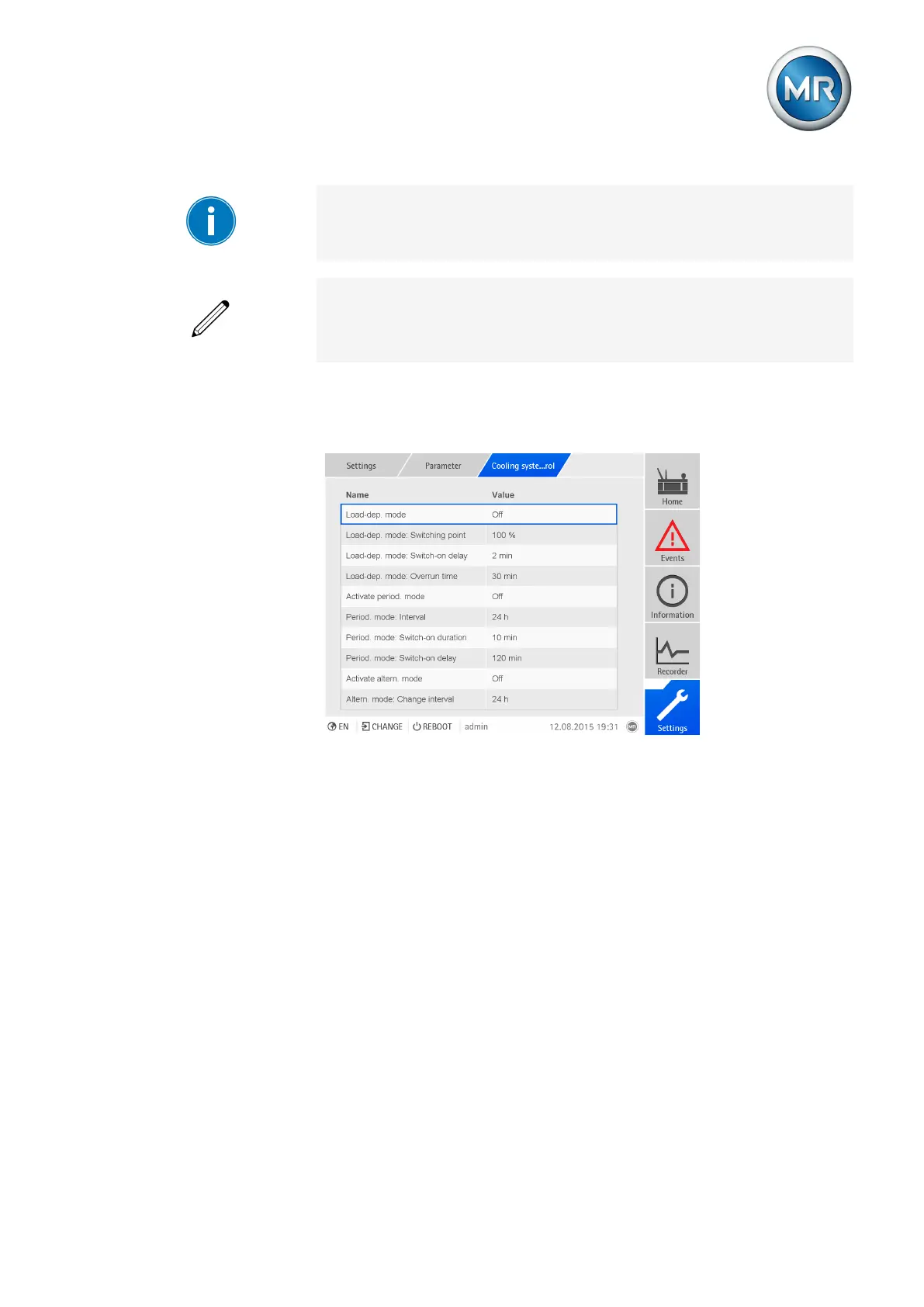
The following parameters are available to configure alternating mode:
▪ Activate alternating mode
▪ Change interval: Period after which the cooling stage is to be changed.
Figure145: General cooling
To configure alternating mode, proceed as follows:
1. Go to Settings > Parameters > General cooling.
2. Select the parameter you want.
3. Select the option you want from the list box or enter the desired value.
4. Press the Accept button to save the modified parameter.
7.13.5 Displaying status of cooling stages
You can display the status of the cooling stages. The following information is
available to you for every cooling stage:
▪ Status
– Gray: Cooling stage inactive
– Blue: Cooling stage active
– Yellow, red: Event message
▪ Number of starts



 To Next Page