7 Operation
Maschinenfabrik Reinhausen GmbH 2019 2675163667/06 EN ETOS
®
IM
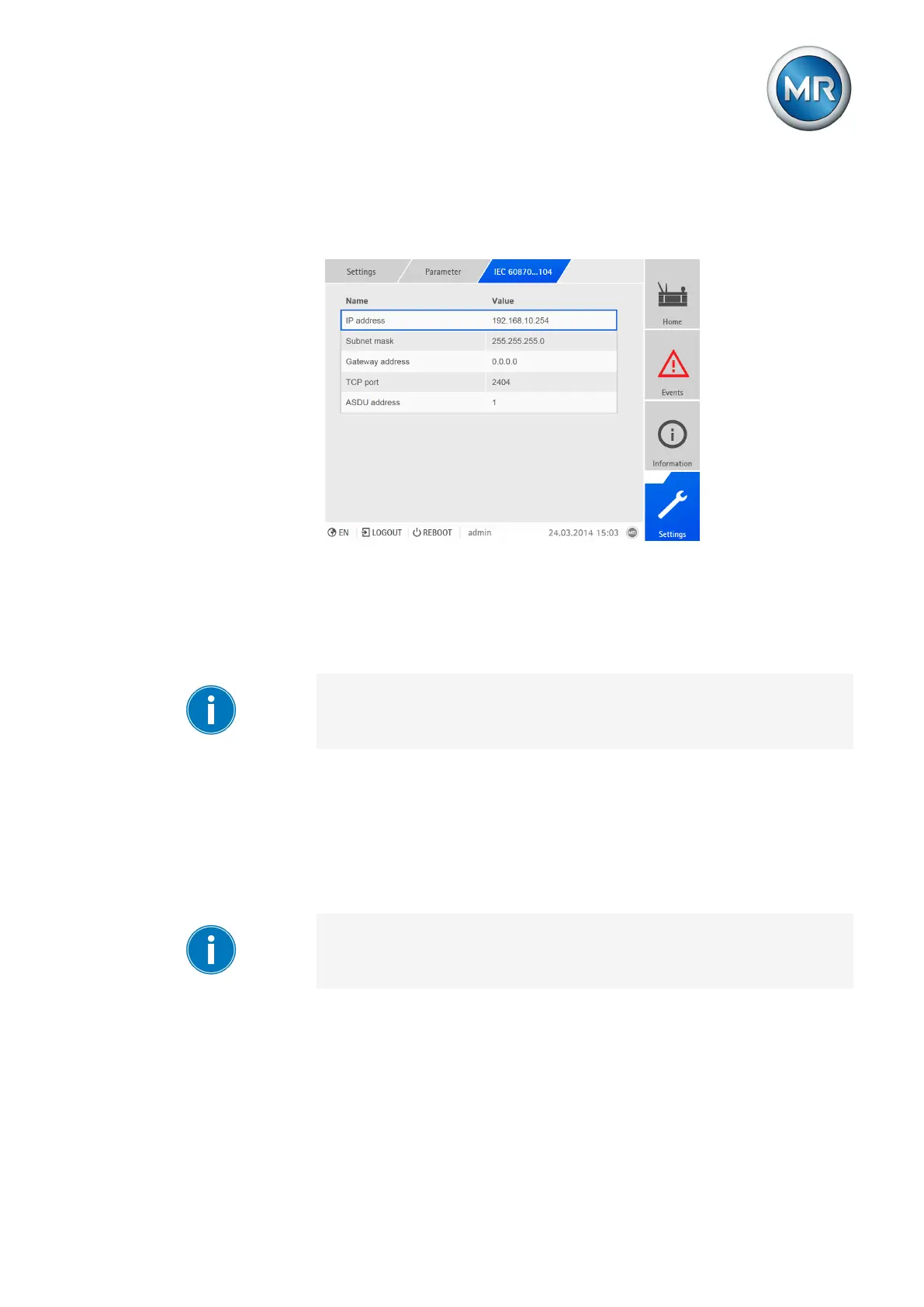
7.23.4 Configuring IEC 60870-5-104 (optional)
If you want to use the IEC 60870-5-104 control system protocol, you must
set the following parameters.
Figure199: Setting parameters for IEC60870-5-104
IP address
You can use this parameter to assign an IP address to the device.
To set the IP address, proceed as follows:
Assign IP addresses to both web-based visualization and SCADA (optional)
in different subnets. Otherwise you will not be able to establish a connec-
tion.
1. Go to Settings > Parameters > IEC 60870-5-104 > IP address.
2. Enter the IP address.
3. Press the Accept button to save the modified parameter.
Subnet mask
You can use this parameter to set the subnet mask.
Be sure to enter a valid network mask that is not 0.0.0.0, otherwise it will not
be possible to connect to the device.
To set the subnet mask, proceed as follows:
1. Go to Settings > Parameters > IEC 60870-5-104 > Subnet mask.
2. Enter the subnet mask.
3. Press the Accept button to save the modified parameter.



 To Next Page