7 Operation
Maschinenfabrik Reinhausen GmbH 2019142 5163667/06 ENETOS
®
IM
7.7.2 Configuring parallel operation
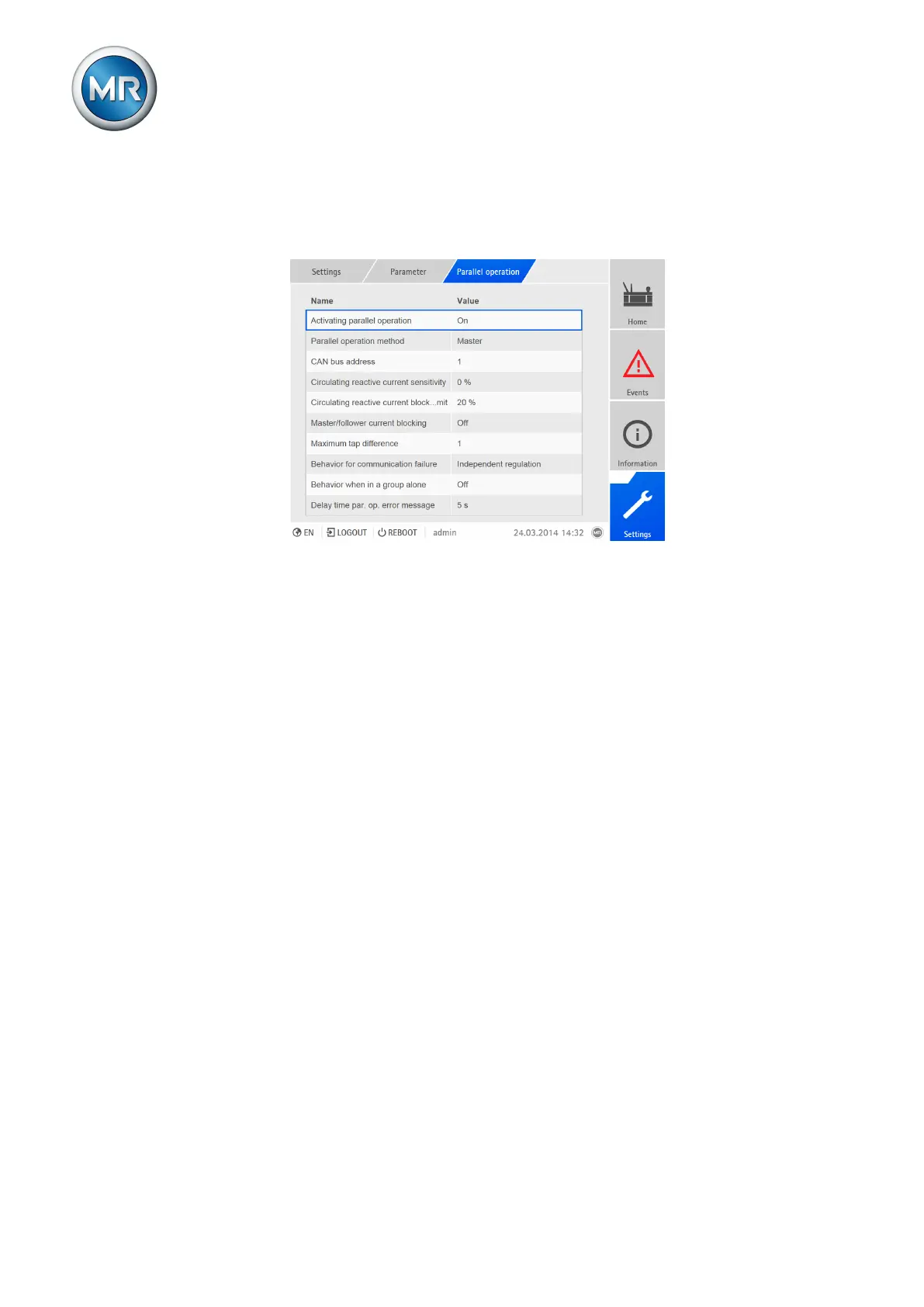
In the Parallel operation menu item, you can set the parameters needed for
parallel transformer operation.
Figure100: Setting parallel operation
The following sections describe how you can set the parameters.
7.7.2.1 Activating parallel operation
You can use this parameter to activate or deactivate parallel operation.
To activate or deactivate parallel operation, proceed as follows:
1. Go to Settings > Parameters > Parallel operation > Activate parallel
operation.
2. Select the option you want from the list field.
3. Press the Accept button to save the modified parameter.



 To Next Page