7 Operation
Maschinenfabrik Reinhausen GmbH 2019 1555163667/06 EN ETOS
®
IM
Behavior If the measured value is higher than the upper limit (> or >>) or lower than
the lower limit (< or <<), the device triggers a message.
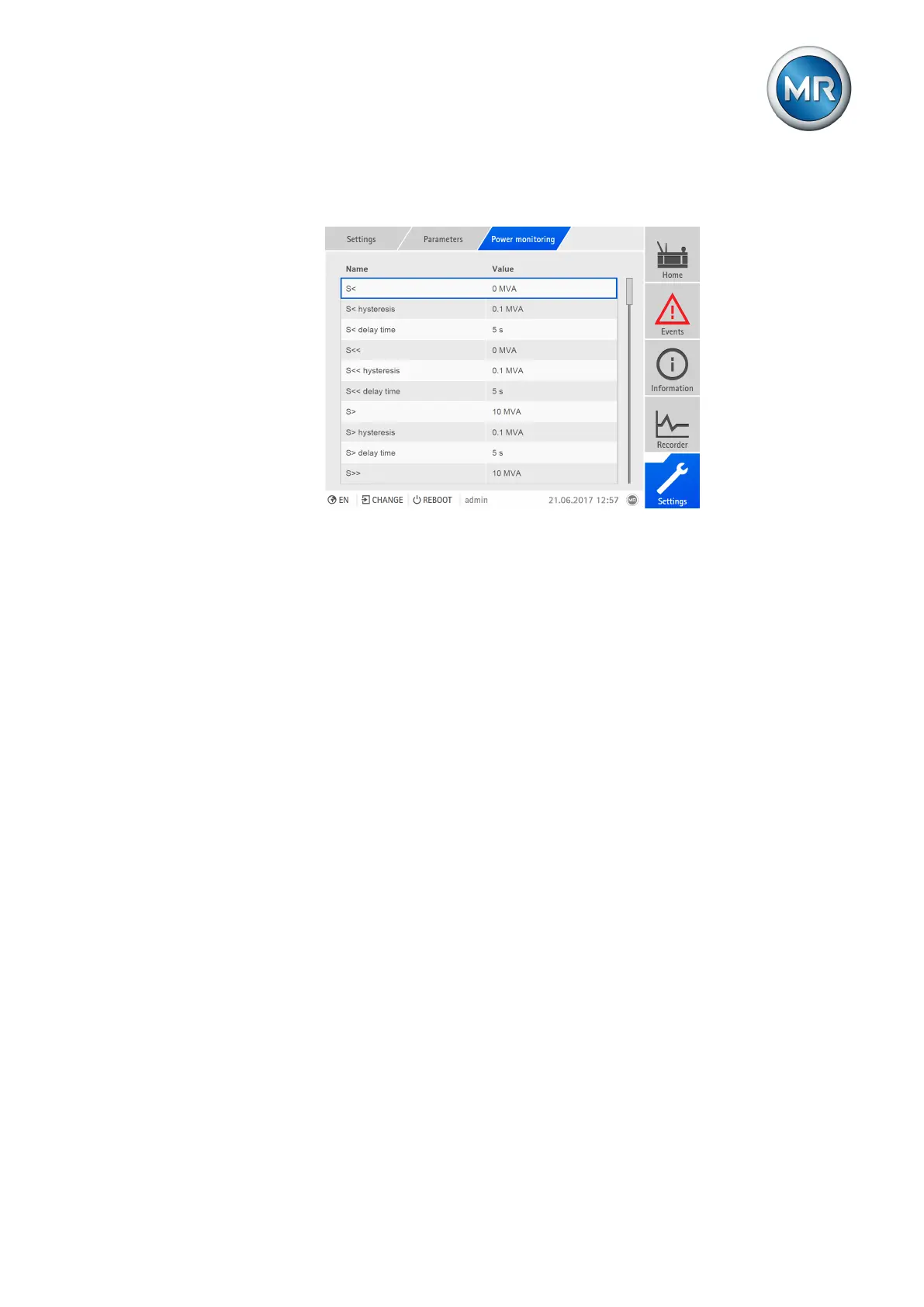
Figure107: Setting power monitoring
To set power monitoring, proceed as follows:
1. Go to Settings > Parameters > Power monitoring.
2. Select the desired parameter.
3. Set parameter.
4. Press the Accept button to save the modified parameter.
Limit value: Absolute limit value
You can use this parameter to specify a limit value.
Hysteresis limit value
You can use this parameter to set the hysteresis. You can use this to avoid
the unnecessary generation of messages if the measured value fluctuates
around a threshold value.
Delay time limit value
You can use this parameter to set the delay time in order to delay the issuing
of the event message.
7.8.4 Power flow monitoring
A reversal of power flow occurs if the active power is negative. You can set
the following parameters for this:
▪ Hysteresis
▪ Delay time
▪ Behavior



 To Next Page