7 Operation
Maschinenfabrik Reinhausen GmbH 2019178 5163667/06 ENETOS
®
IM
7.11 On-load tap-changer monitoring
7.11.1 Changing tap position designation (optional)
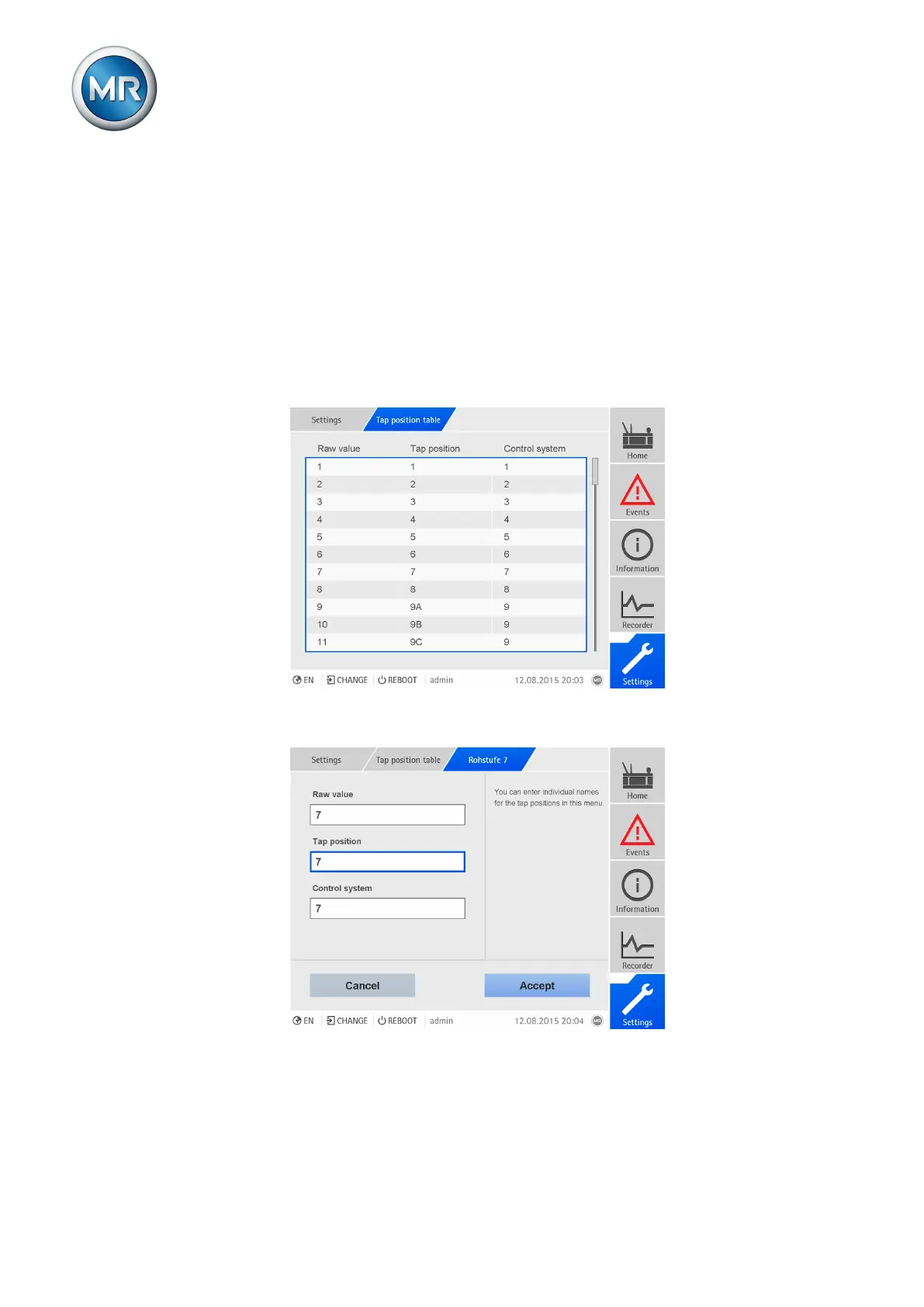
This function allows you edit the designation of the tap position. The desig-
nations are displayed on the main screen when each of the tap positions is
active and are used for the control system.
To edit the designations of the respective tap positions, proceed as follows:
1. Go to Settings > Tap position table.
2. Select the desired tap position.
Figure130: Tap position table
3. Enter designation for tap position and for control system.
Figure131: Entering tap position
4. Click on the Accept button.



 To Next Page