7 Operation
Maschinenfabrik Reinhausen GmbH 2019290 5163667/06 ENETOS
®
IM
Proceed as follows to configure the data points:
1. Go to Settings > Data point configuration.
2. Adjust the data points as required.
3. Press the Accept button to adopt the modified list of data points.
4. Restart the device to activate the modified list of data points.
7.23.8.6 Resetting the data point configuration to factory settings
If you want to reset the data point configuration to factory settings, proceed
as follows:
1. Go to Settings > Data point configuration.
2. Press the Reset button.
ð The message Reset appears.
3. Press the Yes button to reset the data point configuration to the factory
settings.
4. Restart the device to activate the modified list of data points.
7.23.8.7 Exporting and importing the data point configuration
You can export the data point configuration, e.g., to back it up or import it
into another device. You will find more information in the Import/Export Man-
ager [►Section 7.28, Page 306] section.
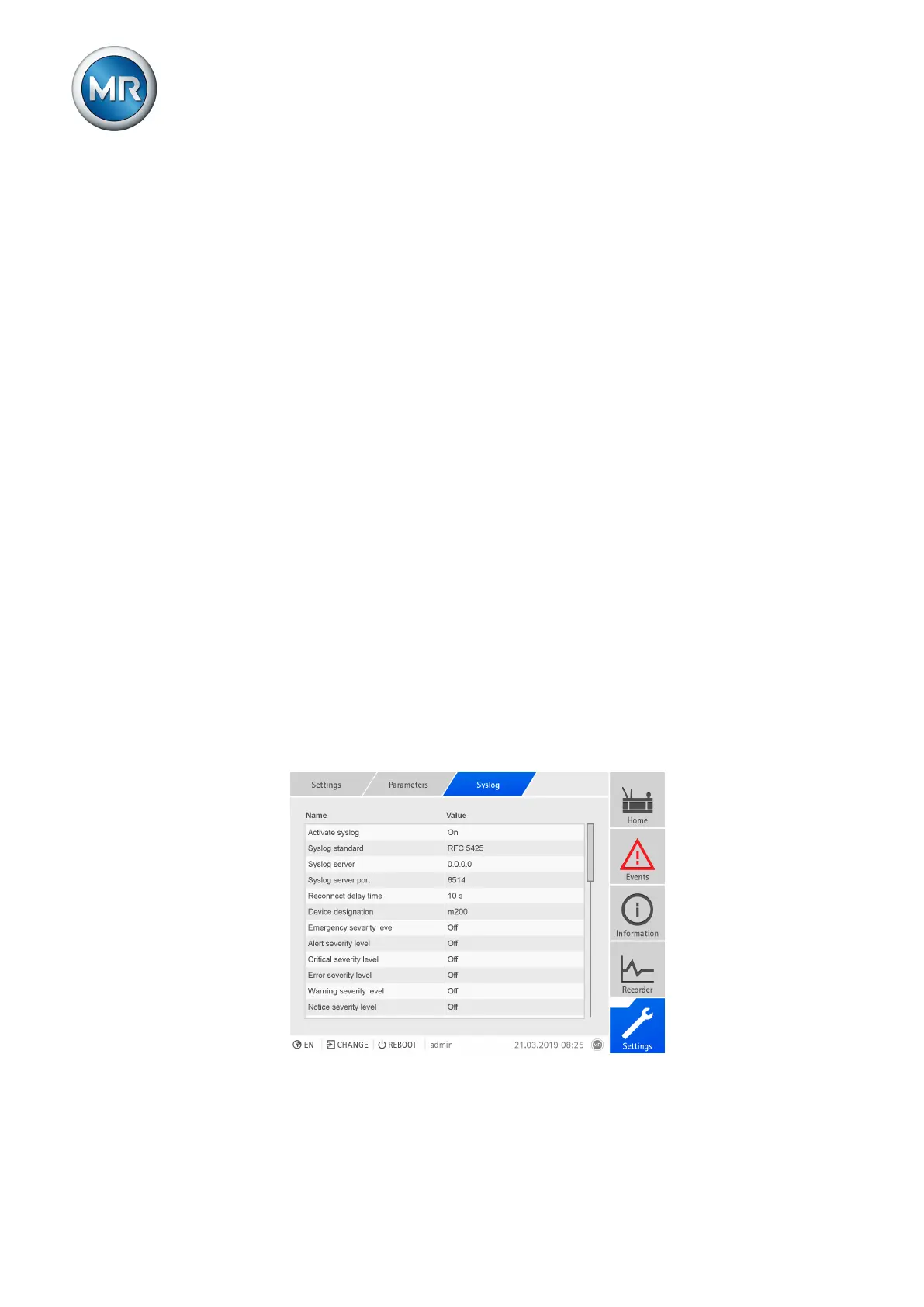
7.24 Configuring syslog
The device supports the transmission of log messages via the syslog proto-
col in accordance with the standards RFC5424 and RFC3164. In order to
use syslog, you must set the following parameters:
Figure212: Configuring syslog



 To Next Page