7 Operation
Maschinenfabrik Reinhausen GmbH 2019 1895163667/06 EN ETOS
®
IM
▪ Overload [►Section 7.21.1, Page 245]
– Ratio of the evaluated power loss
– IEC: Oil exponent
– IEEE: Oil exponent
– Increase of the upper oil temperature
– Increase of the hot-spot temperature
– IEC: k11
▪ Relative aging rate [►Section 7.12.3, Page 189]
– Insulating paper
– Anticipated service life
To perform the hot-spot forecast, proceed as follows:
1. Go to Information > Forecast values.
2. Enter the desired values for ambient temperature and load factor.
3. Press the Start calculation button.
ð The diagram appears.
4. Optional: Press to save the calculated values as a csv file.
5. If required, press Adjust values to make changes to the values entered.
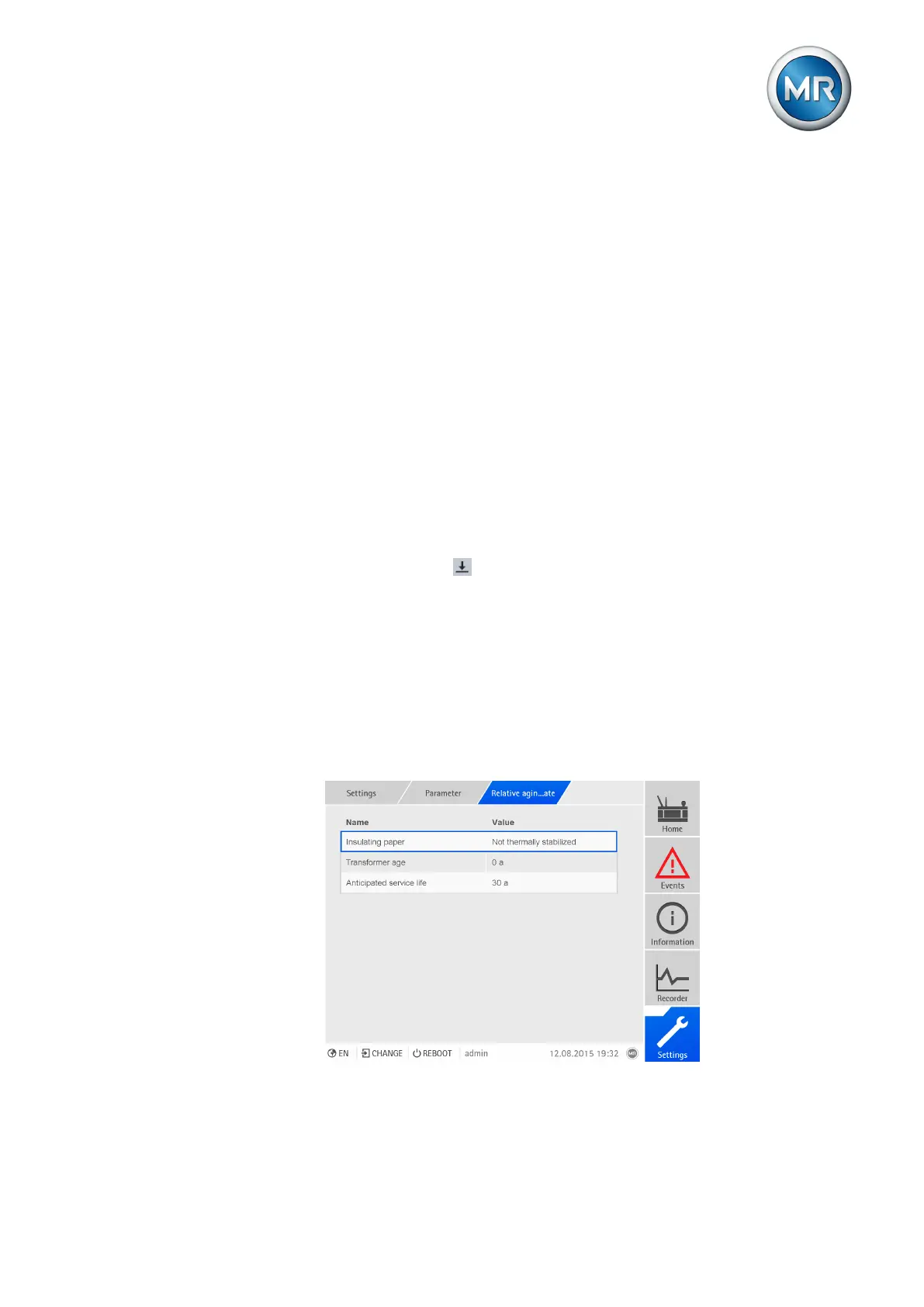
7.12.3 Setting calculation of transformer's loss of life (optional)
In order to calculate the transformer's aging rate, you need to set the follow-
ing parameters:
▪ Insulating paper
▪ Transformer age
▪ Anticipated service life
Figure140: Relative aging rate



 To Next Page