7 Operation
Maschinenfabrik Reinhausen GmbH 2019 2295163667/06 EN ETOS
®
IM
7.16.5 Displaying information on the connected sensors
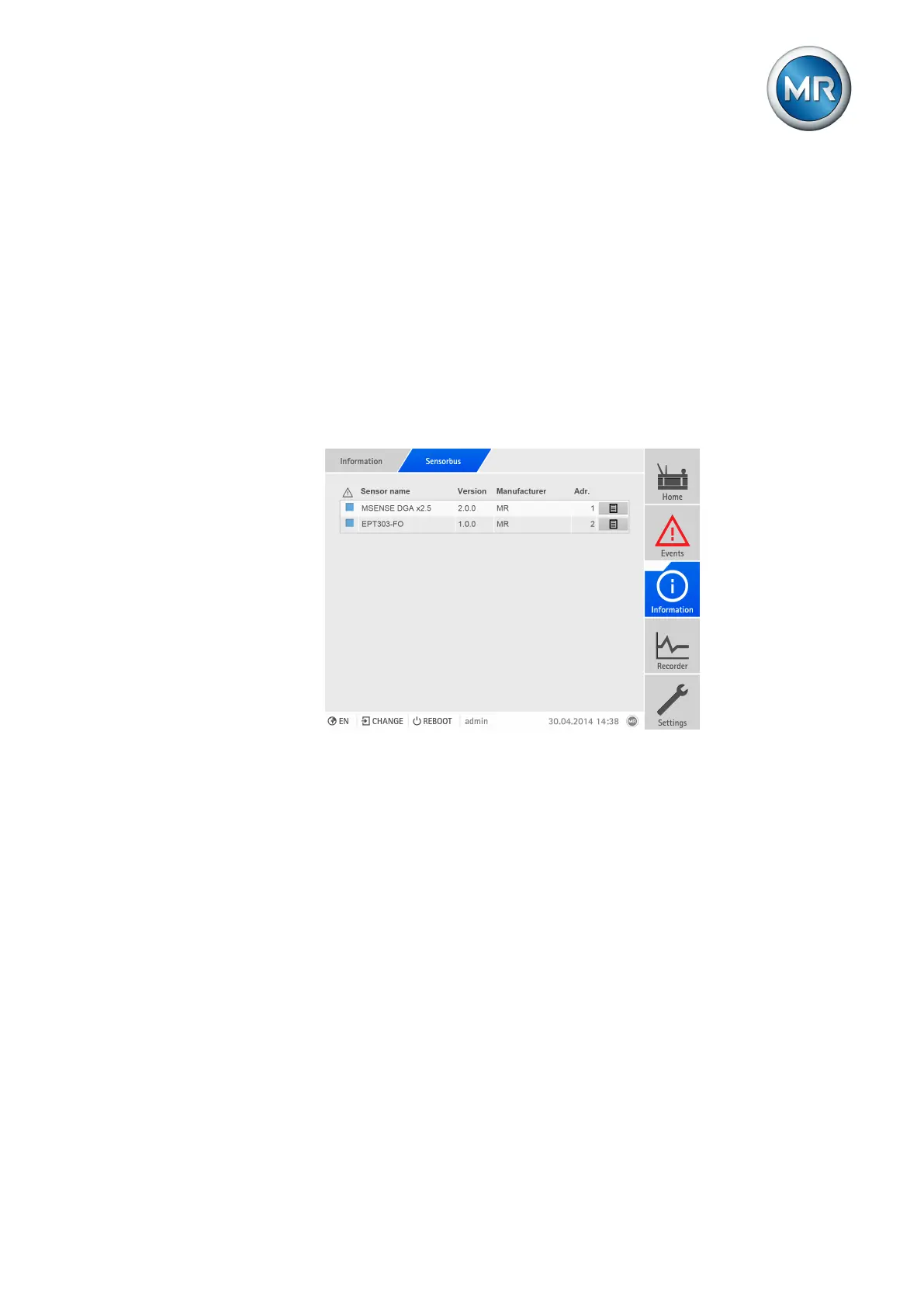
You can display information on the status and the current values of all sen-
sors that you have added to the sensor management function. The overview
screen displays the following information:
▪ Sensor status
– Red: error
– Blue: OK
▪ Name
▪ Version
▪ Manufacturer
▪ Modbus address
Figure174: Overview screen
To display the overview screen, proceed as follows:
► Go to Information > Sensor bus.
Detailed information on the sensor
You can display the current transmitted data point for each sensor on the
overview screen. The following information is displayed:
▪ Register (Reg.)
▪ Description
▪ Raw value
▪ Function value
▪ Function



 To Next Page