7 Operation
Maschinenfabrik Reinhausen GmbH 2019304 5163667/06 ENETOS
®
IM
7.27.1.1 Displaying the status of the DIO assembly
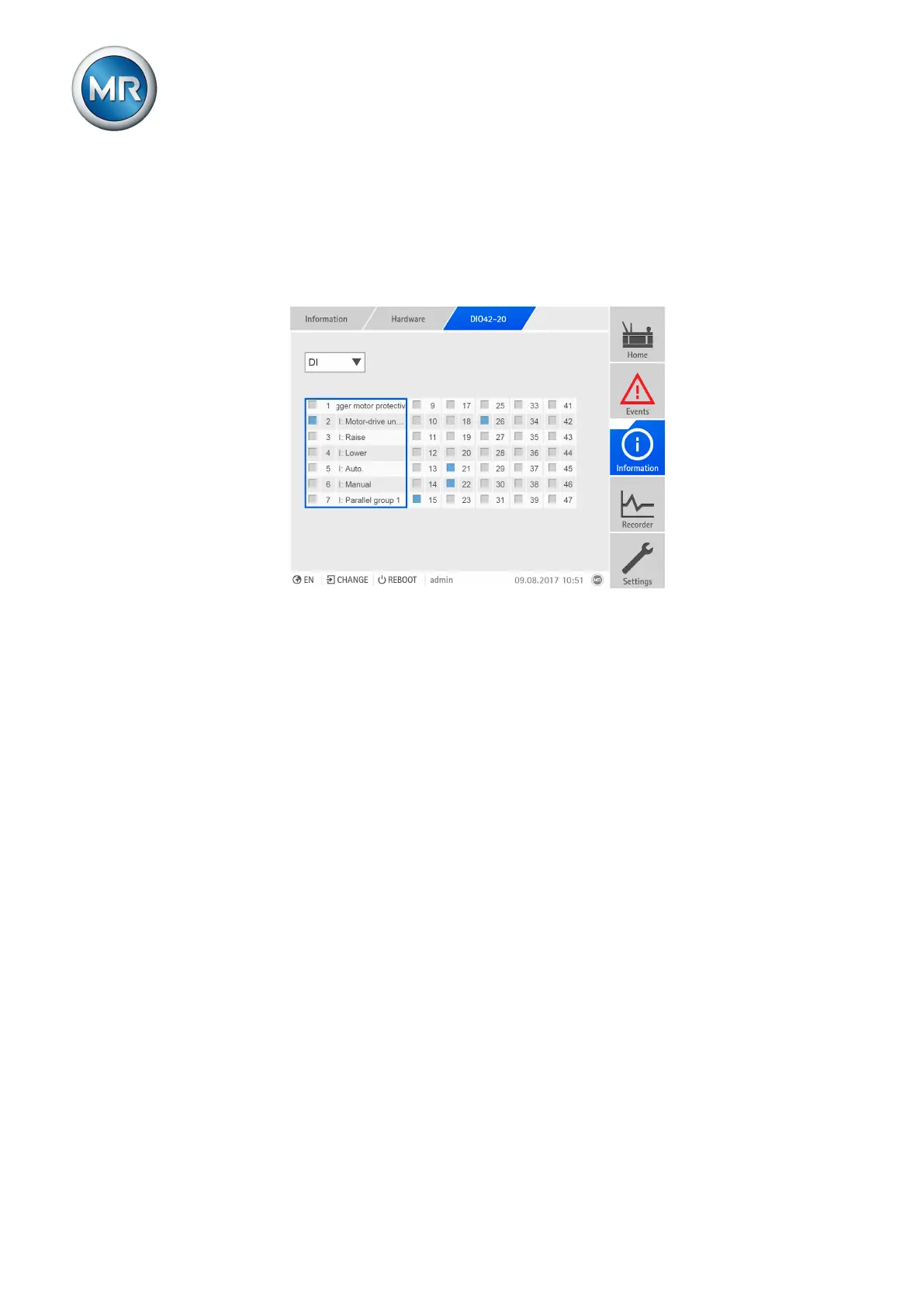
You can display the status of the digital inputs and outputs of the DIO as-
sembly.
▪ Blue: There is a signal (logical 1) at the input or output.
▪ Gray: There is no signal (logical 0) at the input or output.
Figure219: Displaying the status of the DIO assembly
Proceed as follows to display the status:
1. Go to Information > Hardware.
2. Select the desired assembly (DIO).
3. In the selection field, select the desired option (DI = digital inputs, DO =
digital outputs).
4. Select the desired column of channels to display the linked functions.



 To Next Page