7 Operation
Maschinenfabrik Reinhausen GmbH 2019 1595163667/06 EN ETOS
®
IM
You can set the following parameters for each limit value:
▪ Hysteresis limit value: Specification as a percentage relative to the de-
sired voltage value.
▪ Delay time limit value
Behavior If the measured value is higher than the upper limit or lower than the lower
limit, the device triggers the Upper bandwidth limit value / Lower bandwidth
limit value message.
The "Function monitoring" function is used to detect long periods when val-
ues exceed or fall below the bandwidth. Long periods when values exceed
or fall below the bandwidth indicate a problem with the device function be-
cause the device is not able to correct the control deviation.
Behavior If the value falls below or exceeds the set bandwidth [►Section 7.3.2, Page
111], the Function monitoring event is displayed after the set delay time for
function monitoring has elapsed. The event is automatically acknowledged
as soon as the measured value returns to within the set bandwidth.
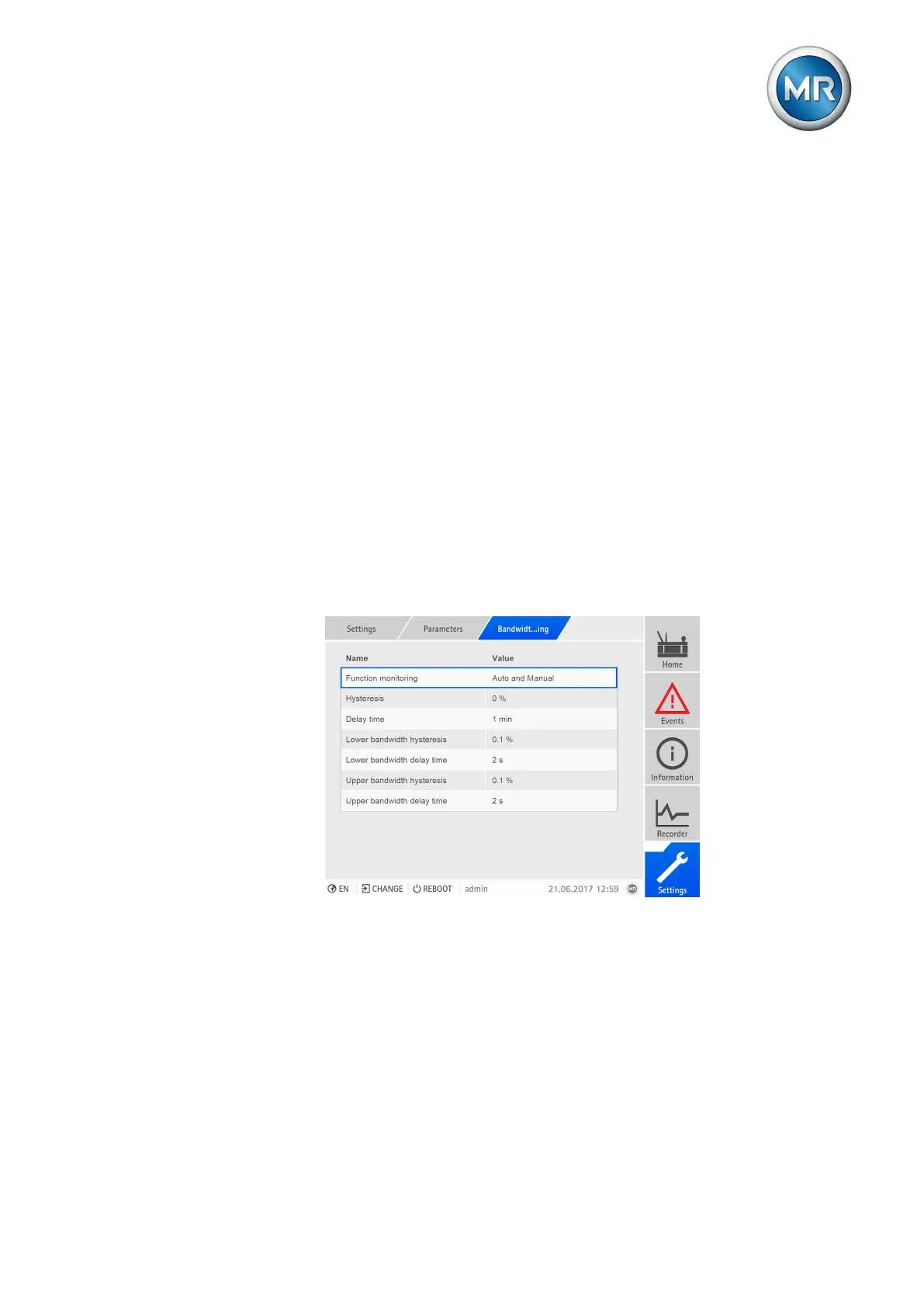
The following parameters are available for setting function monitoring:
▪ Function monitoring
▪ Hysteresis
▪ Delay time
Figure109: Setting function monitoring
To set bandwidth monitoring, proceed as follows:
1. Go to Settings > Parameters > Bandwidth monitoring.
2. Select the desired parameter.
3. Set parameter.
4. Press the Accept button to save the modified parameter.



 To Next Page