7 Operation
Maschinenfabrik Reinhausen GmbH 2019 1615163667/06 EN ETOS
®
IM
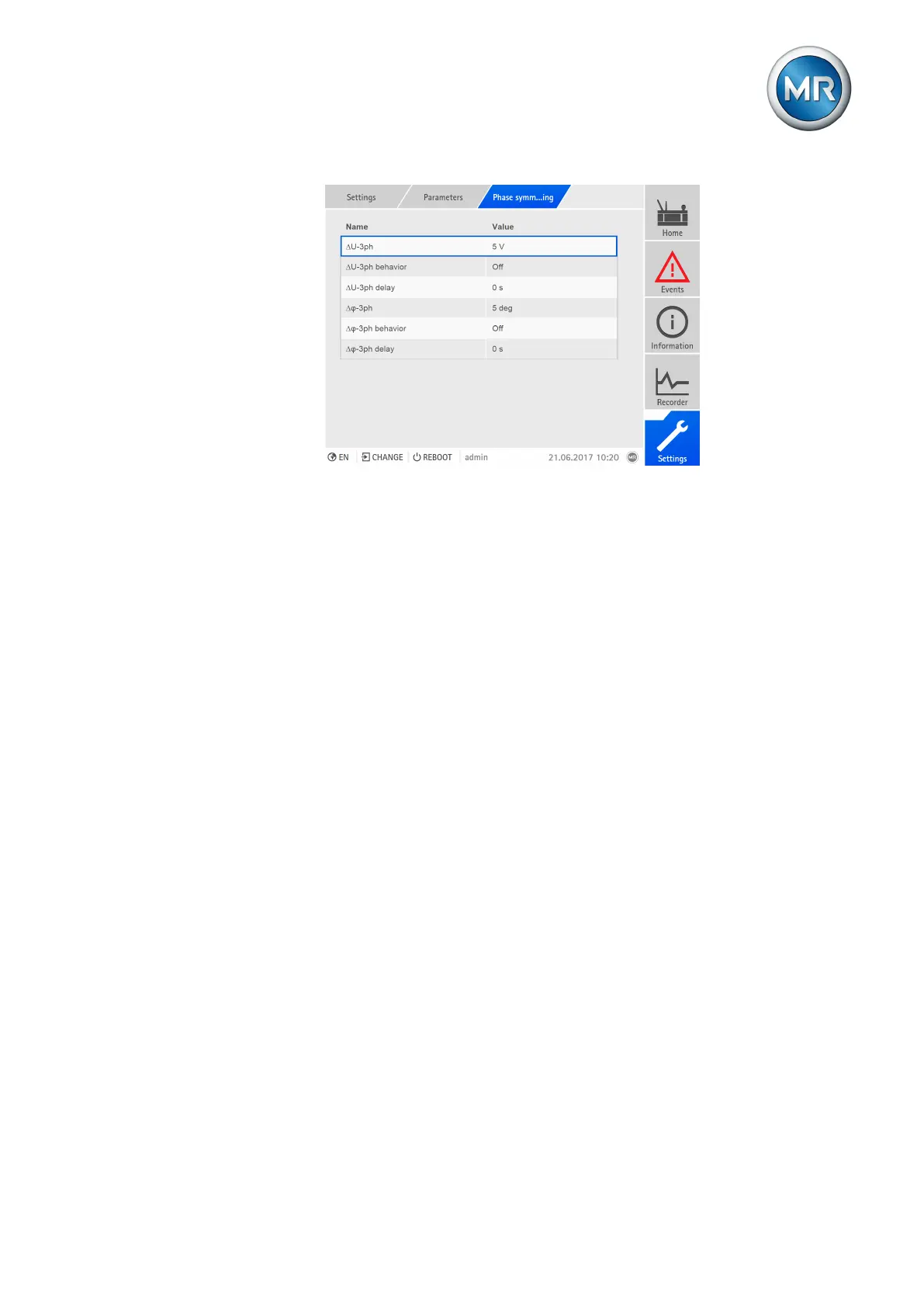
Figure110: Setting phase symmetry monitoring
To set phase difference monitoring, proceed as follows:
1. Go to Settings > Parameters > Phase symmetry.
2. Select the desired parameter.
3. Set parameter.
4. Press the Accept button to save the modified parameter.
∆U-3ph
You can use this parameter to specify a limit value for the voltage difference
in V (in relation to the secondary value of the voltage transformer) or in kV
(in relation to the primary value of the voltage transformer).
∆φ-3ph
You can use this parameter to specify a limit value for the phase angle differ-
ence.
∆U-3ph/∆φ-3ph delay time
You can use this parameter to set the delay time in order to delay the issuing
of the event message.



 To Next Page