7 Operation
Maschinenfabrik Reinhausen GmbH 2019 1835163667/06 EN ETOS
®
IM
To set the primary transformer current, proceed as follows:
1. Go to Settings > Parameters > Motor Current Index > Primary trans-
former current.
2. Enter the desired value.
3. Press the Accept button to save the modified parameter.
4. Restart the device in order that the modified parameter is adopted.
7.11.3.2 Displaying the MCI
You can display the progression and the extreme values of the Motor Cur-
rent Index.
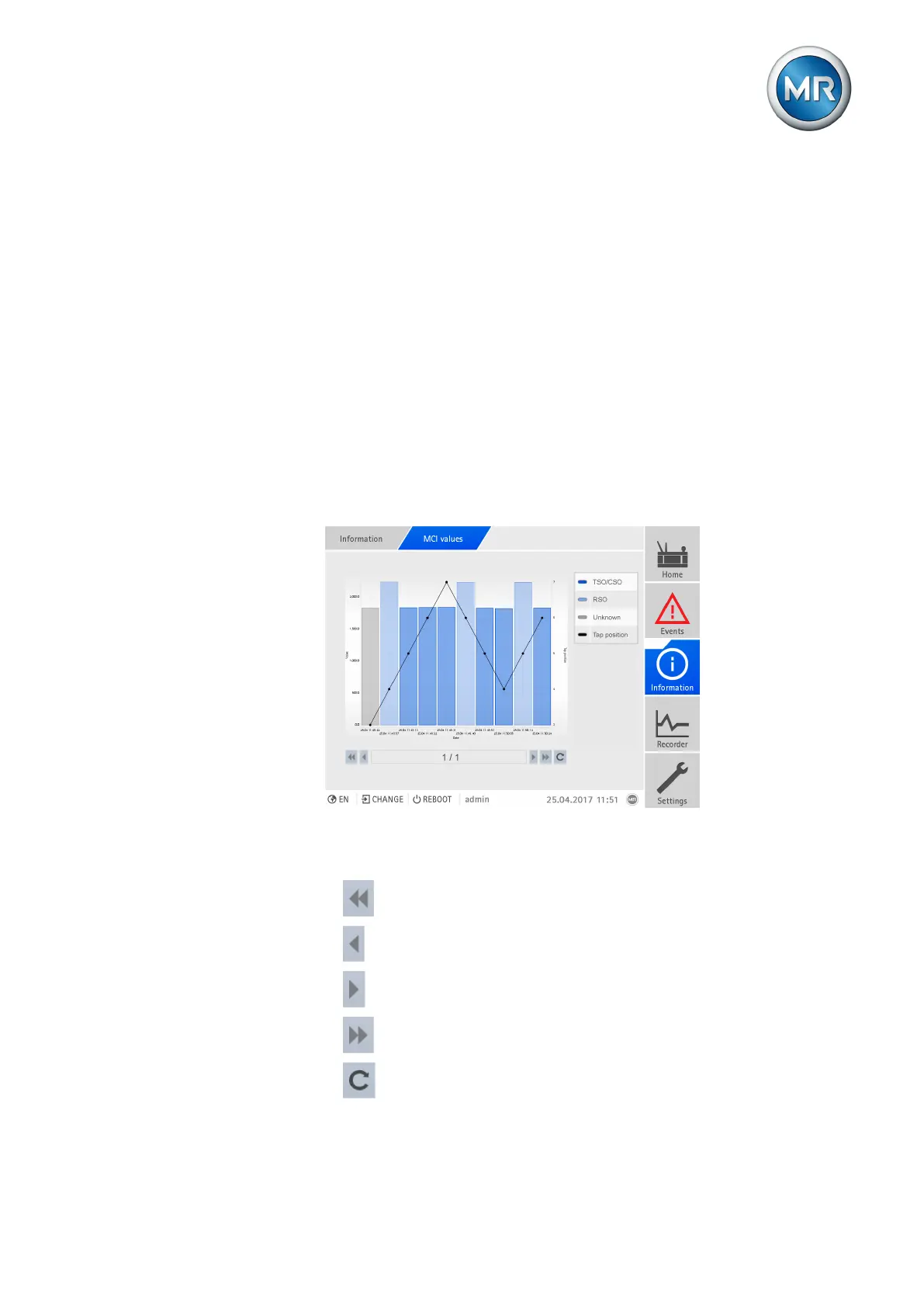
MCI values
In the MCI values menu, you can display the Motor Current Index recorded
values and the corresponding tap position of the last 3000 tap-change oper-
ations.
Figure135: MCI values
The following buttons are available for navigation within the diagram:
▪ : Call up first page.
▪ : Call up previous page.
▪ : Call up next page.
▪ : Call up last page.
▪ : Update the display.



 To Next Page