7 Operation
Maschinenfabrik Reinhausen GmbH 2019192 5163667/06 ENETOS
®
IM
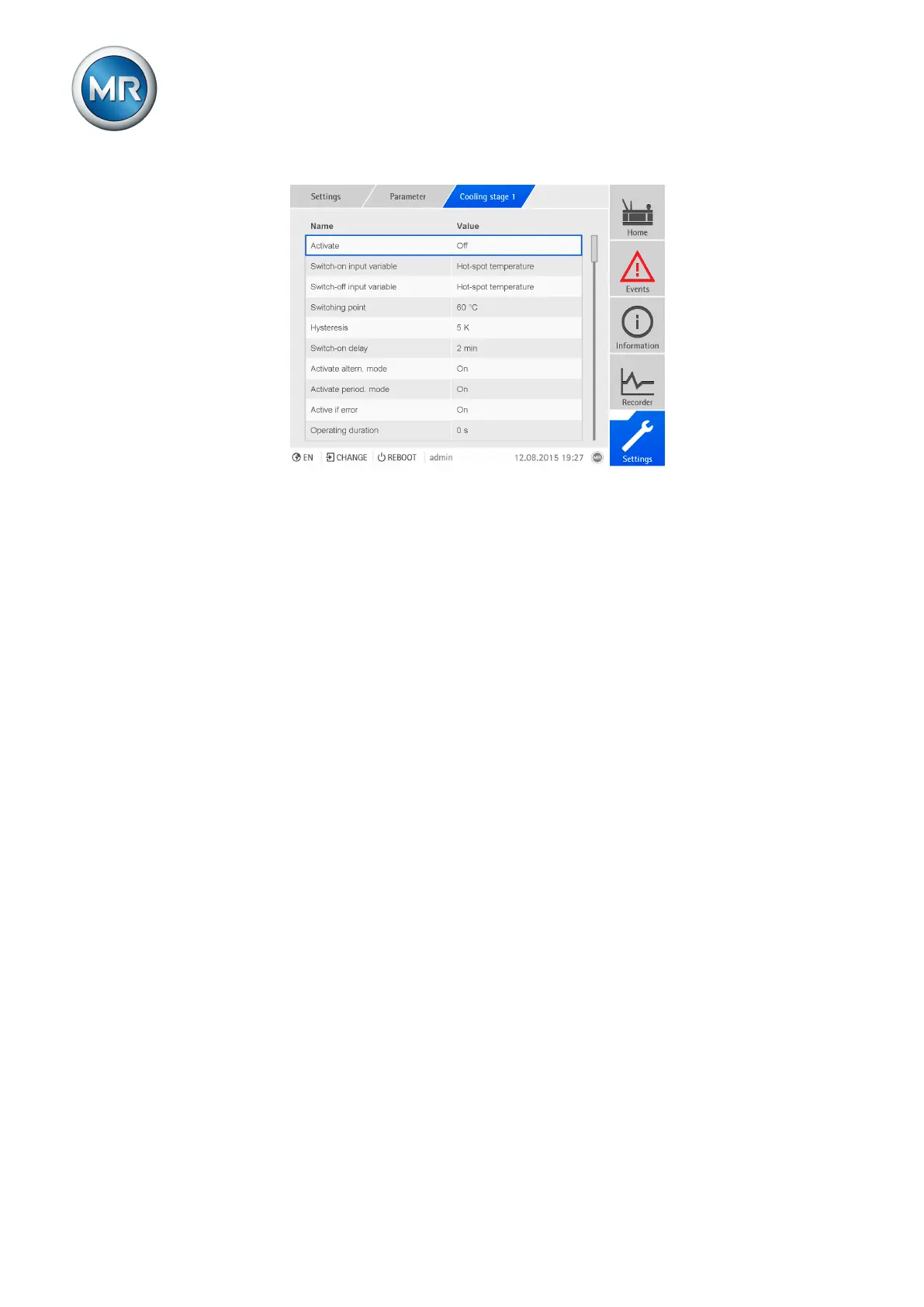
Figure142: Configure cooling stage
Operating duration
The device records the operating duration of the cooling stage. You can use
this parameter to reset the operating duration of the relevant cooling stage if
you have replaced fans or pumps on the cooling system, for example.
To edit the operating duration, proceed as follows:
1. Go to Settings > Parameters > Cooling stage X > Operating duration.
2. Enter the value you want.
3. Press the Accept button to save the modified parameter.
Number of starts
The device records the number of starts of the cooling stage. You can use
this parameter to reset the number of starts of the relevant cooling stage if
you have replaced fans or pumps on the cooling system, for example.
To edit the number of starts, proceed as follows:
1. Go to Settings > Parameters > Cooling stage X > Number of starts.
2. Enter the value you want.
3. Press the Accept button to save the modified parameter.
Activating cooling stage
You can use this parameter to activate or deactivate the cooling stage.
To activate/deactivate the cooling stage, proceed as follows:
1. Go to Settings > Parameters > Cooling stage X > Activate.
2. Select the option you want from the list box.
3. Press the Accept button to save the modified parameter.



 To Next Page