7 Operation
Maschinenfabrik Reinhausen GmbH 2019 2995163667/06 EN ETOS
®
IM
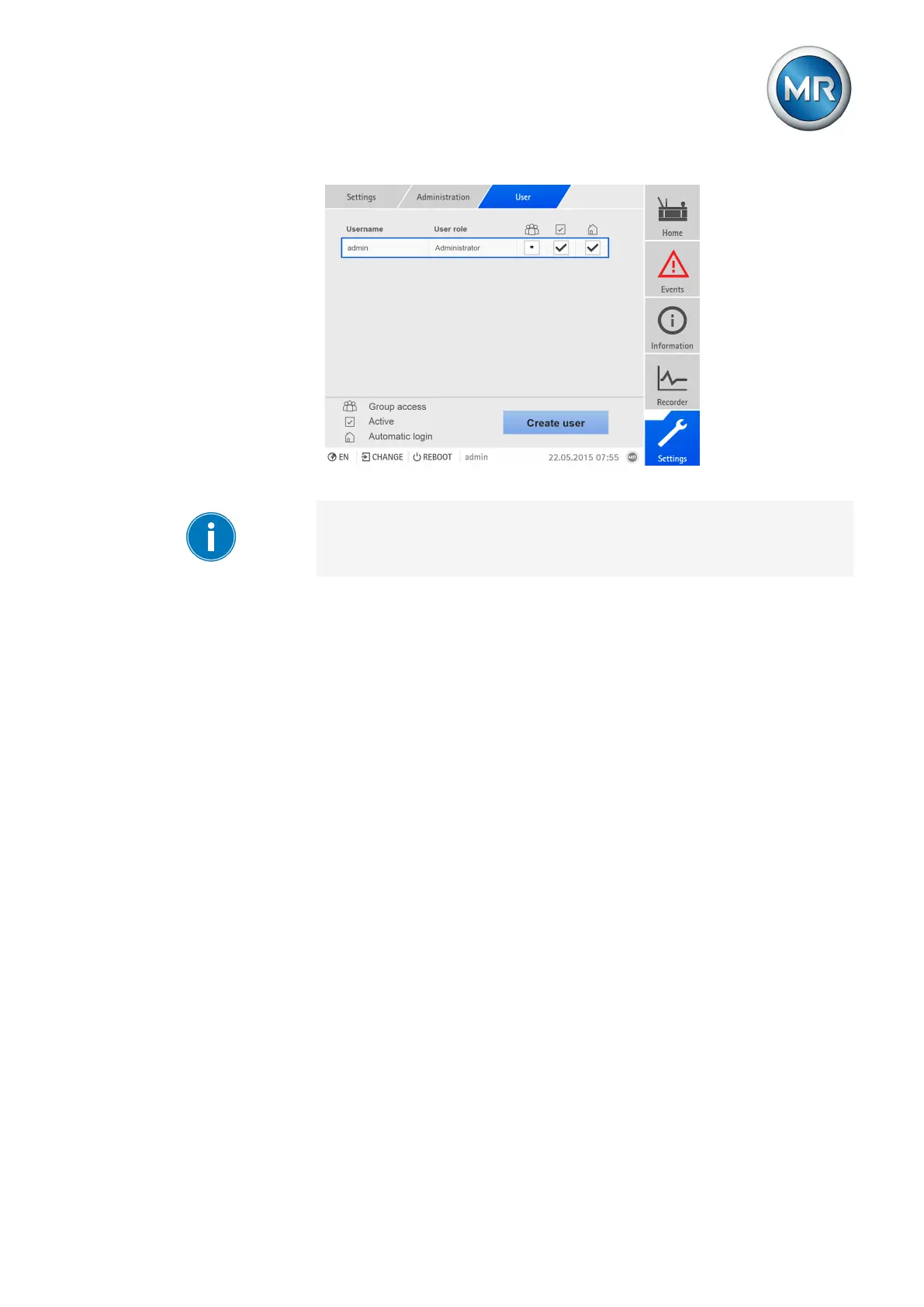
Figure215: Overview of users created
You can only create, edit, and delete users if you are assigned an adminis-
trator role.
When in delivery status, you can log in as the administrator as follows:
▪ User name: admin
▪ Password: admin
Creating users
To create a new user, proceed as follows:
1. Go to Settings > Administration > User.
2. Press the Create user button.
3. Enter the user name once and the password twice.
4. Select the role you want.
5. If necessary activate the Group account, Active or Auto login options.
6. Press the Accept button to save the user.
Editing users
To edit an existing user, proceed as follows:
1. Go to Settings > Administration > User.
2. Select the desired user in the list.
3. Make the amendments desired.
4. Press the Accept button to save the user.



 To Next Page