5 Mounting
Maschinenfabrik Reinhausen GmbH 2019 755163667/06 EN ETOS
®
IM
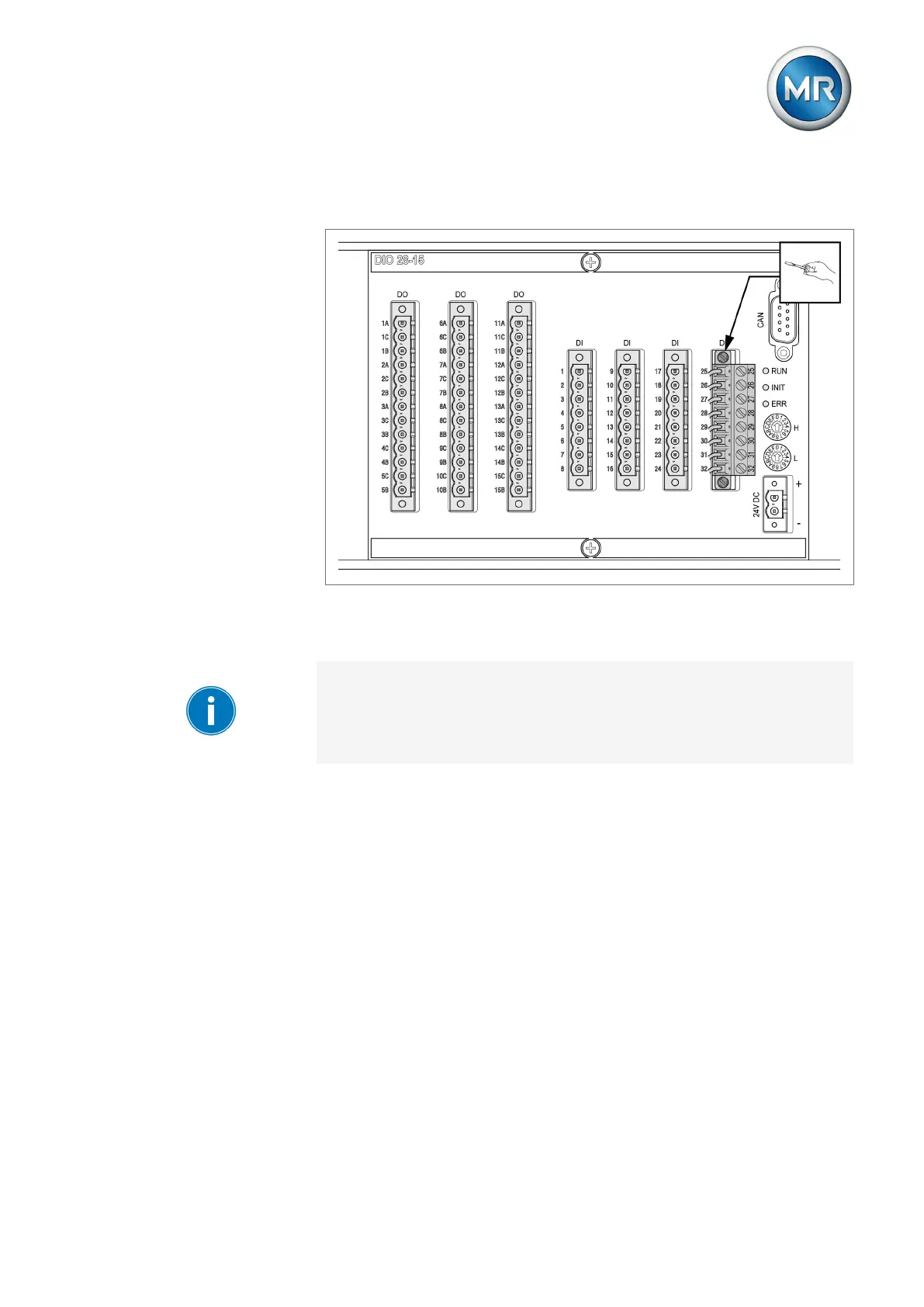
2. Insert and screw the plug into the respective slot in accordance with the
supplied connection diagram.
Figure65: Fastening the plug
3. Connect the DIO 28-15/DIO 42-20 assemblies to CPU I using the CAN
bus cable.
When connecting the DIO 28-15/DIO 42-20 assembly to the CPU assembly,
it is imperative that you use only the supplied connection cable. If you use
the 2.1 m or 3 m connection cable, you must insert the plug with the CPU
label into the CPU assembly, because this plug contains a terminating resis-
tor. If you are using shorter cables, you can swap the plugs.



 To Next Page