PTS 400.3 PLUS Operation Manual_R02 Page 26/306
Sequence with source control via Bluetooth (option)
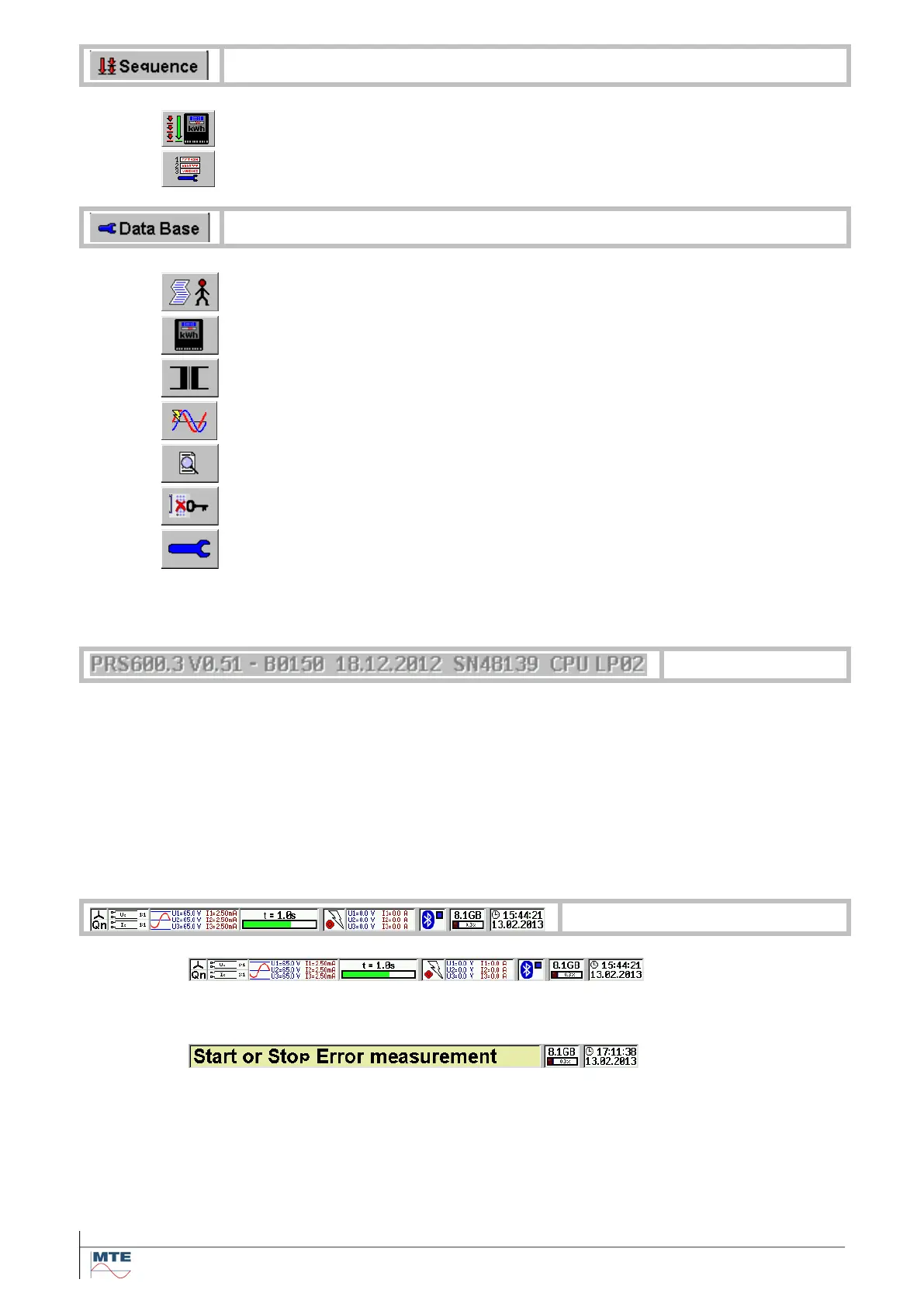
Automatic or step by step test run [9.2]
Edit automatic test sequence [9.1]
Administrative data [6.4]
Lock keyboard with password
Basic settings of the instrument [5]
The look of the main menus is changing as soon as a sub menu is called. The sub menu contains a
second column of FB’s and is displayed in the window on the right side of the two FB columns.
In the main menu at the bottom above the status indications type and version information
is displayed.
PRS 600.3 Type of unit
V0.501 Firmware version
B0150 Build code of the firmware
18.12.2012 Date of the firmware
SN48139 Serial number of the unit
CPU LP02 Hardware version
This information may be required during contact with MTE in the event of a problem.
Status information / Tool-tip
Most of the time status information of the system is displayed. For a detailed descrip-
tion see [4.2].
Each time a new FB is selected a help text is displayed in a so-called tool-tip window.
The time the window is shown is configurable between OFF, 0.5 .. 10s. For configura-
tion and display of tool-tips in other languages see [5].



 To Next Page