PTS 400.3 PLUS Operation Manual_R02 Page 63/306
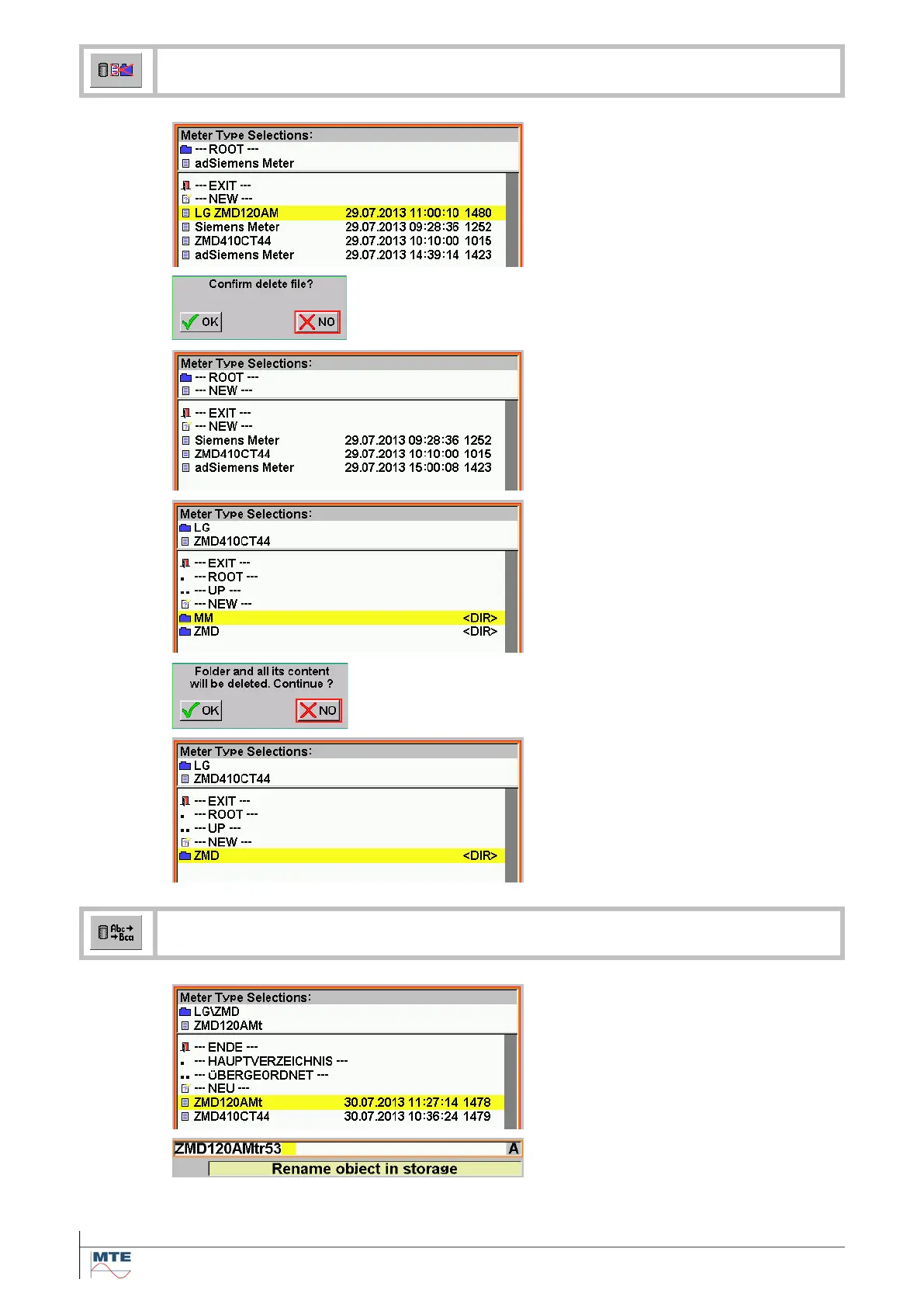
Delete object file or folder
Delete object file
Select the corresponding file to be
deleted.
A confirmation is requested.
Confirm delete file
NO: The delete function is cancelled.
OK: The file is deleted and the delete
function is terminated.
Delete folder
Select the corresponding folder to be
deleted.
A confirmation is requested.
Confirm delete folder
NO: The delete function is canceled.
OK: The folder and all its content
(files and subfolders) are deleted.
The function is terminated.
Rename object file or folder
Activate rename
Select file to be renamed by pressing
on the name.
Change name
Change name with the virtual key-
board.



 To Next Page