PTS 400.3 PLUS Operation Manual_R02 Page 65/306
Change to root directory
Select --- ROOT --- to change to the
root directory (e.g. Meter Type Selec-
tions)
Terminate browse
Pressing on any line with a file name
or --- NEW --- or --- EXIT --- termi-
nates the browse function.
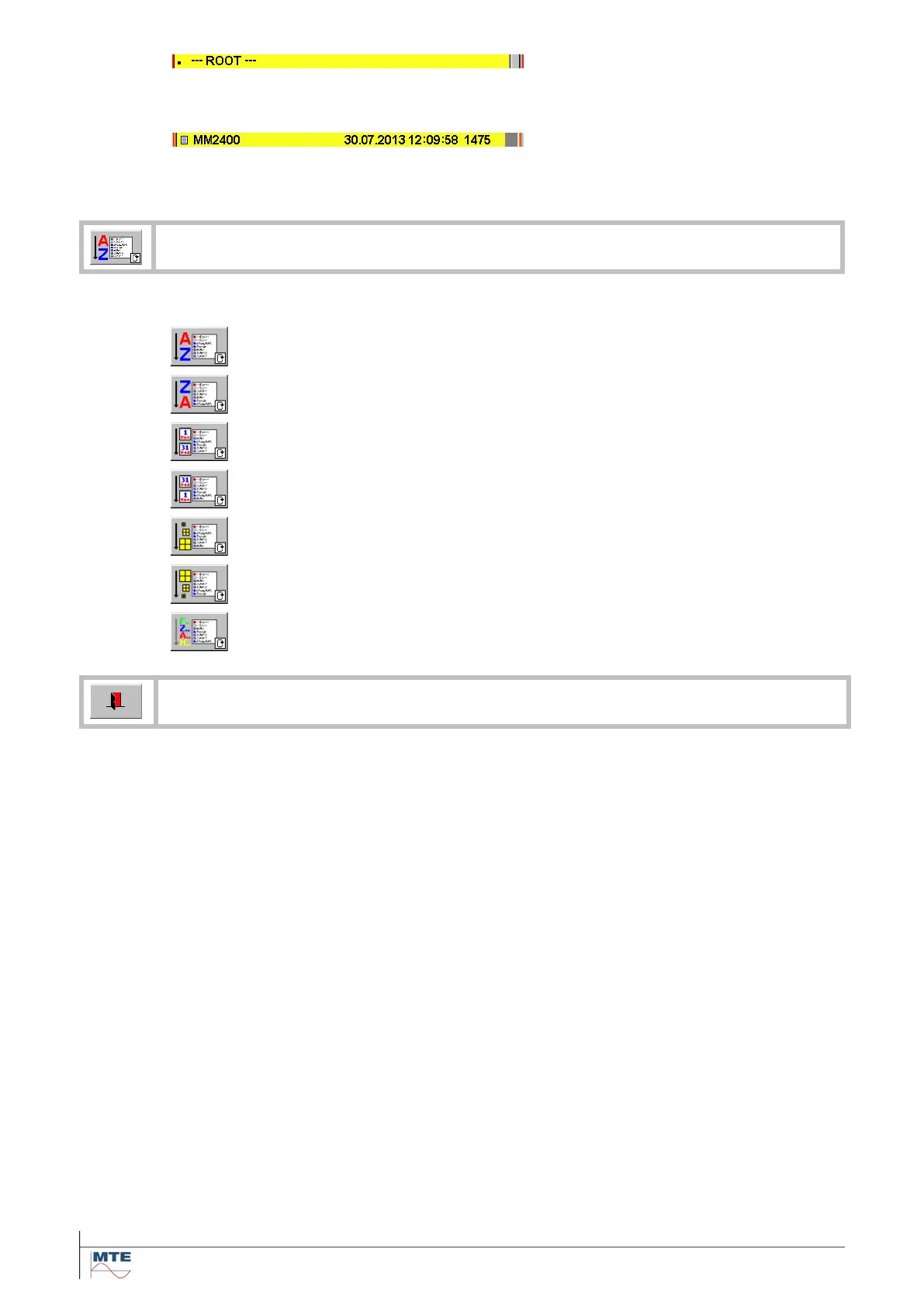
Push on the FB to cyclically change between the 7 different sorting orders:
Sort directories followed by files ascending according names.
Sort files followed by directories descending according names.
Sort files and directories ascending according creation dates
Sort files and directories descending according creation dates
Sort files ascending according file size
Sort files descending according file size
Exit, back to calling menu



 To Next Page