MultiSmart Installation & Operation Manual
If the input changes state before the timed period expires, no fault is displayed. The input is continually
monitored while the pump is running, so that if the input reverts back to initial state, then a Pump n Delay
Fail fault is displayed (after the delay period expires).
14.9.3 Low Flow Fault – Using Analog Signal
A ‘Pump n Low Flow’ fault can also be configured using the analog output of the flow meter. One flow meter
on the outflow is sufficient. A Low Flow fault for a specific pump is displayed whenever the flow rate falls
below a predefined value.
There are 3 main steps involved: enable flow, set flow rates and configure the flow faults.
1. Enable Flow
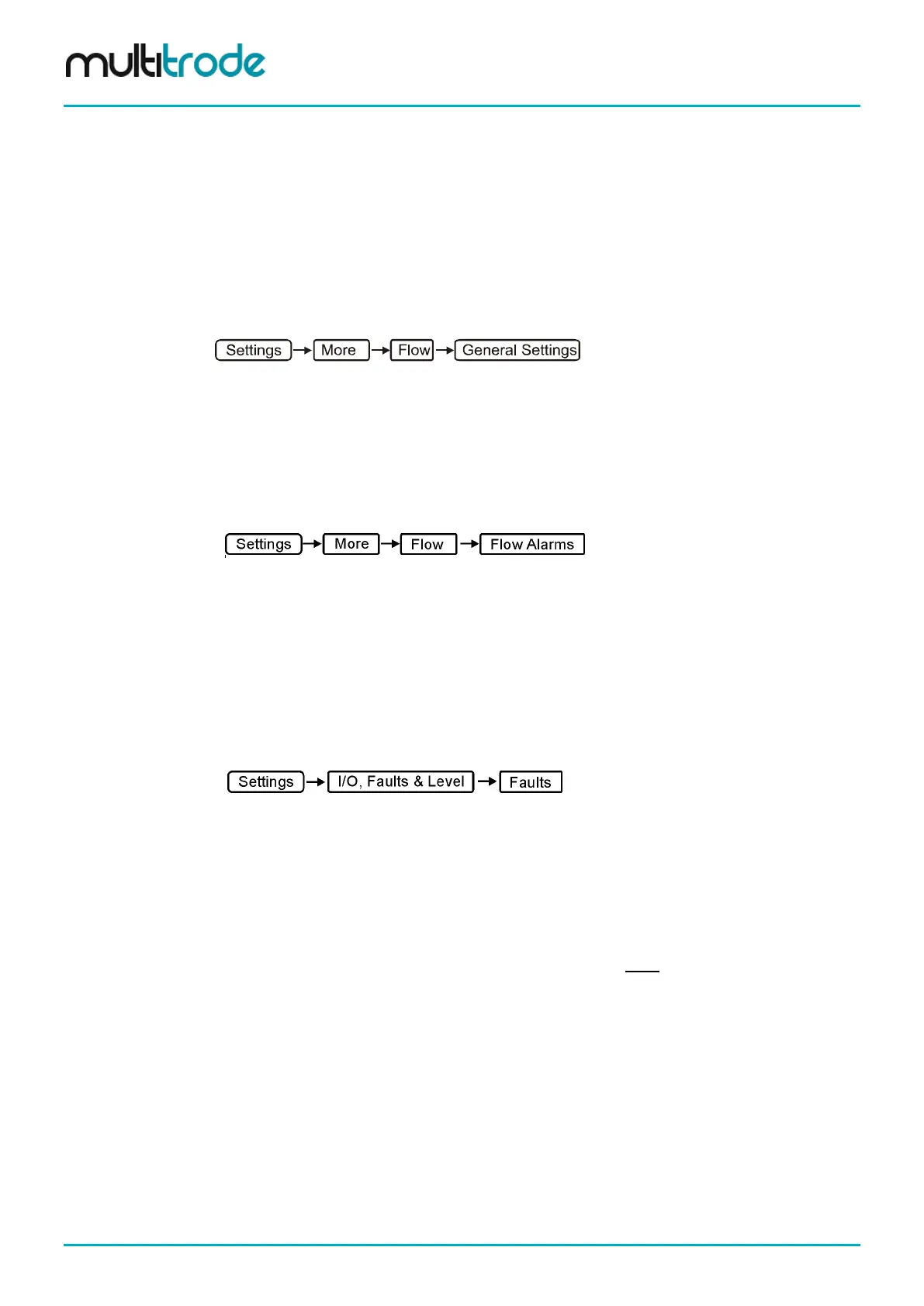
Navigate to:
• Enable Flow – tick the Flow Enabled check box
• For Mode, select Metered flow (der vol)
• Select the appropriate Units
• Press Save
2. Set Flow Rates
Navigate to:
• Scroll down to Nominal Flow Rate & enter a nominal flow rate for Pump 1 (default is 100L/s)
• Scroll down and tick the Low Flow Fault Enabled for Pump 1
• Scroll down and enter a value for the Low Flow Fault Level. A percentage of the nominal flow
(default is 50% which in this case equates to 50L/s)
• Repeat the first 3 steps above for Pump 2
• Press Save
3. Configure the Low Flow Faults
Navigate to:
• Scroll down and highlight Pump 1 Low Flow Fault and press Configure
• Set the Act Delay (Activation Delay) (typically 10 or more seconds)
• Set the Deact Delay (It’s a good idea to set to at least 30s or more, that way if the second
pump is faulted, the first pump is not continually starting and stopping if Manual Request Req
(Required) is turned off.
• Tick the Pumps Unavailable check box (This option forces the pump to stop)
• If the Manual Reset Req (Required) is checked, an operator must acknowledge the fault on
the display (or remotely via SCADA) before the pump can run again.
• Press Save
For this example, whenever a pump is running and the flow rate falls below 50L/s (after the activation delay
expires), the pump is stopped and the standby pump is started. Note, any given flow rate from the Flow
Meter is halved when both pumps are running.
Page 126 of 260 MultiSmart_IO_Manual_R20



 To Next Page