MultiSmart Installation & Operation Manual
3. Enter the Required Resistance Threshold
This value can only be set in the advance menu under the digital input assigned.
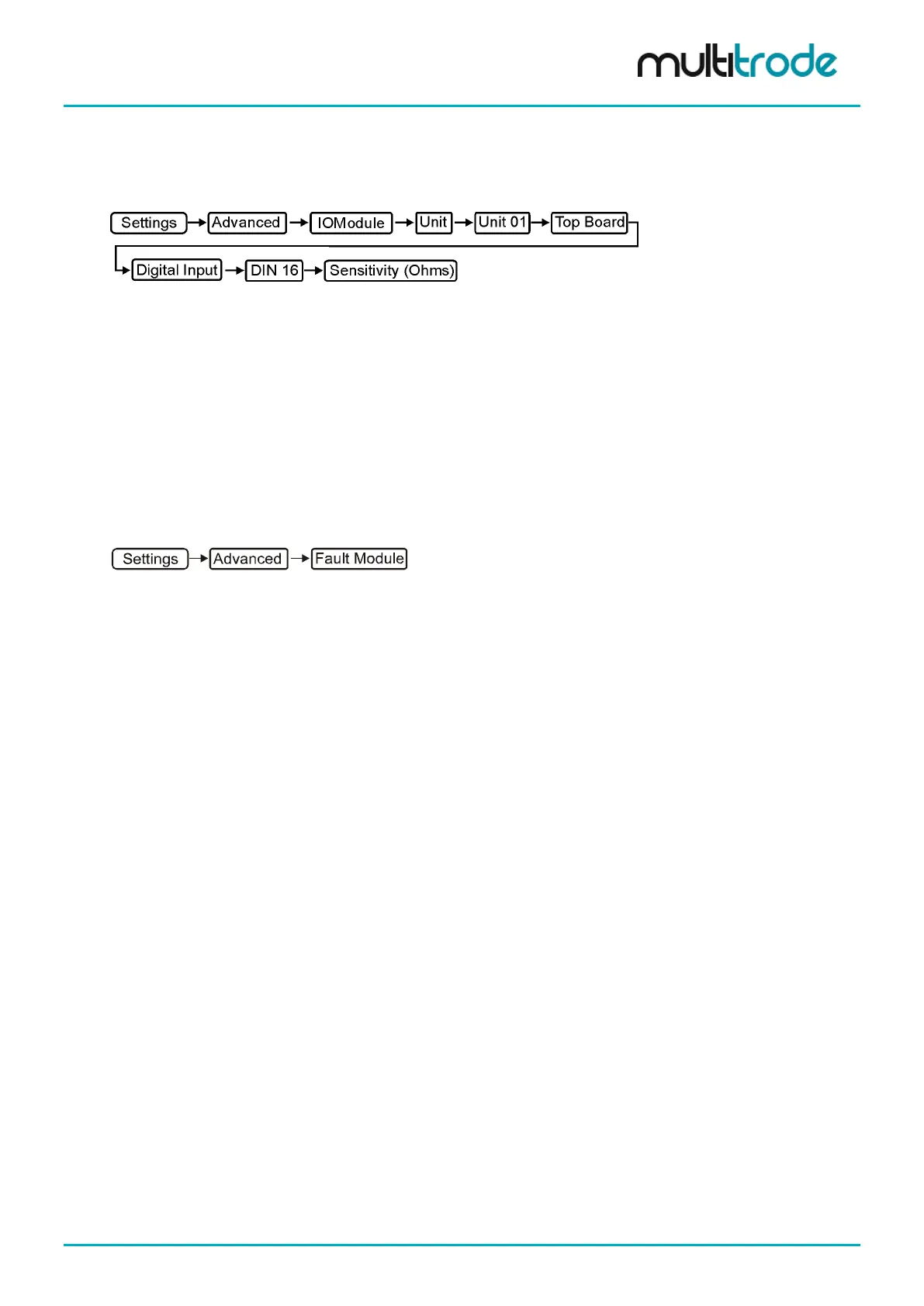
From the main screen go to:
• Enter 500
• Press Save and Restart Now
Now, whenever the resistance of the fuel gauge falls below 500 ohms (for more than 10s), the message Low
Fuel Warning is displayed. A similar configuration would be used for a PTC sensor.
14.9.5 Assigning Faults to a Context
You can select single or multiple contexts from Station to Pump, Well and Group. If none are selected, the
fault will still come up in the fault information screen, however no actions like ‘stop pump until fault is cleared’
will be executed when the fault is active. More advanced fault configuration can be configured from the
Advanced screen.
Navigate to:
14.9.6 Reset All Faults Trigger
A ResetAllFaults tag is present in the MultiSmart which can be assigned to a digital input, DNP or Modbus
digital control point. It is used to reset faults that require a reset or an acknowledgement. The tag needs to be
set to 1 to reset. The tag’s location in the MultiSmart is ‘PumpControl.FaultStatistics.ResetAllFaults’.
MultiSmart_IO_Manual_R20 Page 129 of 260



 To Next Page