4-34 Useful reception function
14
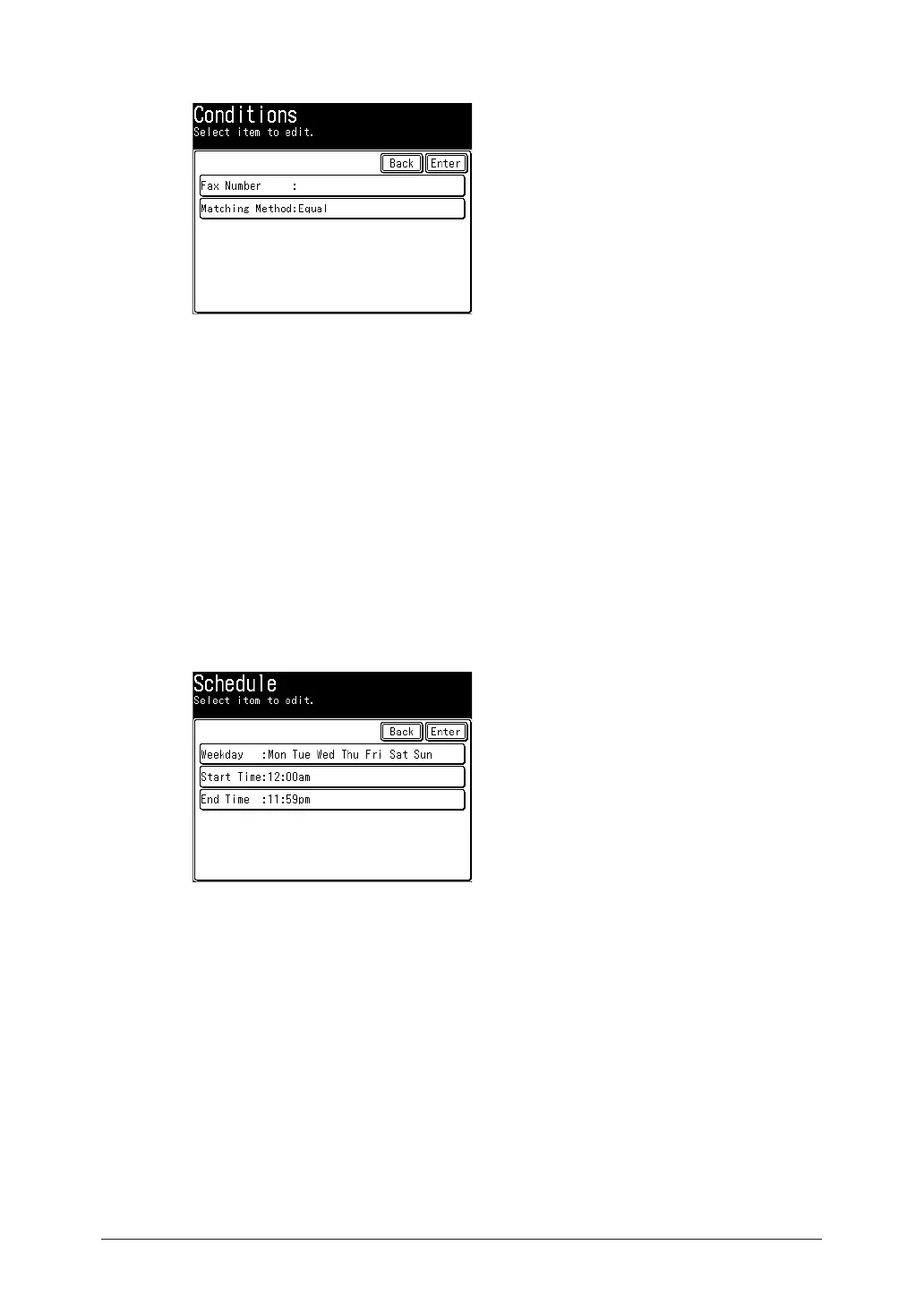
Press [Fax Number].
15
Enter the fax number using the numeric keys, and press [Enter].
•Press [Clear] to delete one of the entered digits.
•Press [All Clear] to delete all of the entered digits.
16
Press [Matching Method].
17
Select the matching method, and press [Enter].
18
Press [Enter].
19
Press [Schedule].
20
Set up the schedule for distribution.
Set up the day of the week, start time, and end time.
21
Press [Enter].
22
Press [Auto Print].
23
Select [ON], and press [Enter].
Select [OFF] to deselect the setting.
24
Press [Enter].
•To continue to register distributing conditions, and repeat the procedures from steps 4.
•It is necessary to set auto distribution to enable it (page 4-36).



 To Next Page