7-8 Registering destinations
Useful registration method 4
Registering a search result
1
Search for a destination.
For details, see “Searching for server destinations” (page 5-6).
2
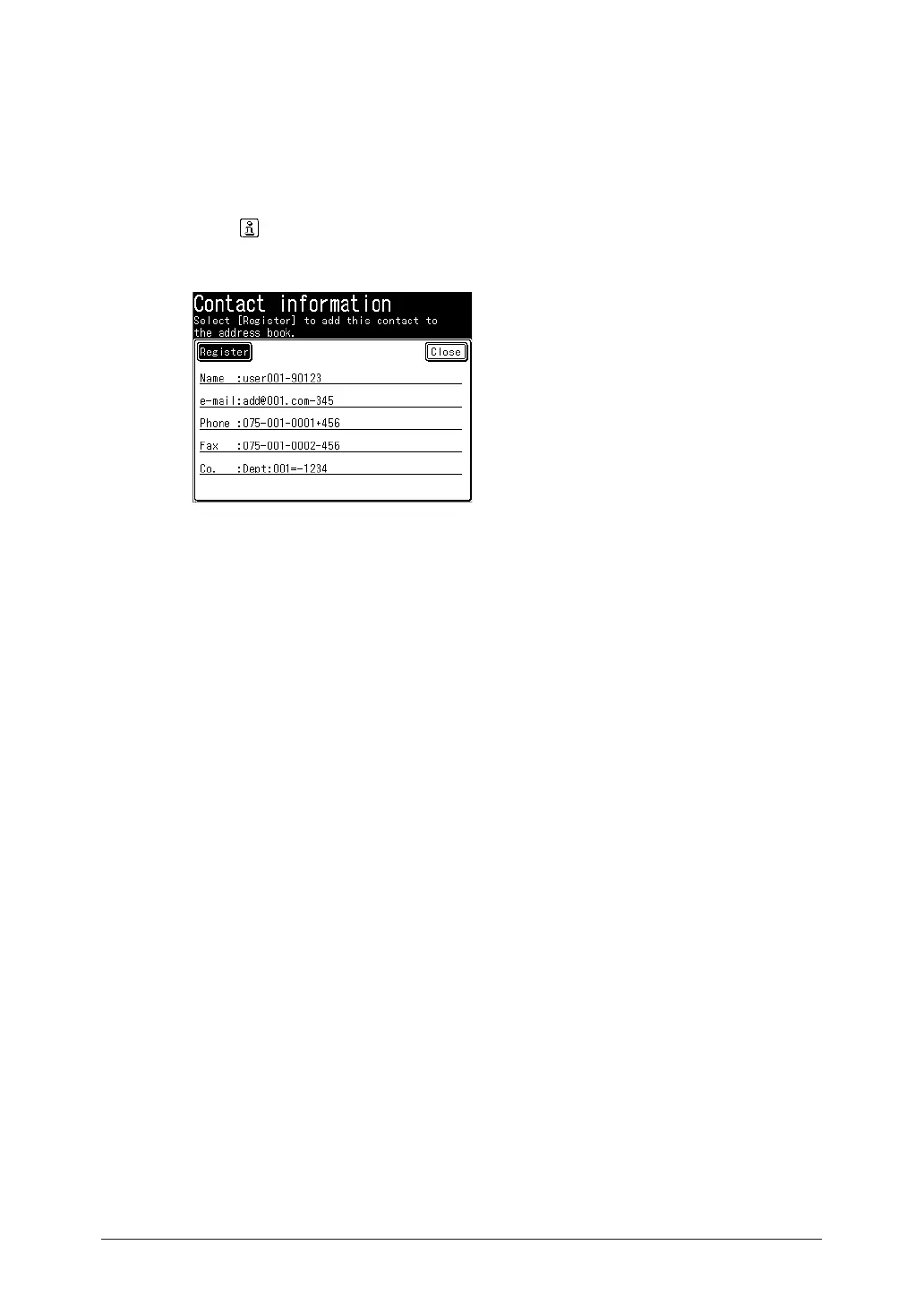
Press on the screen displaying the search results.
3
Press [Register].
4
Select a free number and, press [Yes].
The lowest available number will be displayed.
5
The procedure is then the same as for registering an address book destination.
Continue from step 6 of “ Registering or editing destinations” (page 7-3).



 To Next Page