1
2
3
4
5
6
7
Specifying default settings 7-31
Machine settings
Function Description Settings
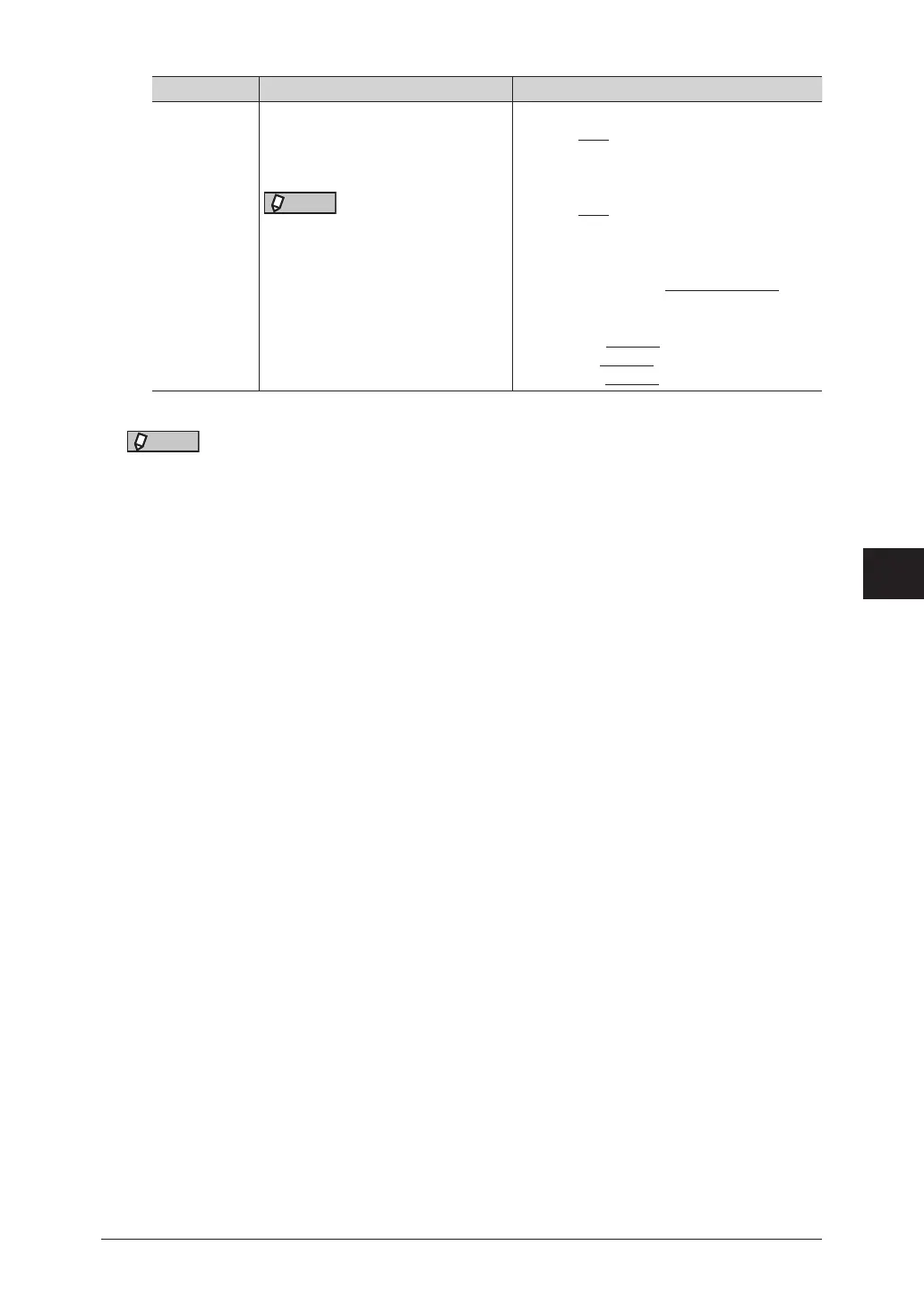
File Format This sets the default file format
used when a scanned document is
saved.
NOTE
If you have changed the file format
in the default e-mail settings (page
7-34), this setting is also changed.
Mono: TIFF
PDF
PDF w/Password
Color: JPEG
PDF
PDF w/Password
PDF w/ Password
Encryption Level: Low (40-bit RC4),
High (128-bit RC4),
High (128-bit AES)
Printing: Allowed, Not allowed
Editing: Allowed, Not allowed
Copying: Allowed, Not allowed
*1 Stamp function is optional.
NOTE
Underlined values are the default settings specified at the time of shipment.



 To Next Page