Setting Attributes for a Form
Advanced Features 135
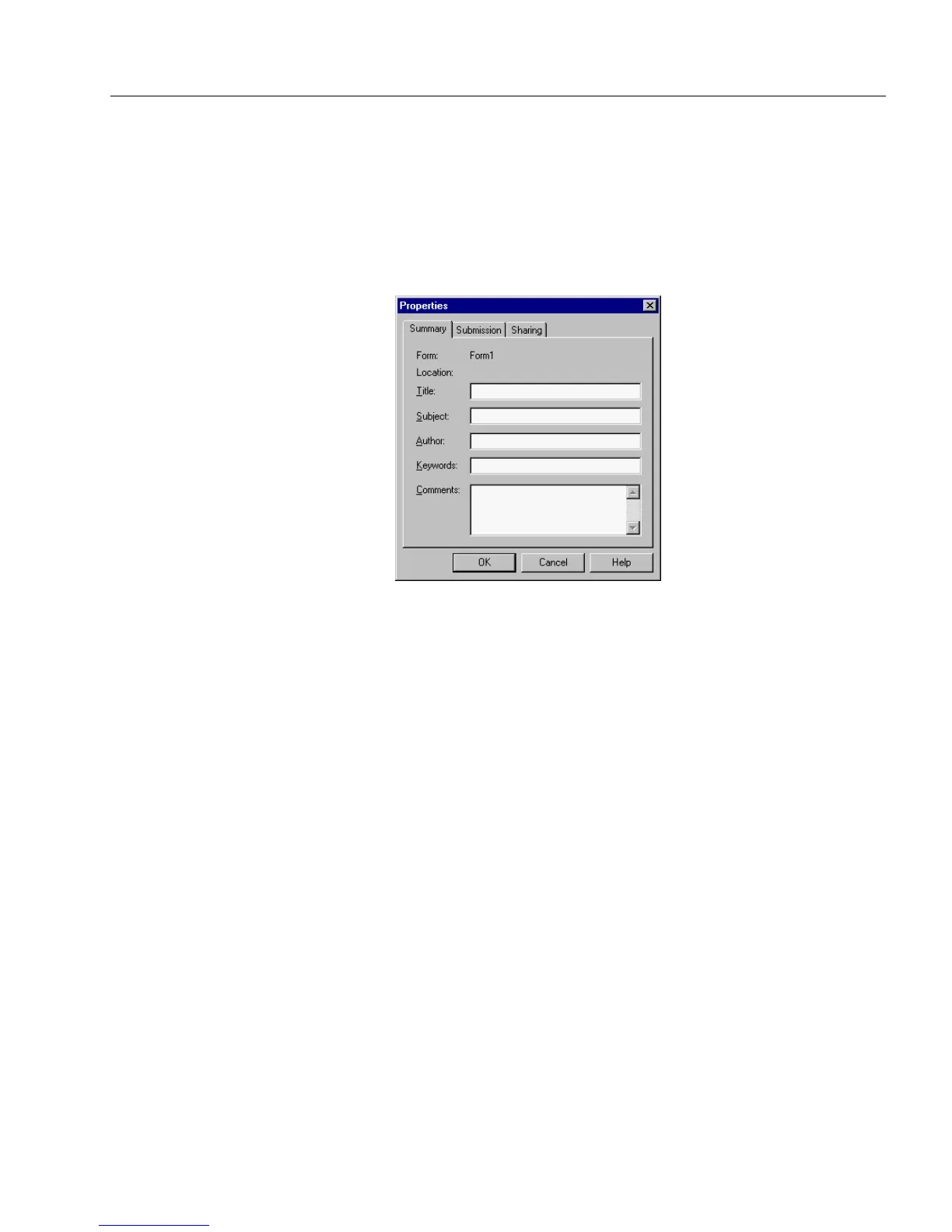
Setting Summary Information
Using the
Summary
tab, you can enter pertinent information about the
form.
To set summary information:
1 Choose
Properties
in the File menu.
The Properties dialog box appears.
2 Click the
Summary
tab.
3 Enter information appropriate to your form.
4 Click
OK
to apply your settings.



 To Next Page